Art AI Colonist Avatars
 1 / 7
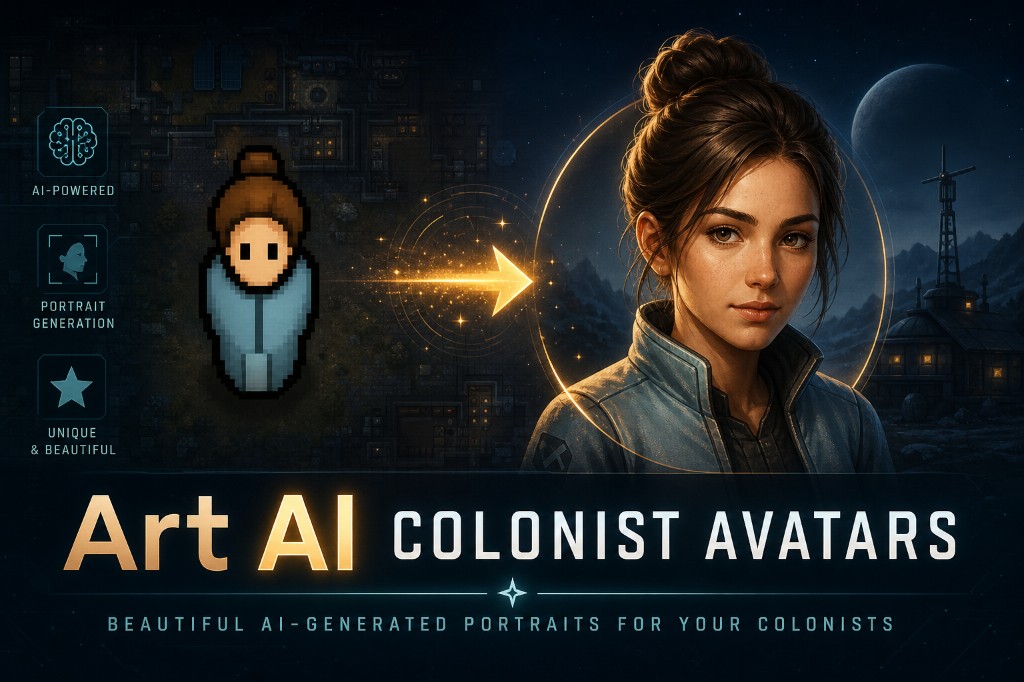
1 / 7Art AI Colonist Avatars Generate unique AI-powered portrait avatars for your colonists based on their actual appearance, traits, skills, mood and xenotype — or import your own images.
Art AI Colonist Avatars
Generate unique AI-powered portrait avatars for your colonists based on their actual appearance, traits, skills, mood and xenotype — or import your own images.What it does
This mod adds an "AI Avatar" button to player colonists. It builds a detailed prompt from pawn data, sends it to the selected image provider, saves the result as a lightweight local avatar, and shows it in the avatar panel and optional HUD.Features
- AI-generated bust portraits based on pawn appearance: skin, hair, eyes, body type, beard and tattoos
- Accurate xenotype and race data in prompts (Impid, Sanguophage, Hussar, and other Biotech / Anomaly types)
- 7 art styles: Semi-realistic, Anime, Pixel Art, Oil Painting, Watercolor, Comic Book and Dark Fantasy
- Mood-based facial expressions
- Import your own images: center-cropped to a square, resized and saved like AI avatars
- Copy generation prompt to clipboard for use in ChatGPT, Midjourney, Stable Diffusion and other tools
- Colony avatar gallery with batch "Generate All" button
- Generation queue: multiple requests are processed one by one to avoid provider errors
- Version history: browse and restore previous generations
- Export avatars to desktop as PNG
- HUD preview with role-colored frame: drag, resize with scroll wheel, click to edit
- Option to disable the avatar HUD if you prefer a cleaner UI
- Custom prompt additions per colonist
- 5 AI providers: Pollinations (free), Gemini, OpenAI, Stability AI and Grok (xAI)
- Lightweight JPEG storage with configurable quality and size
- Languages: English, Russian, Chinese Simplified and Chinese Traditional
How to use
1. Open Mod Settings and choose a provider. Pollinations is selected by default and does not require an API key. 2. Select a colonist and click the "AI Avatar" button. 3. Edit the custom prompt if you want extra instructions, then click "Generate" and wait for the queue. 4. Click "Import image" to use your own picture: open the Imports folder (path shown in the dialog), add a JPG/PNG, pick it from the list. 5. Click "Copy prompt" to copy the last generation or current preview prompt to the clipboard. 6. Browse previous versions, restore an older avatar, or export the current one.Provider notes
- Pollinations is free and works without an API key, but availability and quality depend on the public service.
- Gemini, OpenAI, Stability AI and Grok require your own API key from the provider.
- Paid providers have not been fully tested by us because they require paid API access. Feedback from players who use paid image-generation API keys is very welcome.
- Generated avatars and import files are stored locally in your RimWorld user data folder.
Compatibility
No Harmony patches. Uses the native RimWorld ThingComp system. Should be compatible with most mods.Supported game version
RimWorld 1.6Similar Mods

QualityBuilder
With QualityBuilder all buildings that have quality (beds, tables etc) will only be build by the best builder to ensure the best outgoing quality.
Wall Light
As of update 1.5, Rimworld now contains wall lamps that serve the same purpose that this mod served for many, many years. So, what does this do now? Adds wall sun lamps. Lets you configure the vanilla wall lamps (and the added wall sun lamps) like you could with the old wall ligh
Smarter Construction
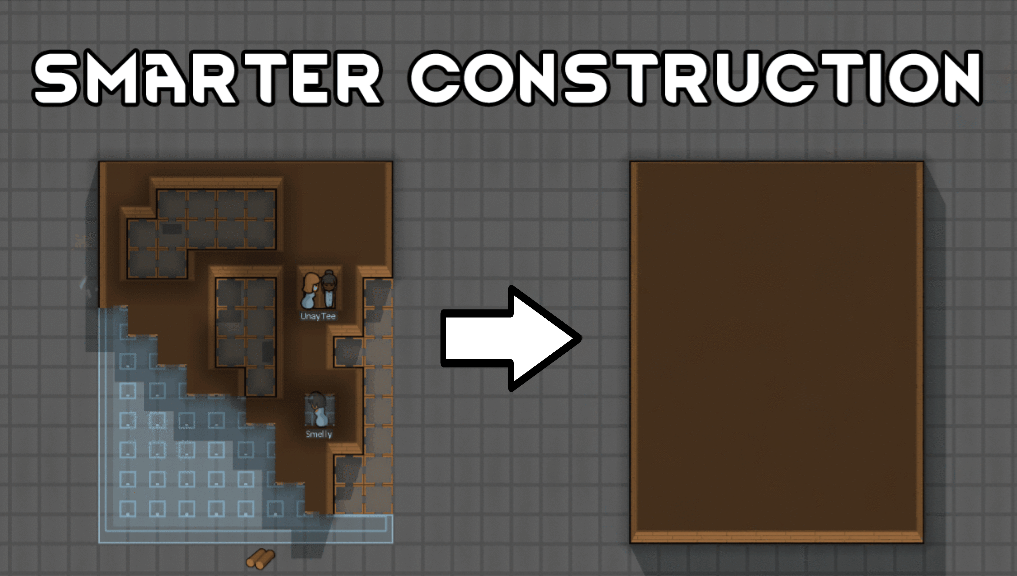
Stop your pawns from constantly building themselves into a wall or blocking something that hasn't been built yet.
More Mods by VasCvan
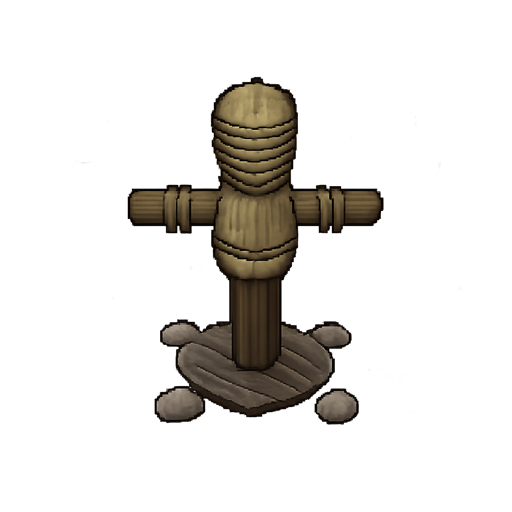
Melee Training Mannequin
About This mod adds a melee training mannequin to RimWorld, allowing colonists to improve their Melee skill through training.
More Management Mods
Dubs Mint Menus
Adds new list boxes for recipe bills, health bills, plant selection, architect menu, research menu, and a quick select menu for designators, making it easier to find things when lots of mods are running.

Vanilla Textures Expanded
1.6.0 (16/07/2020): Updated to 1.3. Honestly, we added so many textures (including almost a full retexture of Royalty) I'm not going to bother. 1.5.0 (11/10/2020): Added faction icons in HQ. 1.4.0 (04/09/2020): Added various new textures: Snowmen, Flatscreen TV, Unfinished appare