Auto Scale UI
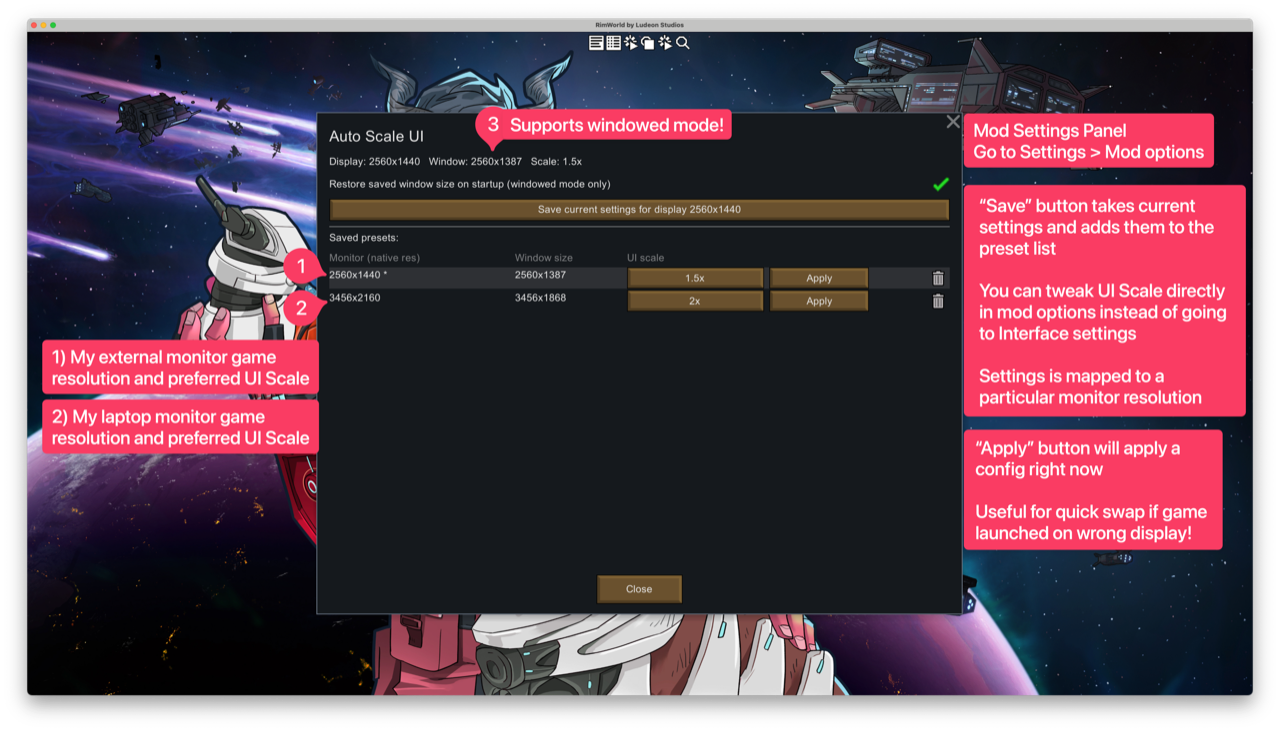
Saves a UI scale preset for each monitor you use and automatically applies the correct one when the game starts — no more manual adjustments when switching between displays.
Saves a UI scale preset for each monitor you use and automatically applies the correct one when the game starts — no more manual adjustments when switching between displays.
Features:
- Per-monitor presets keyed to each display's native resolution
- Auto-applies the right scale on every startup
- Optionally restores the saved window size on startup (windowed mode)
- In-game settings panel to view, edit, apply, or delete presets
Usage:
1. Launch RimWorld on the monitor you want to configure
2. Set your preferred UI scale in Options
3. Open Mod Settings → Auto Scale UI and click "Save current settings for display"
The preset will be applied automatically on every subsequent launch on that display.
Similar Mods
Dubs Mint Menus
Adds new list boxes for recipe bills, health bills, plant selection, architect menu, research menu, and a quick select menu for designators, making it easier to find things when lots of mods are running.

Vanilla Events Expanded
See changenotes. Vanilla Events Expanded is one of our oldest mods, and I’m honestly shocked it’s holding up so well - it’s pretty resistant to game updates and bugs because of its simplicity. Back when I first made it with Kikohi, we didn’t know much about modding. I just wanted
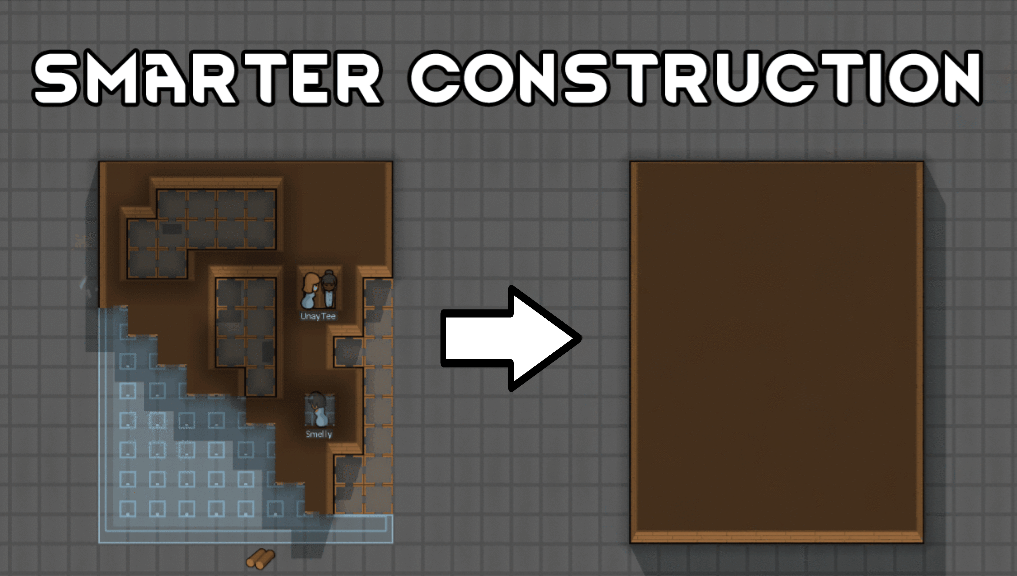
Smarter Construction
Stop your pawns from constantly building themselves into a wall or blocking something that hasn't been built yet.
More Mods by \n
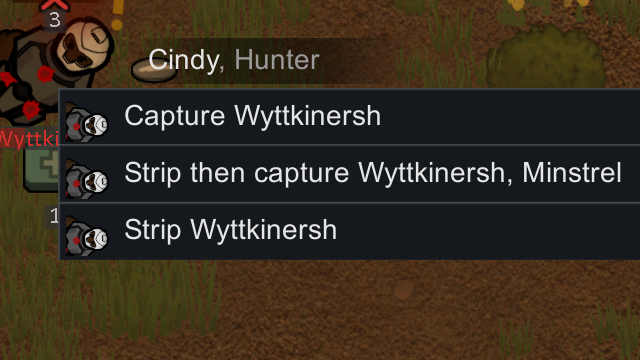
Strip Then Capture
Adds a single "Strip then capture" right-click option on downed enemy pawns, combining the two vanilla commands into one ordered action.
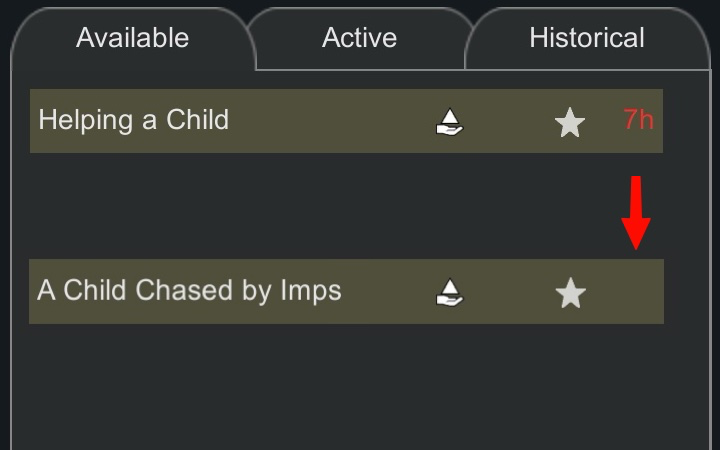
Remove Quest Timers
Removes expiry timers from timed quests, letting you complete them at your own pace.
More Management Mods

Vanilla Cooking Expanded
Mechanics are simple and intuitive - keeping within the vanilla spirit without unnecessary fluff and production chains.

EdB Prepare Carefully
Customize your RimWorld colonists, choose your gear and prepare carefully for your crash landing!

Character Editor
last update: v1.6.3 build on 2025-07-21 for RimWorld v1.6.4523 Editor for humanlike pawns on map and for crashlanding (colonists, enemies, dead pawns) MOD FEATURES • editor for pawns on map and for crashlanding • editable: body, head, hair, skin color, apparel color, gender, name
Dubs Mint Menus
Adds new list boxes for recipe bills, health bills, plant selection, architect menu, research menu, and a quick select menu for designators, making it easier to find things when lots of mods are running.