EastHotkey
 1 / 6
1 / 6EastHotkey Assign hotkeys to any gizmo.
EastHotkey
Assign hotkeys to any gizmo. Ever since StarCraft, hotkeys have been one of the most important parts of gaming for me. However, RimWorld only provides limited hotkey support, and while there are some powerful 'hotkeys' mods that try to solve this issue, they had some problems that made me create a new solution.Features
- Assign hotkeys to any gizmo - Assign hotkeys in the Architect tab - Assign global hotkeys to gizmos in the Architect tab - Multi-key combos supported (e.g. Ctrl+F, Shift+Mouse4, Alt+E) - Extra mouse buttons supported (Mouse4, Mouse5, …) - Three setting tabs: Command / Global / DesignationWhat has been improved?
- Major performance improvements - Mouse buttons can now be used in key combinations - Assigned hotkeys can be edited or removedHow to assign
· Ctrl + Alt + Shift + Right-click any gizmo → Command hotkey Command hotkeys refer to buttons that are currently visible on the screen. · Alt + Shift + Right-click any designator in the Architect panel → Global hotkey Global hotkeys can be used anywhere through the assigned shortcut. · Manage Architect tab hotkeys directly in Mod SettingsUpdate
- Added a camera position saving feature. • Pressing the hotkey will immediately move you to the saved camera position. • It remembers pawns, buildings, locations, world map positions, etc. Gravity ships are also saved correctly. • The hotkey can be configured as Ctrl + Shift + Alt + Numpad -. - Added a System Hotkeys tab. • You can now change the key used to set hotkeys. For example, Ctrl + Alt + Shift + Right Click can be changed to another key. • Added an option to set a hotkey that directly opens mod settings. - Added multilingual support. • Added support for Japanese, Simplified Chinese, and Traditional Chinese.Note
Command hotkeys prioritize the leftmost key when multiple keys overlap. Why are hotkeys managed in Mod Settings instead of the Keyboard Configuration? The main reason is that this allows hotkeys to be edited and removed. Since this is a hotkey-focused mod, adding too many hotkey entries to Keyboard Configuration would make it harder to find or manage other key bindings. Also, separating the settings into three tabs makes managing them easier.Similar Mods
Vanilla Apparel Expanded
1.2.1 (25/02/2020): Formal wear now counts as royal apparel. 1.2.0 (19/02/2020): This mod is now 1.1 compatible. After a hundred hours playing RimWorld you notice that every pawn wears somewhat the same things. The base game apparel is not really as interesting, unique and variou

Character Editor
last update: v1.6.3 build on 2025-07-21 for RimWorld v1.6.4523 Editor for humanlike pawns on map and for crashlanding (colonists, enemies, dead pawns) MOD FEATURES • editor for pawns on map and for crashlanding • editable: body, head, hair, skin color, apparel color, gender, name
More Mods by EAST
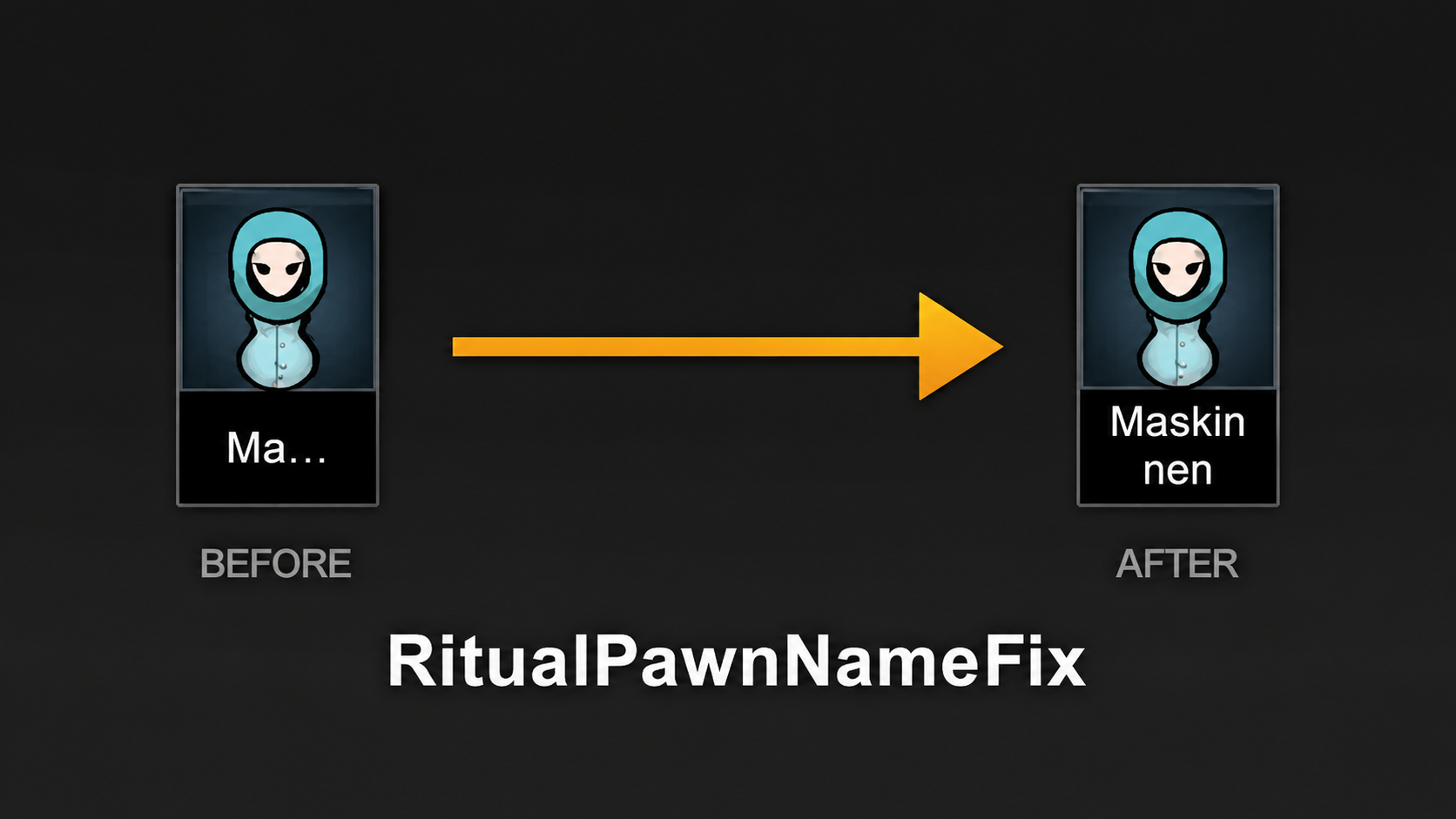
Ritual Pawn Name Fix
Ritual Pawn Name Fix Psychic Rituals name line 1 -> 2 In Psychic Rituals, pawn names are displayed very briefly, which can make it difficult to distinguish between similar names at times.
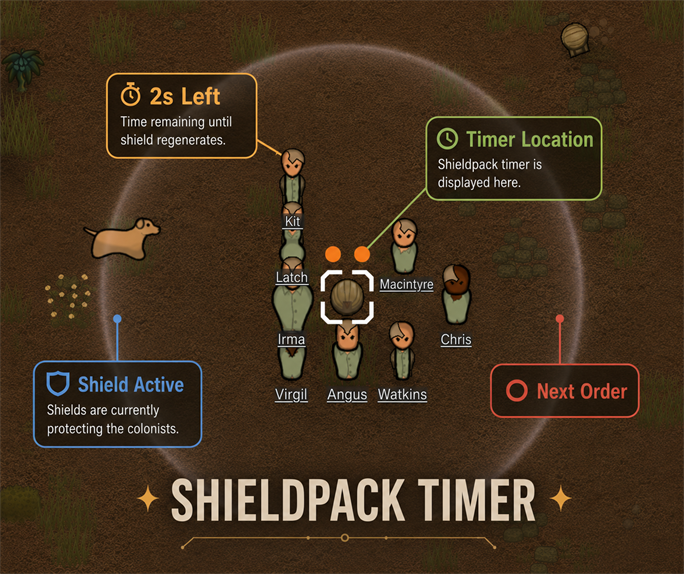
Shield Pack Timer
Shield Pack Timer Adds a burnout countdown above the low-shield deployed by a low-shield pack, during its final 8 seconds.
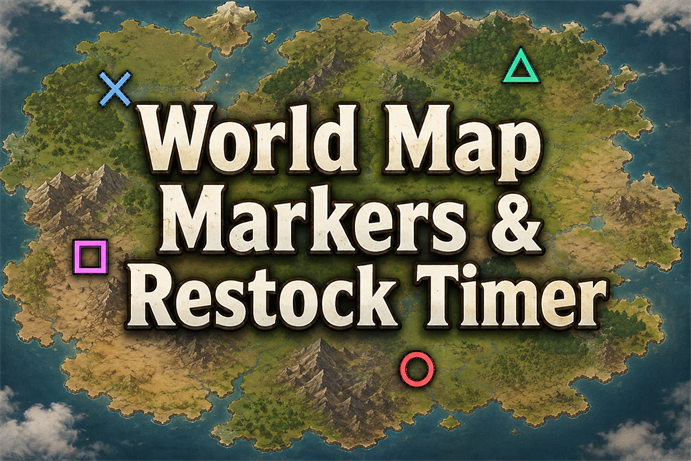
World Map Markers & Restock Timer
World Map Markers & Restock Timer Adds 4 markers and restock timers to world map settlements and tiles.
RNG Says No
RNG Says No Seeing a pawn fail to create a legendary item despite having an inspiration, or a surgeon failing every operation, naturally makes you ask: "What are the odds?
More Management Mods
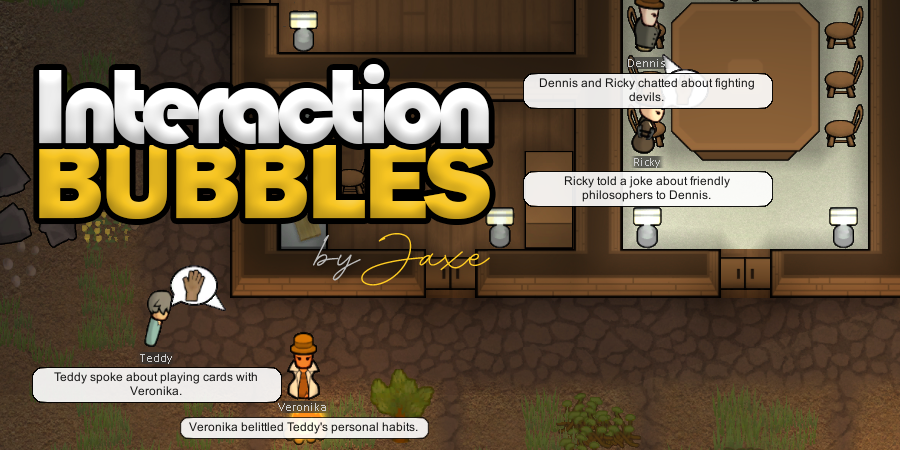
Character Editor
last update: v1.6.3 build on 2025-07-21 for RimWorld v1.6.4523 Editor for humanlike pawns on map and for crashlanding (colonists, enemies, dead pawns) MOD FEATURES • editor for pawns on map and for crashlanding • editable: body, head, hair, skin color, apparel color, gender, name
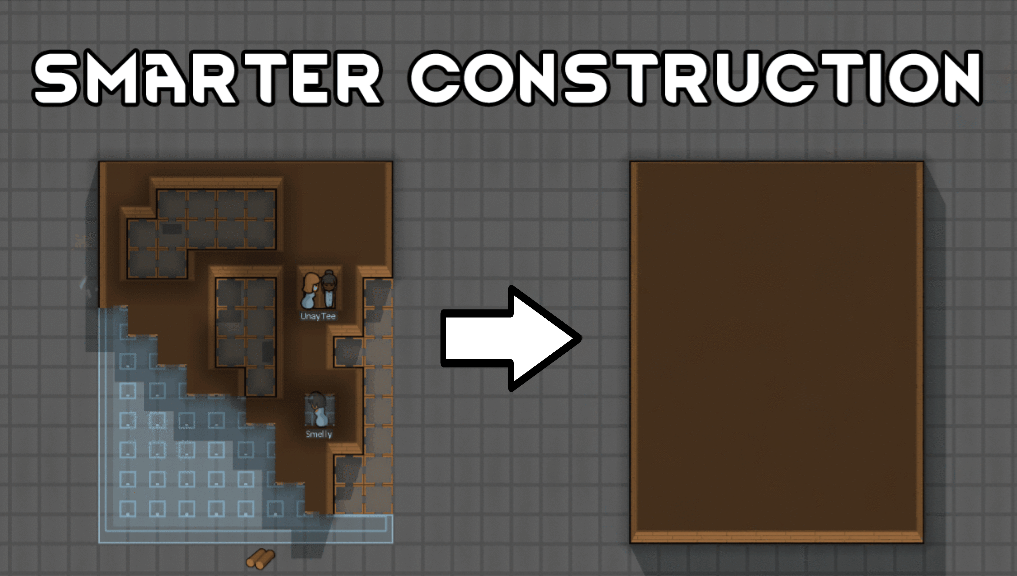
Smarter Construction
Stop your pawns from constantly building themselves into a wall or blocking something that hasn't been built yet.
Vanilla Textures Expanded
1.6.0 (16/07/2020): Updated to 1.3. Honestly, we added so many textures (including almost a full retexture of Royalty) I'm not going to bother. 1.5.0 (11/10/2020): Added faction icons in HQ. 1.4.0 (04/09/2020): Added various new textures: Snowmen, Flatscreen TV, Unfinished appare