Modern Needs Tab
 1 / 5
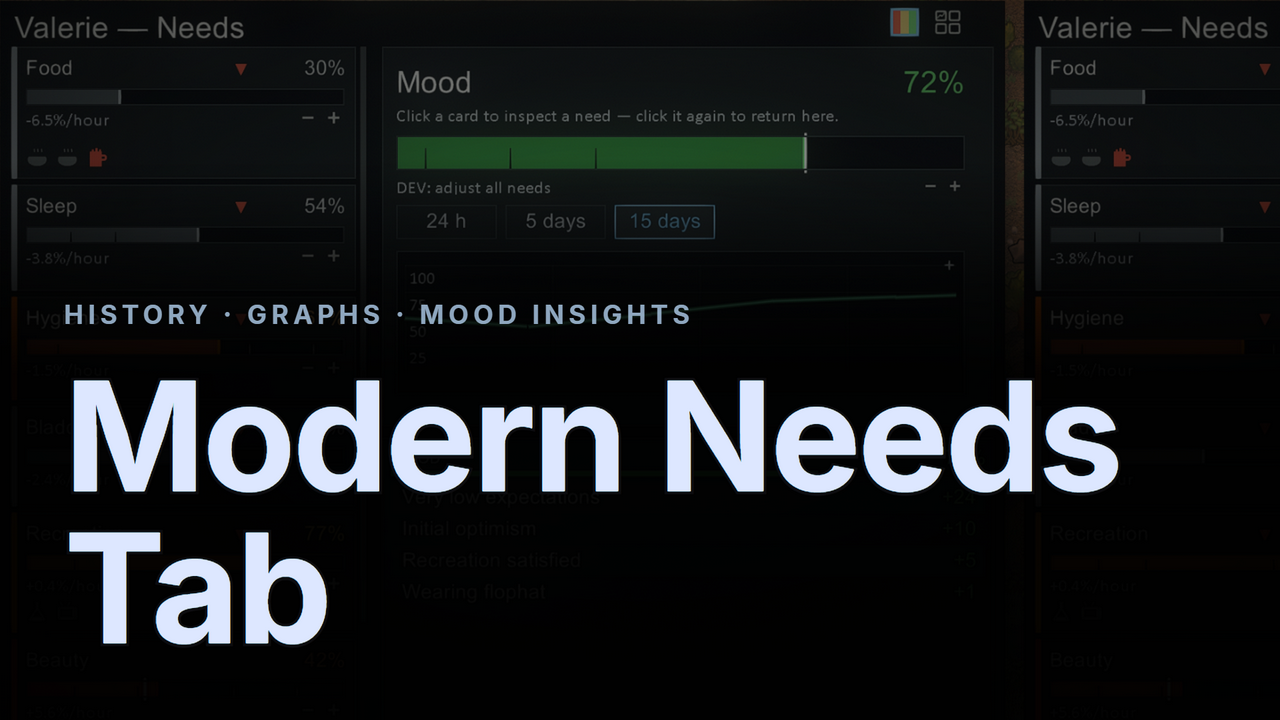
1 / 5◆ Modern Needs Tab ◆ The vanilla needs tab tells you where a need is — never where it's been, how fast it's moving, or what just shifted it.
◆ Modern Needs Tab ◆
The vanilla needs tab tells you where a need is — never where it's been, how fast it's moving, or what just shifted it. This replaces it with a two-pane dashboard: compact, reorderable need cards on the left, and a live detail panel on the right. The default view is your pawn's overall mood with a 15-day history graph; click any card to drill into that need, click again to return.✦ Need Cards

- A card for every need — vanilla, DLC, and modded needs all get a card automatically. VAE's Fulfilment, and anything else that shows up on the vanilla list is tracked without configuration.
- Drag to reorder — press and drag any card to rearrange the column. Order is saved globally and persists across sessions; a reset button is in settings.
- Each card shows: accent color by need type, current percentage, trend arrows (▲/▼), a suite-styled bar with threshold ticks (Mood uses live mental-break thresholds), an instant-level marker, and a measured %/hour rate.
- Toggle to inspect — click a card to open its full detail panel. Click the same card again to return to the mood overview.
✦ The Detail Panel

- Hero — need name, large percentage, vanilla description.
- 15-day history graph — sampled hourly for every colonist, prisoner, and slave on maps and in caravans, stored in your save. Zoom 24 h / 5 days / 15 days. Hover the graph for exact values and in-game dates. Overlay all needs in the background for comparison.
- Recovery stats — current rate (%/hour), 24-hour net change, and estimated time to full or empty at the current trend.
- RELATED THOUGHTS — the active mood thoughts this specific need causes. Hungry and Ate lavish meal appear on the Food panel; Slept outside appears on Rest; joy thoughts appear on Recreation.
- RECENT ACTIVITY — every recorded need event, filtered to this need only: "1.3h ago · Eating fine meal · +38%". Smart job attribution means credit lands on the job that actually moved the need, not whatever the pawn started next.
✦ Mood — Always In View
 A persistent mood box sits at the bottom of the right panel at all times, independent of which card is selected. It shows the overall mood percentage colored by mental-break zone and every active buff and debuff with its offset.
Hover any need card and the thoughts that need is responsible for light up in that need's color with a color stripe — Food card hover tints Hungry and Ate fine meal in orange; Recreation card hover tints Bored in purple. Every other row stays at full brightness. Hovering the Mood card lights up the entire list.
✦ Integrations

- Vanilla Aspirations Expanded — the Fulfilment need card shows each aspiration icon centered under its segment of the progress bar. Fulfilled aspirations glow green with a stripe; pending ones stay dim. VAE's own "Satisfied when…" and completion-date tooltips are used as-is.
- Comforts — a synthetic Wants card appears with all six preference-category icons centered under a segmented satisfaction bar. The detail panel lists per-item icons, PREFERENCES rows with "Fulfilled by…" tooltips, and scrolls cleanly through any length of content.
- RimHUD — fully compatible. The tab sizes itself to RimHUD's raised inspect pane so it never clips off-screen, and RimHUD's mood bar click opens this tab.
- Open API — other mods can add rows, icons, and descriptions to any need card via reflection (no hard dependency).
✦ Quality of Life
- Flat, auto-hiding scrollbars — slim 4px thumbs that appear only on overflow, matching the suite aesthetic.
- One-click toggle — same icon both directions: Modern → vanilla (header button) and vanilla → Modern (glowing button on the vanilla tab). Choice remembered across sessions.
- Window-scale slider (60–100%) in settings — shrinks the whole tab uniformly, UI-scale safe.
- Auto-fit sizing — clamps against the live inspect-pane height (RimHUD-safe) at any resolution.
- Performance — history data cached once per second; graph and rate data refreshed on a slow cadence. Negligible cost on large colonies.
✦ Compatibility
- Requires Harmony. Compatible with all DLCs (none required).
- Modded needs work generically — any need visible on the vanilla list gets a card, color, history, rates, and activity feed.
- Safe to add mid-save; history starts recording from the moment the mod is installed. Removing it only discards the recorded history.
Built for RimWorld 1.6. Every need, graphed — and the story of what moved it.
Similar Mods

QualityBuilder
With QualityBuilder all buildings that have quality (beds, tables etc) will only be build by the best builder to ensure the best outgoing quality.

Pick Up And Haul
"Greatest hauling mod ever" - Chicken Plucker Colonists will gather stuff in their inventory, then haul it all to a stockpile.
Vanilla Furniture Expanded
Check change notes. Vanilla Furniture Expanded 2 is a big update and rework of the original mod, aimed at bringing your RimWorld furniture to the next level. It adds over 30 new furniture pieces across every tech level, from neolithic to late-industrial (with spacer coming in a s

More Mods by Astryl


Modern Xenotype Tab
◆ Modern Xenotype Tab ◆ The vanilla Genes tab shows you a list and nothing more.
Modern Dev Tools
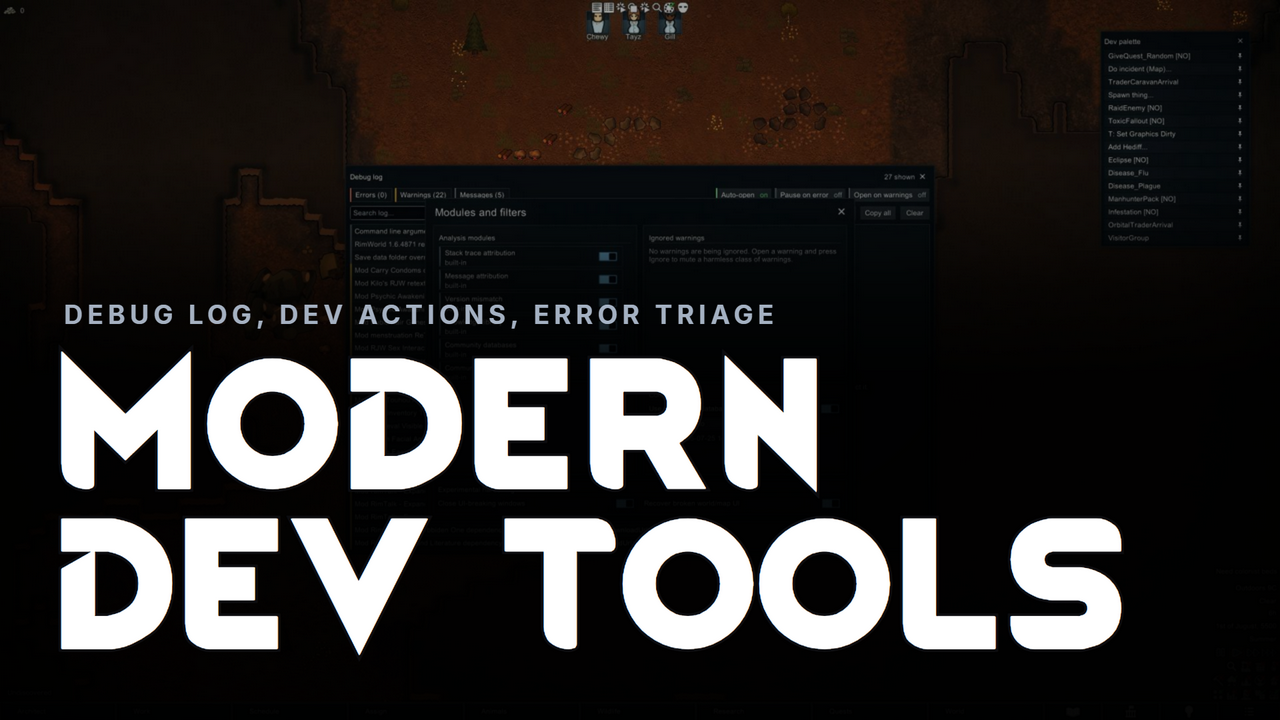
◆ Modern Dev Tools ◆ A modern overhaul of RimWorld's developer tools, dressed in the flat, dark Modern UI style.
More Management Mods

Wall Light
As of update 1.5, Rimworld now contains wall lamps that serve the same purpose that this mod served for many, many years. So, what does this do now? Adds wall sun lamps. Lets you configure the vanilla wall lamps (and the added wall sun lamps) like you could with the old wall ligh
QualityBuilder
With QualityBuilder all buildings that have quality (beds, tables etc) will only be build by the best builder to ensure the best outgoing quality.

Vanilla Fishing Expanded
Vanilla Fishing Expanded is a first module in a brand new mod series “Vanilla Cuisine Expanded” from the Vanilla Expanded team.