Named subcores
 1 / 3
1 / 3Anthromorphize your mech buddies with names!
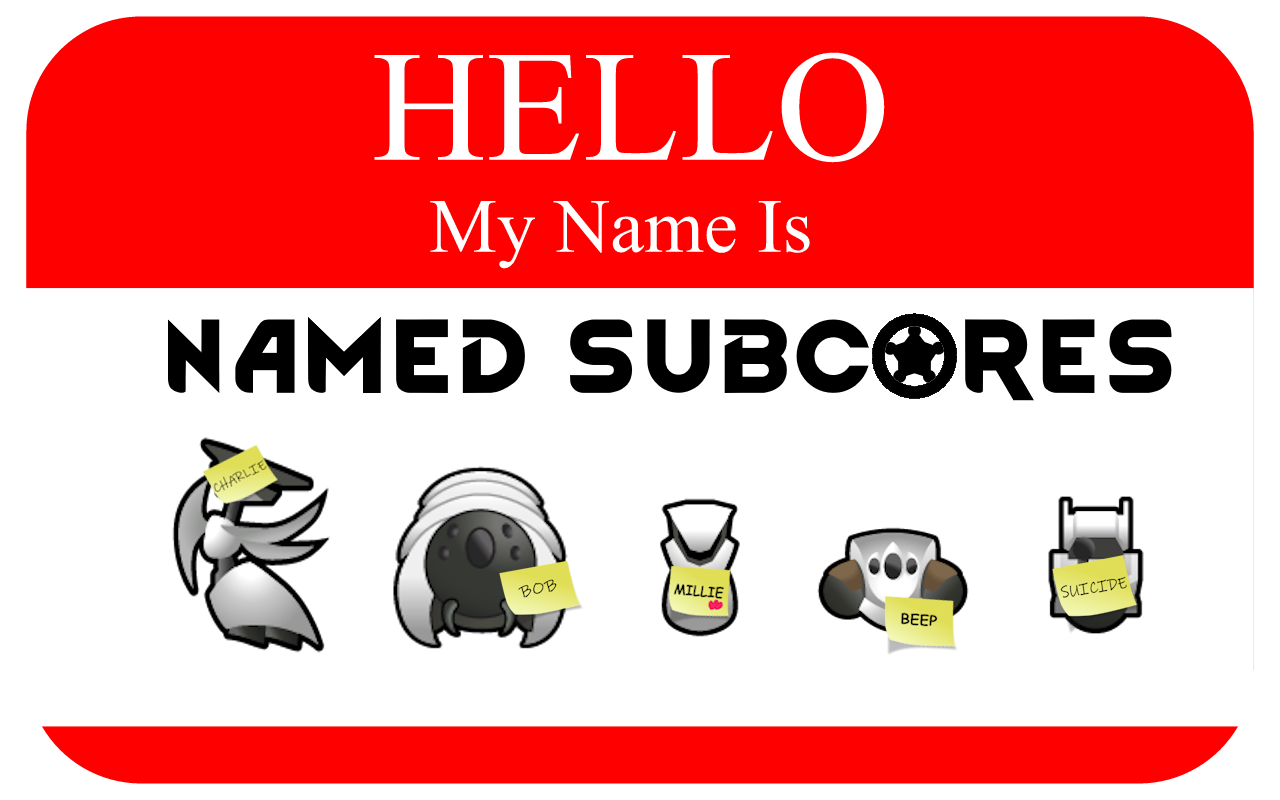
Anthromorphize your mech buddies with names! Friendly mechs have a chance to be named by pawns and High subcores obtain the victim's name through ripscanning. Named subcores will grant that name if used to gestate a new mech.
Features:
Pawns have a chance to name friendly mechanoids
- Naming chance is similar to animal bonding - it should feel rare
- Naming chance is editable in the XML text file - see custom setup
• Additionally, naming can occur when an unnamed mechanoid is gestated, resurrected, and being repaired.
• Increased naming chance for the mechanitor overseer, pawns with the kind trait, and pawns with high social skill
- Pawns with the Inhuman or Psychopath traits will never name mechanoids
• Standard subcore mechanoids (Scyther, Lancer, etc.) have a much rarer chance of being named
• Uses the animal name pool by default, or you can add your own names via XML - see custom setup
Named subcores
- When a named mechanoid is disassembled, it creates a subcore labeled with their name
- A named subcore can be used to create a new mechanoid that inherits that name
- Respects mechanoids renamed by the player - those names are retained and never overwritten
- Rename a mechanoid back to its default name (e.g. “Lifter 1”) to make it eligible for random naming again
- When a named mechanoid is shredded, the pawn who named it receives a small negative thought
High Subcore Mechanics
- Mechanoids created with High subcores are automatically named after the victim’s nickname
- Adds inspection information to the mechanoid and subcore:
- Full name
- Age
- Background
- Faction
• Mechanoids made with High subcores will never be named by pawns, even if renamed back to a default name
- See custom set up to enable naming for High subcores
Scenario Support
- The Mechanitor scenario will automatically name starting mechanoids (similar to animals at game start)
- Should work with any custom scenario that adds friendly mechanoids at the start
Custom Setup
File location (may depend on which drive Steam installs games to):
C:\SteamLibrary\steamapps\workshop\content\294100\3654171519\1.6\Defs
Open 'MechNamingDef.xml' in a text editor and make the changes below. Remember to save the file and reload Rimworld.
- To enable custom names, change to true:
false - To increase or decrease the naming rate, change:
and - To enable High subcore naming, change:
0
Similar Mods

Wall Light
As of update 1.5, Rimworld now contains wall lamps that serve the same purpose that this mod served for many, many years. So, what does this do now? Adds wall sun lamps. Lets you configure the vanilla wall lamps (and the added wall sun lamps) like you could with the old wall ligh
![JecsTools [Deprecated]](https://images.steamusercontent.com/ugc/941708627441551739/7869E0281E5AF57B25CC7EBFFF46D64739E8F89A/)

Humanoid Alien Races
A framework for the creation of new alien races in Rimworld If you ever thought that the racial diversity in rimworld is.

More Mods by Healsforhugs
Trick or Treat
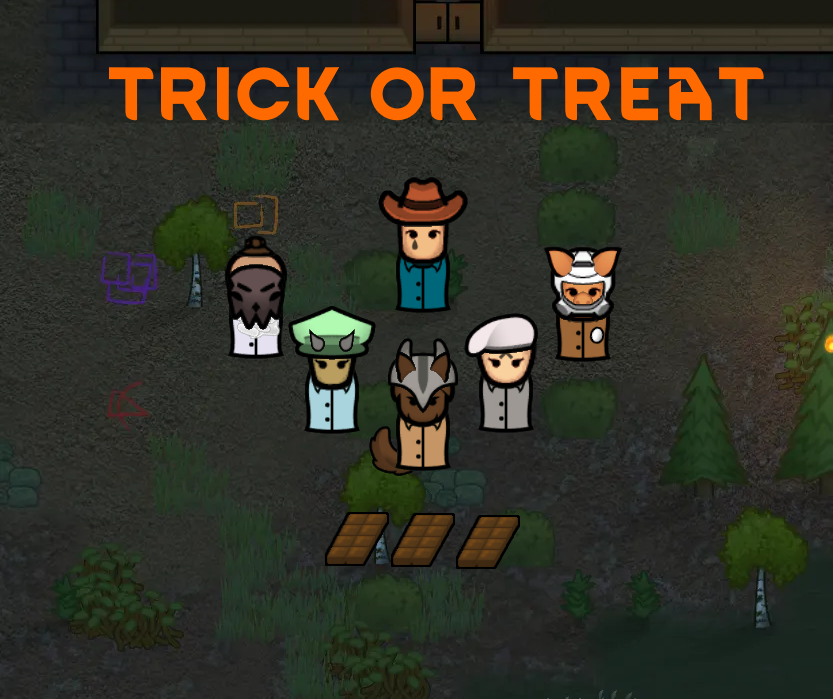
Trick or treaters arrive on Septober 15 - get your chocolate ready or prepare for tricks!
More Management Mods
Humanoid Alien Races
A framework for the creation of new alien races in Rimworld If you ever thought that the racial diversity in rimworld is.