Preemptive Strike 1.6
 1 / 6
1 / 6This is WIP adaptation of the mod Previous version: There are a lot of open questions and issues (yeah, the original mod is from previous life basically :) ).
This is WIP adaptation of the mod
Previous version: https://steamcommunity.com/sharedfiles/filedetails/?id=2884952468 There are a lot of open questions and issues (yeah, the original mod is from previous life basically :) ). Don't use this mod if you want a tip-top experience. This is work-in-progress version.Why i decided to define it as WIP?
Because this mod has existed before and many users (and me) have a lot of expectations. Unfortunately, this mod has never been updated. So I decided to do so. But I'm an electronics engineer, that means, that SW will take some time (if at all). I will try to do my best. But if there is a person, who want to take over, then please! I have already dissect the mod's behavior. So, if you're good with Unity and C#, then you will be good here :) P.S. I'm not an original author. If you like it (regarding the current state), you have to direct it to original authors. They did a huge great work!Similar Mods

Vanilla Furniture Expanded - Security
Check change notes. Vanilla Furniture Expanded - Security is a complete overhaul and rebalance of the original security module, addressing outdated balance and vastly expanding defensive options from early to late game. For the new players, this mod should be the ultimate thing y

Vanilla Events Expanded
See changenotes. Vanilla Events Expanded is one of our oldest mods, and I’m honestly shocked it’s holding up so well - it’s pretty resistant to game updates and bugs because of its simplicity. Back when I first made it with Kikohi, we didn’t know much about modding. I just wanted

Vanilla Expanded Framework
The Vanilla Expanded Framework (VEF) is a core modding library required by many of the Vanilla Expanded mods.

Vanilla Furniture Expanded - Production
1.1.0 (24/02/2020): We are now 1.1 compatible. 1.0.2 (05/10/2019): Now compatible with Dubs: Hygiene. Also, fixed the linkables not connecting to vanilla stoves. 1.0.1 (04/10/2019): Fixed the bills not being worked. 1.0.0 (04/10/2019): Release This module is a part of Vanilla Fur
More Mods by Just
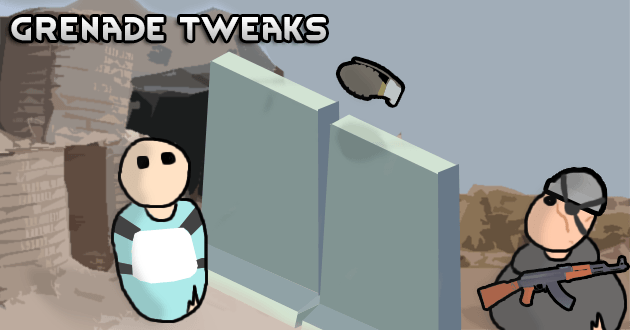
Grenade tweaks
Allows throwing grenades over walls and tweaks their range depending on user strength.

Hotkeys 1.6
This mod adds fully user configurable keybindings for a variety of purposes GitHub To assign a hotkey, hold the Gizmos key and right-click on the command.

Life Lessons: Patches
A set of patches for mods not covered by the original Life Lessons mod.
More Management Mods


QualityBuilder
With QualityBuilder all buildings that have quality (beds, tables etc) will only be build by the best builder to ensure the best outgoing quality.

RimHUD
RimHUD is a UI mod that displays detailed information about a selected character or creature.

Vanilla Cooking Expanded
Mechanics are simple and intuitive - keeping within the vanilla spirit without unnecessary fluff and production chains.