Preset Work Schedules
 1 / 5
1 / 5Tired of manually clicking every hour for every colonist?
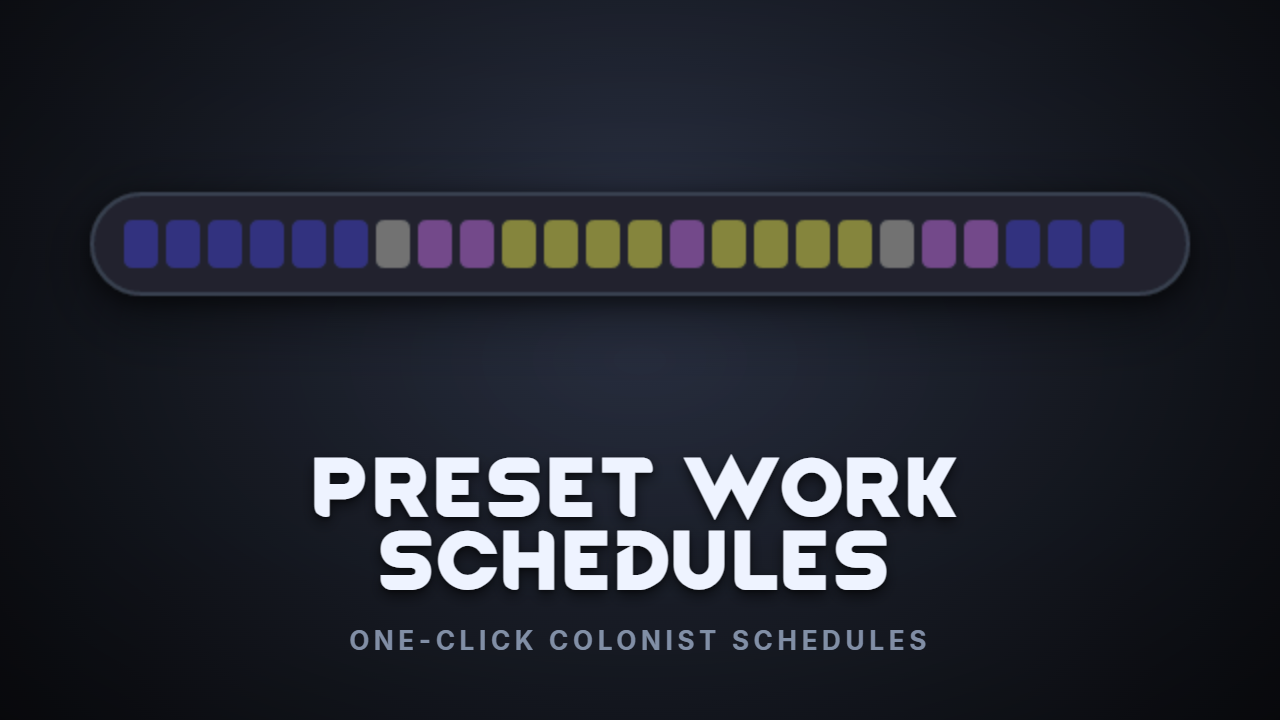
Tired of manually clicking every hour for every colonist? Preset Work Schedules adds a Presets button to the Schedule (Restrict) tab, letting you apply balanced schedules to your pawns in two clicks.
Built-in Presets
- Biphasic - two 4-hour sleep blocks with work and recreation between
- Workaholic - 6-hour sleep, long work blocks, and short recreation breaks
- Balanced - 8-hour sleep, mixed work and recreation, with buffer time
- Relaxed Recovery - more sleep, lighter work, and plenty of recreation
- Child-Friendly - extra sleep and recreation for growing kids
- Night Owl - sleeps 12-19 and stays active at night.
Schedule Everything! Integration
When Schedule Everything! is loaded, three SE-aware presets appear automatically: Production Line, Hunter-Gatherer, and Researcher. These use only SE assignments that are enabled by default.
Custom Presets - Visual Timeline Editor
Open Mod Settings → Preset Work Schedules to create your own presets with a visual AM/PM timeline editor. Pick any assignment type from any loaded mod, including Schedule Everything! assignments, choose a brush, and click hour blocks to paint. Bulk-fill with one click.
Per-Pawn Locks
Lock a colonist's schedule in the apply dialog so bulk actions like Select All will not overwrite them. Unlock anytime.
Hide What You Do Not Use
Every preset, built-in or custom, can be hidden from the dropdown in Mod Settings. Only keep the schedules you actually use.
How to Use
Open the Schedule tab → click Presets → pick a template → choose your colonists → Apply. Done.
Compatibility
- Requires Harmony
- Compatible with Schedule Everything! and designed with it in mind
- Compatible with Automatic Night Owl
- Compatible with Chronos Pointer
- Compatible with rimbody
- No known conflicts
Disclaimer
I made this mostly for personal use, but decided to publish it in case anyone else finds it useful.
I do not intend to hide the fact that AI has helped during development. The mod has still been tested by me, and I hope it is useful to the people who choose to install it.
Made with the help of AI and Modmixer.
Similar Mods


Vanilla Furniture Expanded - Production
1.1.0 (24/02/2020): We are now 1.1 compatible. 1.0.2 (05/10/2019): Now compatible with Dubs: Hygiene. Also, fixed the linkables not connecting to vanilla stoves. 1.0.1 (04/10/2019): Fixed the bills not being worked. 1.0.0 (04/10/2019): Release This module is a part of Vanilla Fur
More Mods by Squishyjellyfish
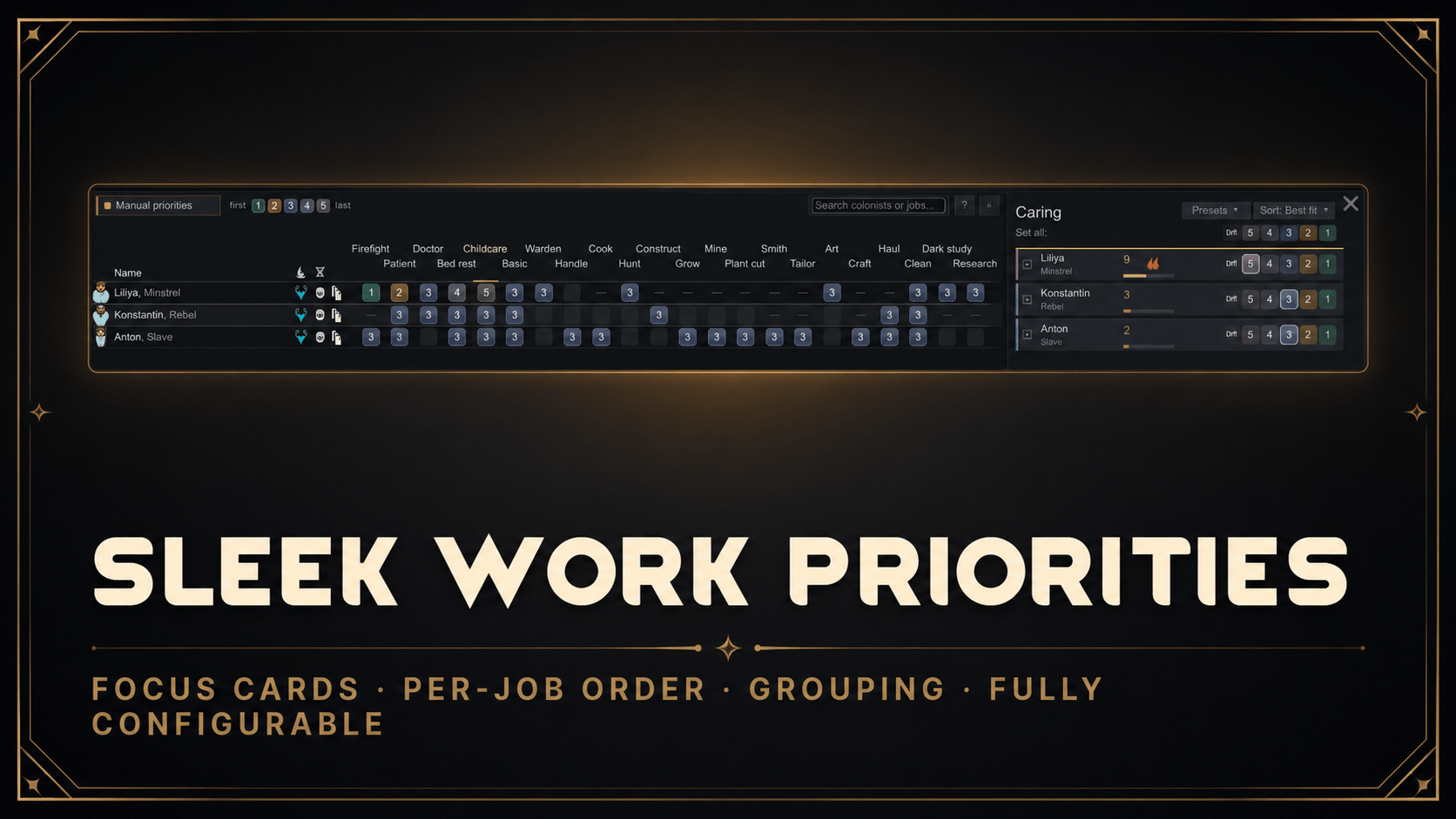
Sleek Work Priorities
Sleek Work Priorities Sleek Work Priorities is apart of the Sleek family, a set of mods that clean up some of Rimworld’s busiest screens and bring them into the same dark, consistent style with enhancements.
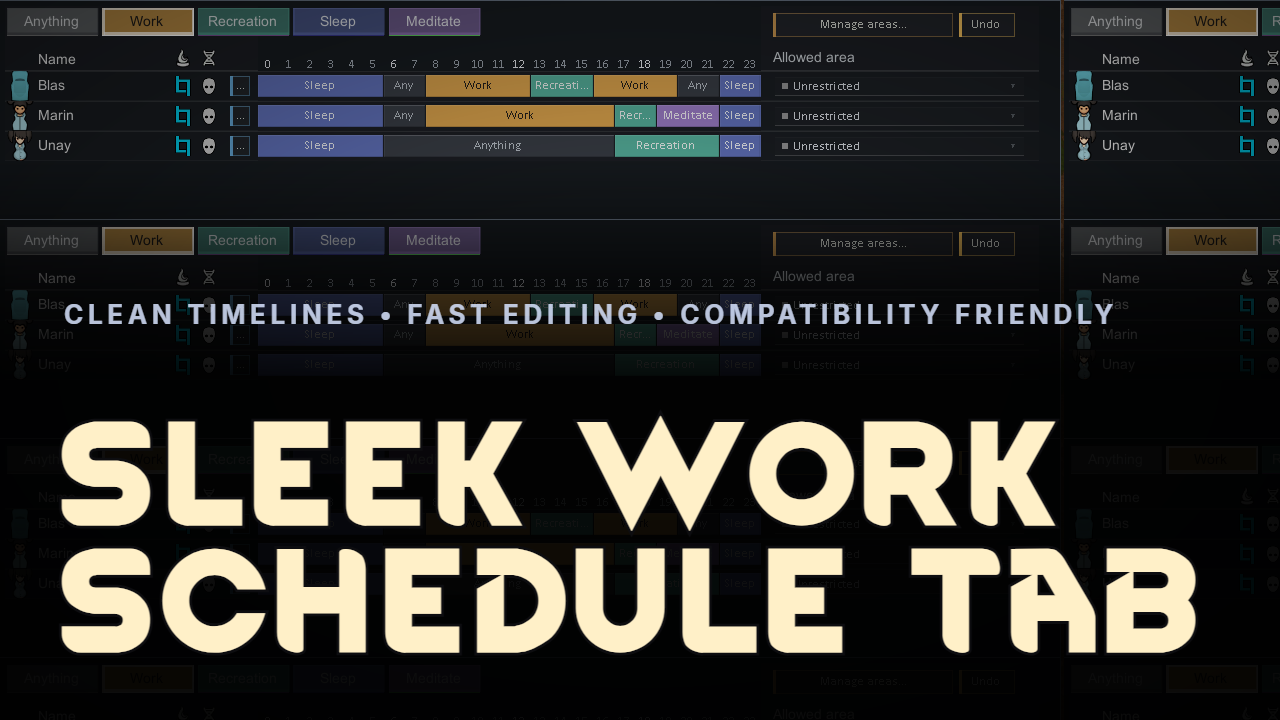
Sleek Work Schedule Tab
Sleek Work Schedule Tab Sleek Work Schedule Tab turns RimWorld’s Schedule tab from a cramped block grid into a clean, readable timeline.

Sleek Research Tab
Sleek Research Tab Sleek Research Tab is a clean, lightweight overhaul of RimWorld's research screen, made for heavily modded games where the vanilla tab turns into a huge wall of nodes and endless sub-tabs.
More Management Mods


Vanilla Plants Expanded
Vanilla Plants Expanded is a core module in a plant-based in the new mod series “Vanilla Cuisine Expanded” from the Vanilla Expanded team.

Vanilla Cooking Expanded
Mechanics are simple and intuitive - keeping within the vanilla spirit without unnecessary fluff and production chains.