Remember Debug Log Auto-Open
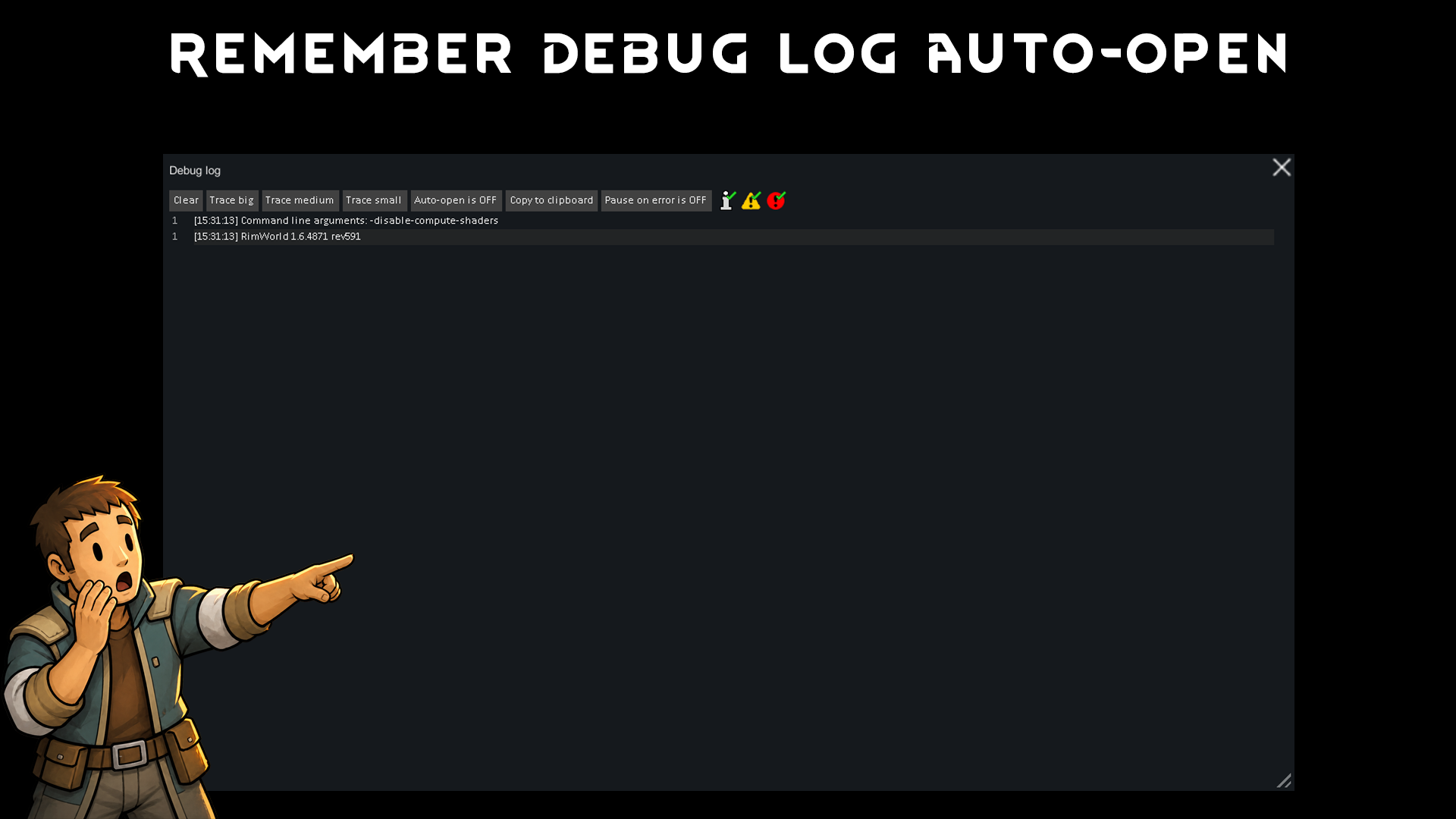
Remember Debug Log Auto-Open Does the RimWorld Debug Log keep opening every time you start the game?
Remember Debug Log Auto-Open
Does the RimWorld Debug Log keep opening every time you start the game? When Development mode is enabled, errors and warnings can cause the Debug Log window to open automatically. The vanilla Auto-open setting may reset after restarting RimWorld. Remember Debug Log Auto-Open saves your preference and restores it every time the game starts.Features
- Remembers the Debug Log Auto-open setting between game sessions.
- Restores your saved preference when RimWorld starts.
- Keeps the vanilla Debug Log control synchronized with the saved setting.
- Allows the setting to be changed directly from the Debug Log window.
- Provides the same setting in the mod settings menu.
- Does not delete, hide, or modify errors, warnings, messages, or stack traces.
- Only changes whether the Debug Log window opens automatically.
How to use
• Enable Development mode. • Open the Debug Log window. • Click Auto-open is ON to turn it off. • Restart RimWorld. • The Debug Log will remain closed until you open it manually. You can also change the preference from the mod settings menu.Requirements
Harmony is required.Similar Mods

Vanilla Furniture Expanded - Medical Module
1.1.1 (21/02/2020): 1.1 version of this mod is no longer dependant on VFE-Core 1.1.0 (20/02/2020): This mod is now 1.1 compatible. 1.0.0a (05/05/2019): Fixed several bugs. 1.0.0 (20/04/2019): Release This module is a part of Vanilla Furniture Expanded which can be downloaded belo


Vanilla Weapons Expanded
We are not responsible for CE patch, nor are we responsible for CE balancing or in fact anything regarding CE.

Wall Light
As of update 1.5, Rimworld now contains wall lamps that serve the same purpose that this mod served for many, many years. So, what does this do now? Adds wall sun lamps. Lets you configure the vanilla wall lamps (and the added wall sun lamps) like you could with the old wall ligh
More Management Mods


Vanilla Expanded Framework
The Vanilla Expanded Framework (VEF) is a core modding library required by many of the Vanilla Expanded mods.

EdB Prepare Carefully
Customize your RimWorld colonists, choose your gear and prepare carefully for your crash landing!

Humanoid Alien Races
A framework for the creation of new alien races in Rimworld If you ever thought that the racial diversity in rimworld is.