RimAI Framework
 1 / 2
1 / 2🤖 RimAI Framework - AI-Powered RimWorld Experience 🔧 Core Framework Module The RimAI Framework is the foundational core of the entire RimAI ecosystem.
🤖 RimAI Framework - AI-Powered RimWorld Experience
🔧 Core Framework Module
The RimAI Framework is the foundational core of the entire RimAI ecosystem. It is a dependency that handles all communication with Large Language Models (LLMs) and provides a comprehensive API for other content mods. Github (Open Source):github.com/oidahdsah0/Rimworld_AI_Framework⚡ V4.1 Key Features
- 🔌 Data-Driven: Connect to any AI provider (OpenAI, Ollama, Groq, etc.) via simple JSON templates.
- 🔄 End-to-End Streaming: A fully-featured streaming API for real-time, word-by-word responses.
- ✨ First-Class Embedding Support: High-performance API for complex semantic understanding and memory functions.
- 📊 Advanced Batching: Optimized concurrent requests for chat and embeddings to maximize throughput.
- 🏠 Full support for local OpenAI-compatible APIs (Ollama, vLLM, etc.)
🔑 IMPORTANT: Setup Required Before Use
⚠️ You MUST configure the mod settings before use! ⚠️ Step-by-Step Setup Guide:- Enable the mod and restart RimWorld.
- Go to Settings → Mod Settings → RimAI Framework.
- Fill in the required fields:
- API Key: Your key for services like OpenAI. (Leave empty for local providers like Ollama).
- Endpoint URL: The base URL for the API. This is usually pre-filled for you. Only change it if you have a specific need or the official URL changes. (e.g., `https://api.openai.com/v1` for OpenAI, `http://localhost:11434/v1` for local Ollama).
- Model Name: The exact model name (e.g., `gpt-4o-mini`, `llama3`).
- Use the Test Connection button to verify your settings.
- Save your configuration. You're ready to go!
- Free option: Install Ollama locally with a model like `llama3`.
- Budget option: Use OpenAI's `gpt-4o-mini` model (very affordable, ~$0.15 per 1M tokens).
💰 Important Cost Notice
⚠️ Token costs are paid directly to your AI service provider, NOT to the mod author! ⚠️ The mod author receives no payment from your API usage. Local models like Ollama are free to run after initial setup.📋 Important Notice
This framework itself does not add any gameplay content but is a required dependency for all other RimAI modules.🎯 Supported Versions
✅ RimWorld 1.5 ✅ RimWorld 1.6🛡️ Open Source & Security
This project is completely open-source. You can review the source code, contribute, and report issues on our GitHub repository: github.com/oidahdsah0/Rimworld_AI_Framework 🔥 If you enjoy this project, please give it a thumbs-up 👍 and follow ➕ for updates on more RimAI modules!Similar Mods

Vanilla Furniture Expanded
Check change notes. Vanilla Furniture Expanded 2 is a big update and rework of the original mod, aimed at bringing your RimWorld furniture to the next level. It adds over 30 new furniture pieces across every tech level, from neolithic to late-industrial (with spacer coming in a s



More Mods by KiloKio
RimAI Core (BETA)
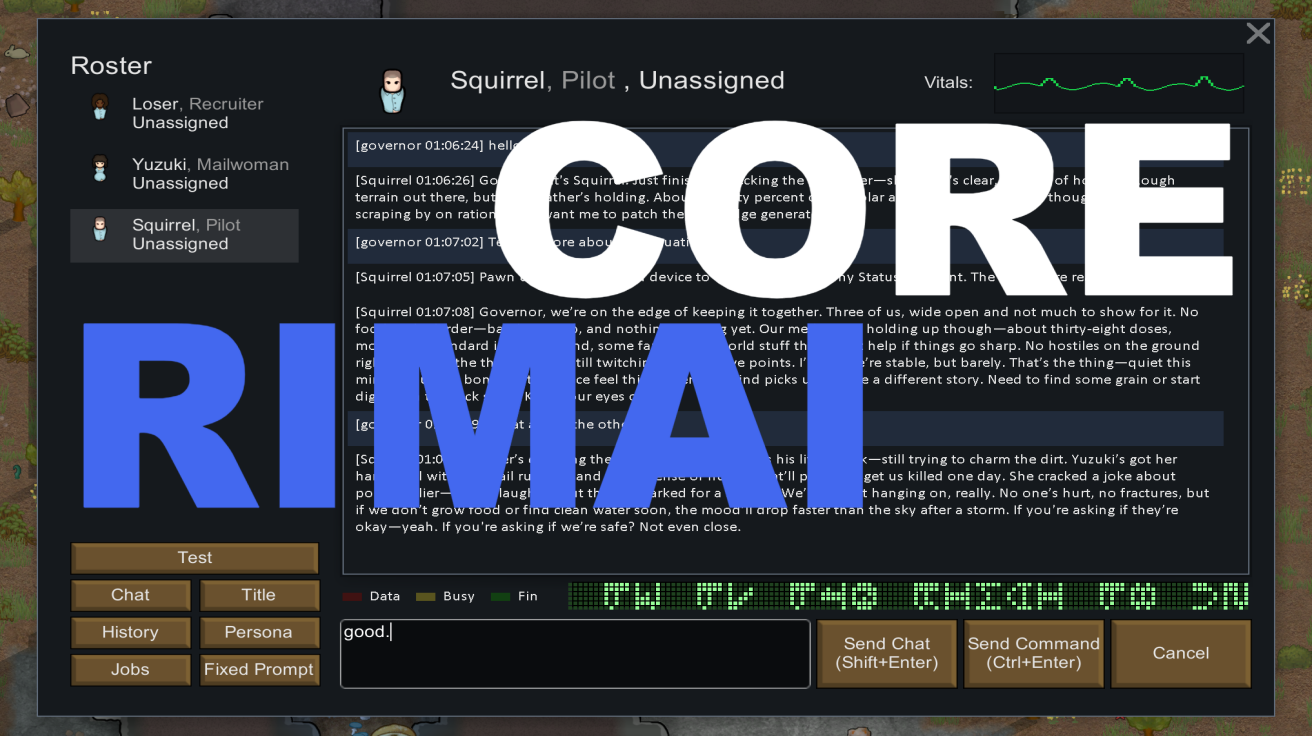
🧠 RimAI Core (BETA) — Give Your Colony a Talking Brain ⚠ Note: RimAI Core only takes effect after you subscribe to RimAI Framework, choose a provider, configure the base URL and API key, and perform at least one "Test" and "Save".
More Management Mods

Humanoid Alien Races
A framework for the creation of new alien races in Rimworld If you ever thought that the racial diversity in rimworld is.

RimHUD
RimHUD is a UI mod that displays detailed information about a selected character or creature.

QualityBuilder
With QualityBuilder all buildings that have quality (beds, tables etc) will only be build by the best builder to ensure the best outgoing quality.

Vanilla Cooking Expanded
Mechanics are simple and intuitive - keeping within the vanilla spirit without unnecessary fluff and production chains.