RimCord - Discord Rich Presence
 1 / 3
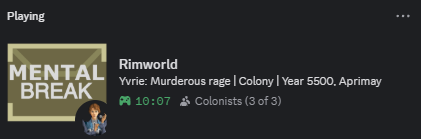
1 / 3What this shows Displays key colony information in Discord Rich Presence.
What this shows
Displays key colony information in Discord Rich Presence.- Colony name
- Colonist count
- Biome
- Active storyteller, including modded storytellers
- Year and quadrum
- Major events and conditions
- Main menu state with active mod count
- Raid incoming
- Colonist berserk
- Toxic fallout
- Heat wave
- Orbital trader arrival
- Game paused during colony management

Event updates
Supports vanilla and modded letters and events that use standard RimWorld systems. RimCord can detect and display major colony events without getting in the way of gameplay. Examples:- Raids and hostile incidents
- Mental breaks
- Dangerous game conditions
- Trader arrivals
- Other important letters

Paused state
When the game stays paused for the configured delay, Discord can reflect what is happening instead of showing stale colony status. Examples:- Paused: Planning counter attack
- Paused: Managing mental breakdown
- Paused: Trading with orbitals
- Paused: Recovering from disaster

Main menu status
When you are not loaded into a colony, RimCord shows a clean main menu presence. It also displays the current active mod count, so your Discord status still gives useful information before loading a save.Compatibility
Designed to stay lightweight and unobtrusive. Works with most mod setups. Supports modded storytellers and modded events that use standard RimWorld letter systems.Save safety
Does not modify saves. Can be added or removed at any time.Settings
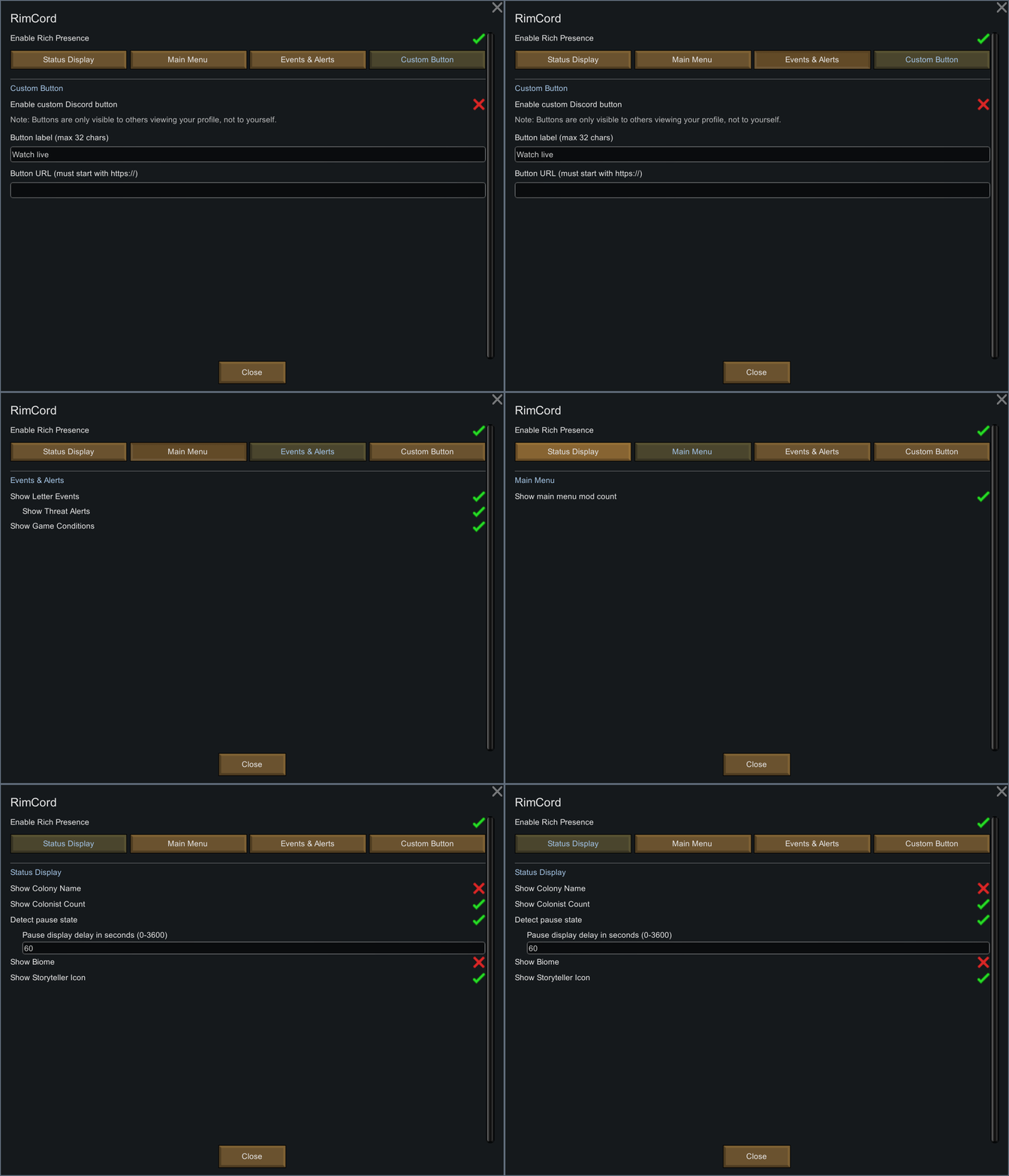
Found under: Options > Mod Settings > RimCord All features are optional:- Colony name
- Colonist count
- Biome
- Storyteller icon
- Event updates
- Threat alerts
- Game conditions
- Pause detection
- Pause display delay
- Custom Discord button
Notes
Discord limits Rich Presence updates to once every 15 seconds. If multiple events happen within that window, only the latest relevant event is shown. Discord Rich Presence requires the Discord desktop app. Browser Discord does not support game presence updates.Troubleshooting
Nothing showing Use the Discord desktop app. Browser Discord does not support Rich Presence. Status stuck after closing Press Ctrl R in Discord. Pause status not showing Make sure pause detection is enabled in RimCord settings. The game must stay paused for the configured delay before Discord updates. Button missing Discord hides your own Rich Presence buttons by design. Other people can still see them.Languages
English, German, Spanish, French, Italian, Polish, Portuguese, Russian, Chinese, Japanese, and Korean. Translations are generated using DeepL and may not always be fully accurate. Corrections and improvements are welcome through GitHub.Report Issues | Source Code
Similar Mods



Dubs Mint Menus
Adds new list boxes for recipe bills, health bills, plant selection, architect menu, research menu, and a quick select menu for designators, making it easier to find things when lots of mods are running.

Vanilla Weapons Expanded
We are not responsible for CE patch, nor are we responsible for CE balancing or in fact anything regarding CE.
More Mods by Yurie

Rimefeller - Polish Translation
Rimefeller - polskie tłumaczenie Opis Kompletne polskie tłumaczenie do popularnego moda Rimefeller.
More Management Mods

Character Editor
last update: v1.6.3 build on 2025-07-21 for RimWorld v1.6.4523 Editor for humanlike pawns on map and for crashlanding (colonists, enemies, dead pawns) MOD FEATURES • editor for pawns on map and for crashlanding • editable: body, head, hair, skin color, apparel color, gender, name

Smarter Construction
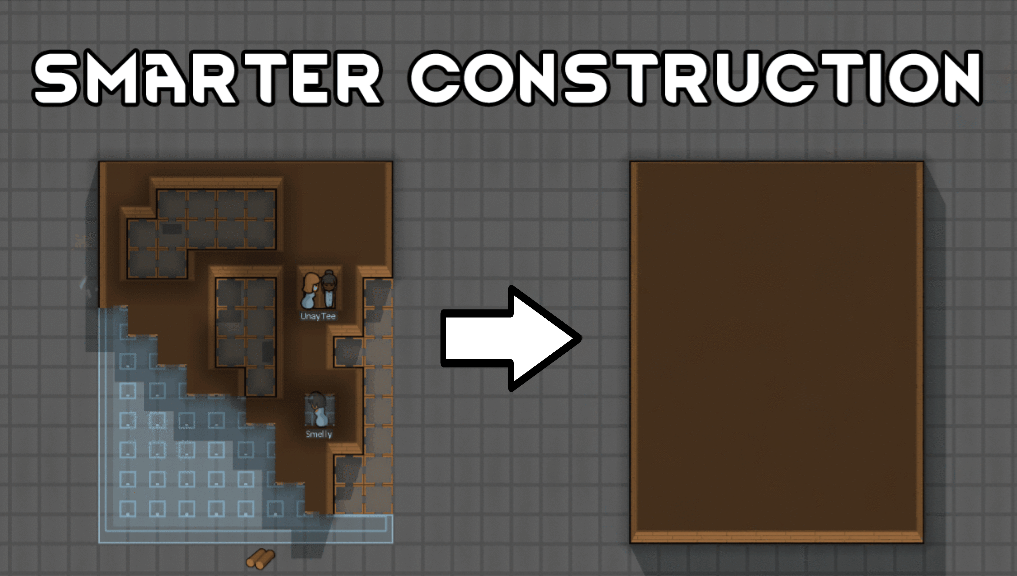
Stop your pawns from constantly building themselves into a wall or blocking something that hasn't been built yet.

Vanilla Plants Expanded
Vanilla Plants Expanded is a core module in a plant-based in the new mod series “Vanilla Cuisine Expanded” from the Vanilla Expanded team.