RimFlow — Smooth Camera
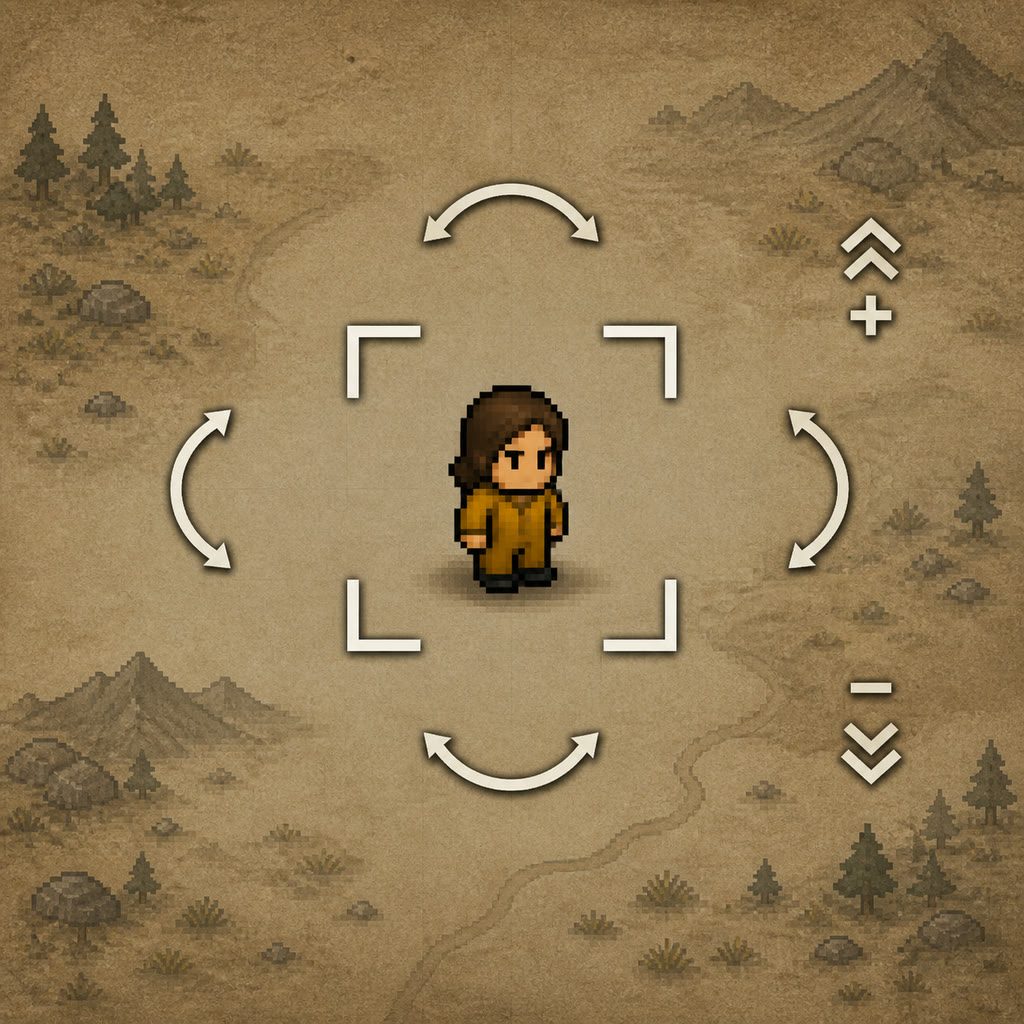
RimFlow — Smooth Camera RimWorld's camera, with momentum.
RimFlow — Smooth Camera
RimWorld's camera, with momentum.
RimFlow gives the camera a smoother, more controlled feel without replacing RimWorld's familiar controls.
Features
- Inertial zoom — scroll to build momentum, then ease naturally to a stop.
- Balanced zoom-in and zoom-out — both directions use the same responsive feel, with extra precision near the limits.
- Responsive camera movement — WASD, arrow keys, and middle-mouse movement stay quick at normal zoom.
- Close-zoom control — movement becomes gentler and smoother when you are zoomed in, so the camera does not jump past the action.
- Lock Camera — one click follows the selected pawn.
- Deadzone follow — the pawn can move naturally before the camera catches up.
- Adaptive follow — follow response adjusts for close zoom and faster game speeds.
- Safe focus behavior — new colonies open on the first colonist, while vanilla focus jumps remain decisive.
Controls
- F — toggle Lock Camera for the selected pawn.
- Lock Camera gizmo — toggle follow on or off.
- WASD / arrow keys / middle mouse — move the camera and release follow.
- Mouse wheel — zoom and release follow.
Settings
Tune zoom response, zoom damping, zoom impulse, movement sensitivity, close-zoom movement speed, follow response, deadzone, and game-speed follow boost.Compatibility
- Harmony is required.
- Camera+ is optional and supported. RimFlow does not depend on Camera+'s marker or shader systems.
- Simple Camera Setting is incompatible. Both mods control overlapping camera and follow behavior, and RimFlow declares this incompatibility directly in About.xml.
Load order
Harmony → Camera+ (optional) → RimFlowSave safety
Safe to add to a save. RimFlow stores camera preferences only; follow targets are cleared safely when a map changes or a pawn is no longer valid.Credits
Created by PAS7 Studio.If this mod helps you, please consider supporting us on Ko-fi so we can keep making patches and fixes for the community: https://ko-fi.com/pas7studio
Similar Mods


Character Editor
last update: v1.6.3 build on 2025-07-21 for RimWorld v1.6.4523 Editor for humanlike pawns on map and for crashlanding (colonists, enemies, dead pawns) MOD FEATURES • editor for pawns on map and for crashlanding • editable: body, head, hair, skin color, apparel color, gender, name
Dubs Mint Menus
Adds new list boxes for recipe bills, health bills, plant selection, architect menu, research menu, and a quick select menu for designators, making it easier to find things when lots of mods are running.
More Mods by [RedR] pes7

CE + Better Orbital Traders - MortarShell Fix
CE + Better Orbital Traders — MortarShell Fix A focused compatibility patch for RimWorld 1.
Deconstruct Fortified Wall - Odyssey AncientBlastDoor Fix
Deconstruct Fortified Wall — Odyssey Fix Restores compatibility between Deconstruct Fortified Wall and RimWorld: Odyssey.
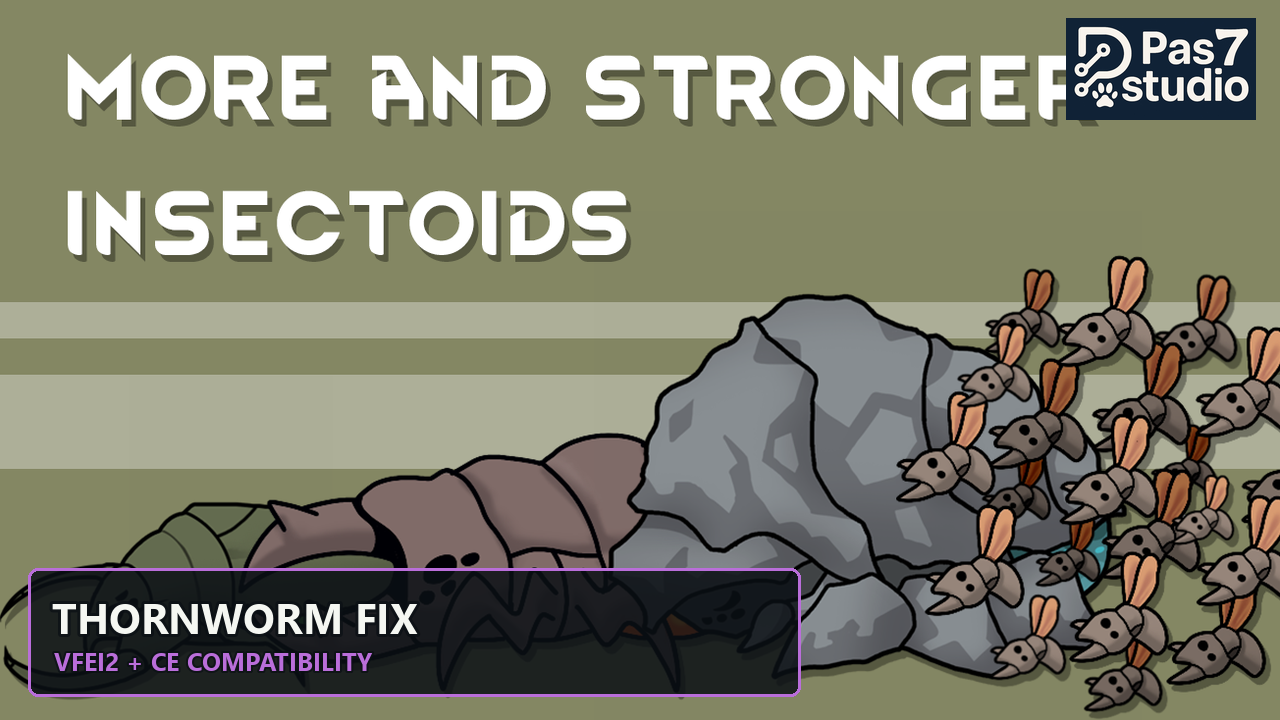
VFE Insectoids 2 + CE - Thornworm Fix
VFE Insectoids 2 + CE — Thornworm Fix Restores the current Combat Extended values for HaiLuan's Thornworm.
Pes7 Compatibility Fixes
PAS7 Compatibility Fixes Small, conditional compatibility patches for RimWorld 1.
More Management Mods

Wall Light
As of update 1.5, Rimworld now contains wall lamps that serve the same purpose that this mod served for many, many years. So, what does this do now? Adds wall sun lamps. Lets you configure the vanilla wall lamps (and the added wall sun lamps) like you could with the old wall ligh

QualityBuilder
With QualityBuilder all buildings that have quality (beds, tables etc) will only be build by the best builder to ensure the best outgoing quality.

EdB Prepare Carefully
Customize your RimWorld colonists, choose your gear and prepare carefully for your crash landing!
