StockpileGroups
 1 / 2
1 / 2StockpileGroups Link multiple stockpile zones into one group — change the filter or priority on one, and every linked zone updates instantly.
StockpileGroups
Link multiple stockpile zones into one group — change the filter or priority on one, and every linked zone updates instantly. Plus a dedicated checkerboard-pattern stockpile tool.Link zones
- Select two or more stockpile zones and click "Link zones" (gizmo on the zone's command bar).
- Changing the filter or priority on any linked zone copies it to every other member.
- Selecting a linked zone highlights the rest of its group on the map.
- Rename the group anytime with "Rename group" — its name (or a stable "#N" fallback) plus the total cell count show in the inspect panel, for a single zone or several selected at once.
- Using vanilla's "Expand zone" on a linked zone keeps the new area in the same group automatically (optional, on by default).
- "Unlink zone" any time — its current settings are kept as-is.
Sparse stockpile zone
A new tool in the Zone architect menu — "Sparse stockpile zone". Draws a checkerboard-spaced stockpile: only every other cell accepts items. The resulting one-cell zones are automatically linked into one group, so the whole area behaves like a single zone with a shared filter and priority. Useful for evenly-spaced minefields or decorative layouts. Draws a new area only — cannot be applied to an existing stockpile zone.Selection
Click-and-drag now selects stockpile zones the same way vanilla already selects buildings — pawns and other selectable things still take priority. Optional, on by default.Compatibility
No hauling or item-placement patches of any kind — fully compatible with Pick Up And Haul and similar mods. Also keeps Kanban Stockpile Continue's settings in sync across linked zones.Requirements
- Harmony
- RimWorld 1.6
Feedback
Found a bug, have a suggestion? Welcome to the comments! For bug reports, I recommend the RimBug Report mod — one click gathers a structured report (errors, mod settings, save data) you can paste straight into the Discussions tab.Similar Mods

Character Editor
last update: v1.6.3 build on 2025-07-21 for RimWorld v1.6.4523 Editor for humanlike pawns on map and for crashlanding (colonists, enemies, dead pawns) MOD FEATURES • editor for pawns on map and for crashlanding • editable: body, head, hair, skin color, apparel color, gender, name

Vanilla Furniture Expanded - Farming
1.2.0 (21/02/2021): - Sprinkler effect no longer stack - Sprinkler no longer boost plant in hydroponic (they still boost planter box) - Sprinkler no longer boost trees 1.1.1 (08/04/2020): Fixed Animal feeder not appearing in the correct tab. Sprinkler no longer blocks wind. 1.1.0

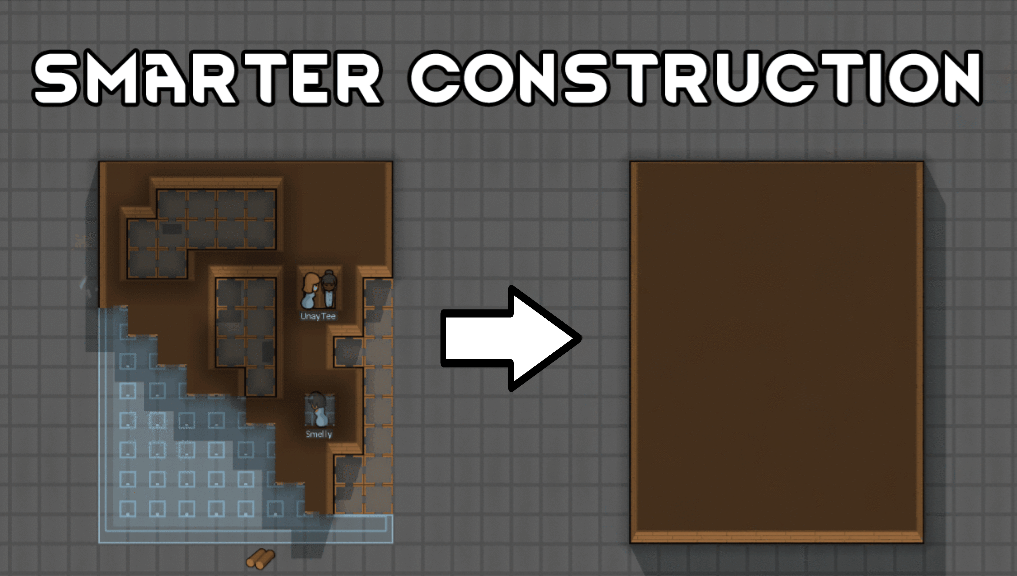
Smarter Construction
Stop your pawns from constantly building themselves into a wall or blocking something that hasn't been built yet.
More Mods by IgorA

KanbanStockpileContinue
KanbanStockpileContinue Kanban stockpile: precise control over what and how much your pawns haul onto stockpiles and shelves — and now also what they haul away when limits are exceeded.


More Storage Mods

Reel's Expanded Storage
Recommended: Vanilla Furniture Expanded - Props and Decor Welcome to Reel's Expanded Storage!
![[sbz] Neat Storage](https://images.steamusercontent.com/ugc/17870112619967387112/F1356E7316B052BFBA825CD1EC66267806D5EB65/)
[sbz] Neat Storage
Neat Storage · Safe to add to a save game Add 27 types of furniture for neat storage I got tired of having 300 shelves with the same design.
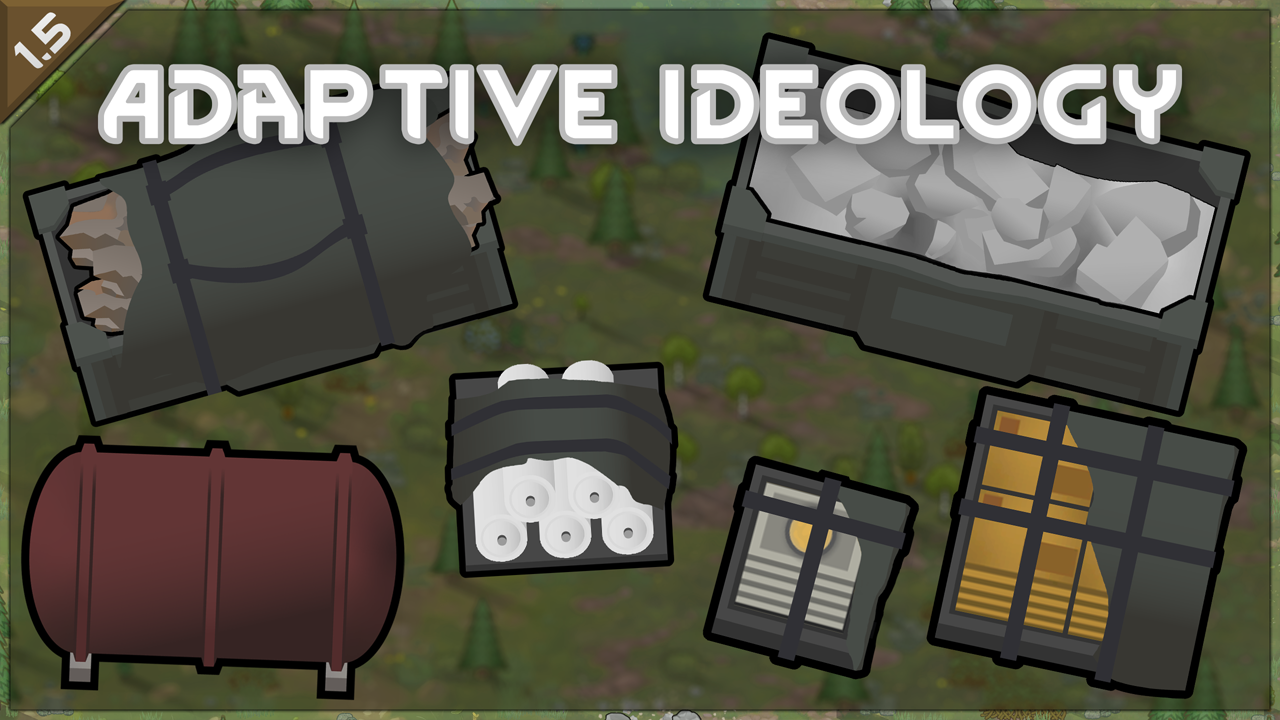
Adaptive Ideology Storage
This mod patches re-implements objects in Ideology to use the Adaptive Storage Framework so you can use them as build able storage objects and includes spiffied up versions of their textures made by me in case dilapidated aint your vibe!
![[sbz] Fridge](https://images.steamusercontent.com/ugc/11070448801068570538/D424A62A2C7273304393398F917BD61A64A88FD3/)
[sbz] Fridge
Fridge · Safe to add to a save game Add 7 types of fridges for neat storage Adds 7 types of fridges based on Adaptive Storage Framework.