[UR] Better Filter for Storage, Food and Clothes Restrictions
 1 / 7
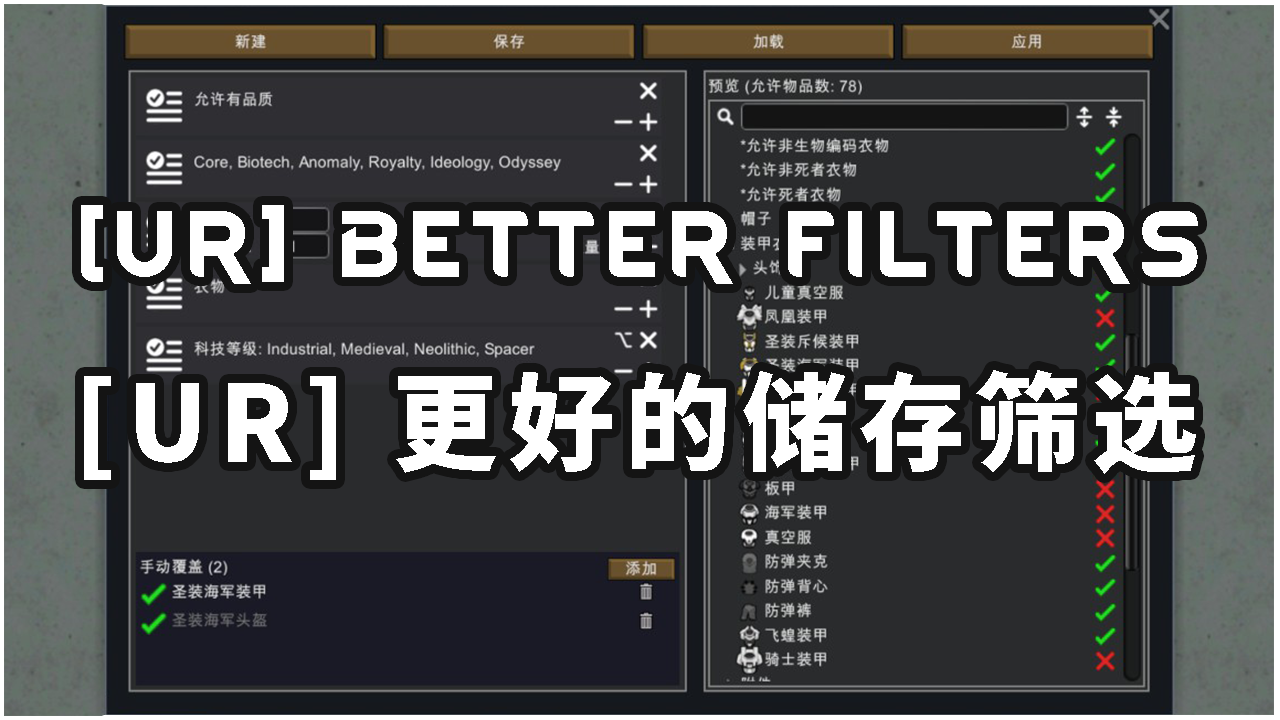
1 / 7Better Storage Filter A better storage filter for RimWorld — faster category navigation, more flexible paste options, finer-grained item filtering.
Better Storage Filter
A better storage filter for RimWorld — faster category navigation, more flexible paste options, finer-grained item filtering.Main Features
Filter Tree Navigation
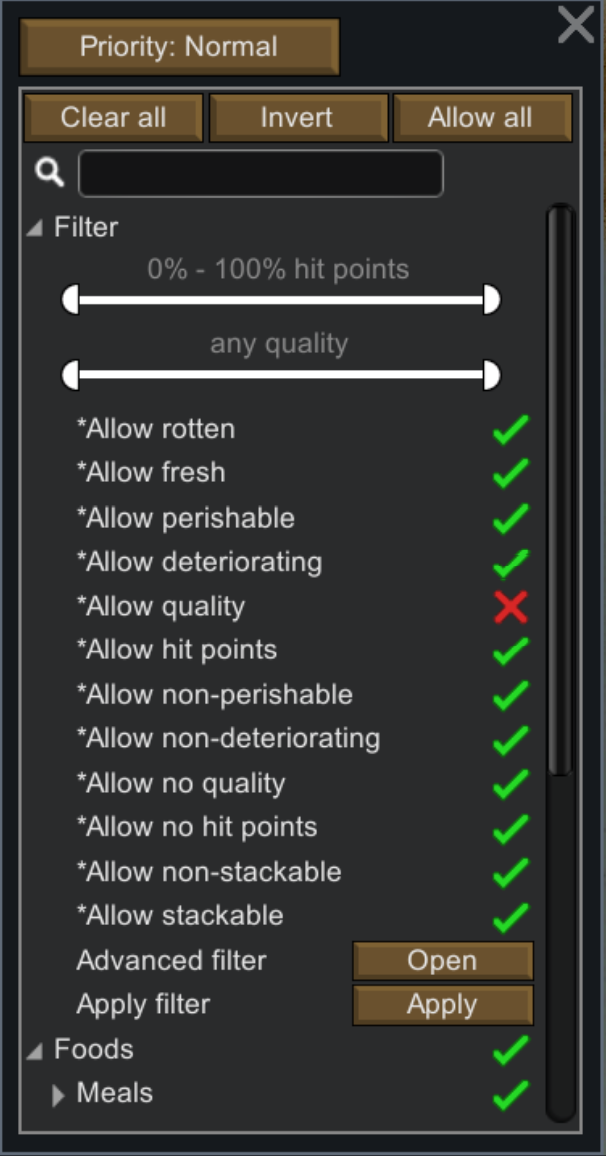
- 【Invert】button: a one-click toggle between "Clear All" and "Allow All" that flips every item's allow/disallow state. Does not affect filter workers themselves.
- 【Expand/Collapse One Level】buttons: two arrow buttons next to the search bar expand or collapse the category tree one level at a time, simplifying manual browsing.
Paste Storage Settings Enhancement
- Left-click paste retains vanilla behavior (overwrite).
- Right-click the paste icon for two new overlay modes: - Add Allowed Items: currently disallowed + clipboard allowed → allowed - Add Disallowed Items: currently allowed + clipboard disallowed → disallowed
Outfit / Food Policy Enhancement
- New 【Copy】【Paste】buttons with independent clipboards — outfits and food each have their own.
- New 【Advanced Filter】button opens a multi-condition filter builder with save/load support.
- Paste also supports Overwrite, Add Allowed, and Add Disallowed modes.
New Filters
This mod adds 10 item filters in 5 complementary pairs:- Perishable / Non-Perishable — whether refrigeration is needed
- Deteriorating / Non-Deteriorating — whether it degrades outdoors (a deterioration rate of 0 is treated as non-deteriorating)
- Has Quality / No Quality — whether it has quality grades
- Has Hit Points / No Hit Points — whether it has durability
- Non-Stackable / Stackable — stack limit is 1 or ≥ 2
Filter Category & Apply
- New filters and selected vanilla static-property filters are grouped into a pinned filter category for convenient access.
- The 【Apply】button in this category pushes filter-worker states down to individual items (disallowed filter → disallow matching items), then resets the filter workers to allowed. The list of participating filters can be configured in mod settings.
Advanced Filter
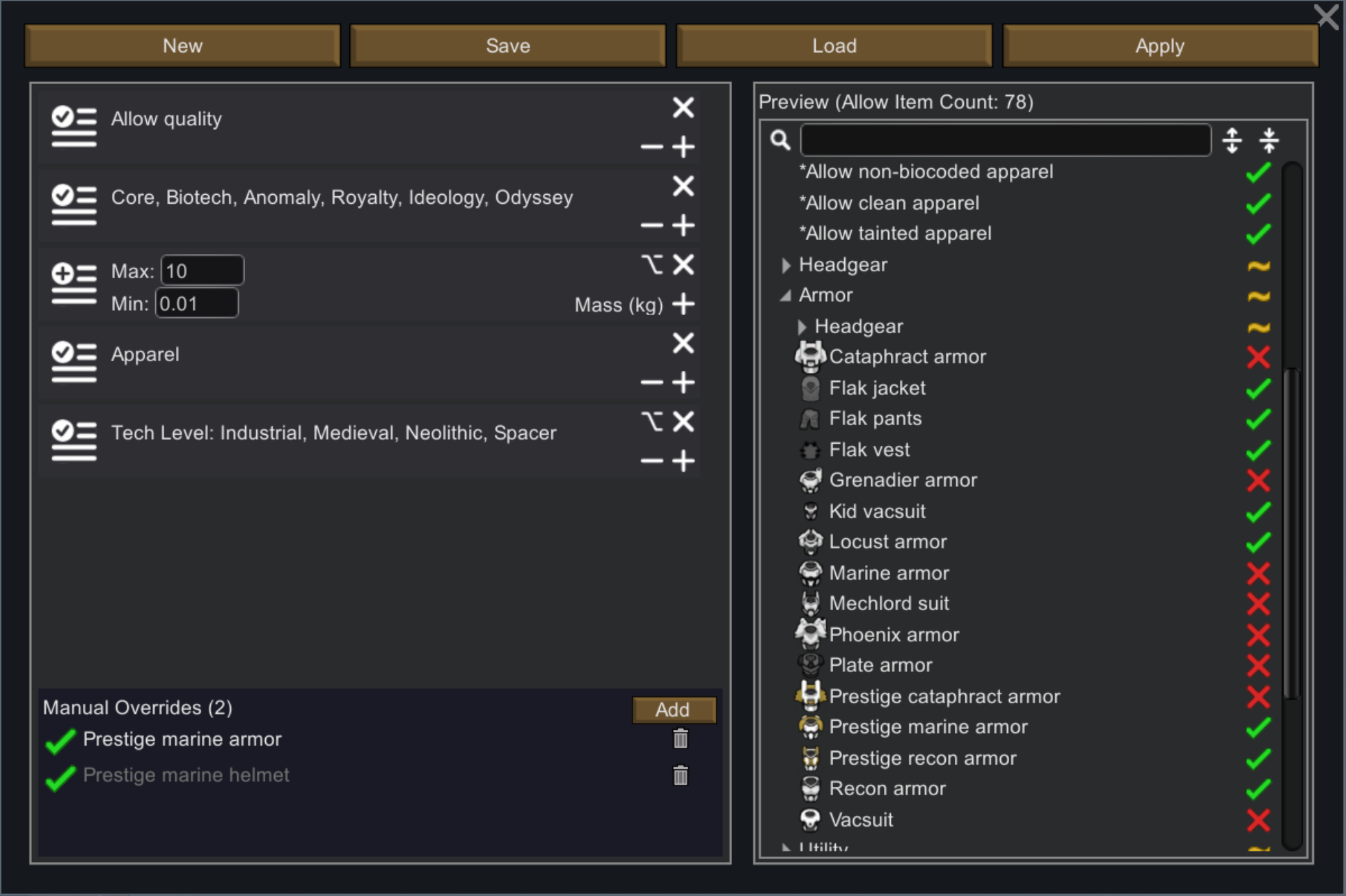
The mod adds an 【Advanced Filter】entry point in both the storage filter and policy management screens, supporting complex filtering rules:- Supports filter-worker matching, mod matching, category matching, numeric matching, enum matching, and manual per-item overrides
- Multiple filters are combined with intersection (logical AND): an item must pass every filter to be allowed
- Within a single filter, conditions are combined with union (logical OR): an item matching any one condition is allowed
- Each filter can switch between whitelist (allow matching) / blacklist (disallow matching) mode — click the badge on the left to toggle
- Numeric and enum filters support Loose (allow items without the property) / Strict (disallow items without the property) strategy — click the option icon at the top-right to toggle
About Each Filter Type
- Worker Filter: to add matching filters (e.g. "Has Hit Points", "Adult Apparel", etc.), to remove the most recently added filter. Multiple filters can be added. The available filter list is set in mod settings and is the same as the applicable filter list.
- Mod Filter: matches items by their source mod. to add a mod name. Items from any selected mod are allowed.
- Category Filter: matches items by their item category (e.g. Food, Manufactured, Raw Resources, etc.). Items in any selected category are allowed.
- Numeric Filter: matches items by a numeric property. Enter a min/max range to select items whose property value falls within that range. Loose strategy additionally allows items without the property. 【Note: this module is still in development. Currently supports Stack Limit and Mass matching; arbitrary numeric property paths will be supported in the future.】
- Enum Filter: matches items by an enumerable property. / to adjust the enum values to match. For example, with the "Tech Level" property, selecting Medieval and Industrial matches only items tagged with those tech levels. 【Note: this module is still in development. Currently supports Weapon Tags, Apparel Tags, Trade Tags, Tech Level, Apparel Layer, and Body Coverage; arbitrary enum property paths will be supported in the future.】
- Manual Override: add specific item definitions to manually determine the final match result. Override values take priority over all filter results. When an override is inactive (not changing the item's allow status), the item name appears in gray.
- Worker filter:
worker -d SpecialThingFilterDef - Mod filter:
mod -d PackageID - Category filter:
cat -d ThingCategoryDef - Numeric filter:
value -d ValuedAttrName -v Min Max— for -v values, use the letter n to mean no limit, and n followed by digits for negative numbers - Enum filter:
enum -d EnumAttrName -v EnumValue - Item override:
item -d DefName
Example Command-Line Filter Sets
- Vanilla items only:
mod -d ludeon.rimworld ludeon.rimworld.biotech ludeon.rimworld.anomaly ludeon.rimworld.royalty ludeon.rimworld.ideology ludeon.rimworld.odyssey -u— when not all DLCs are present, missing DLC PackageIDs are displayed as gray error values without affecting the vanilla item filter. - High-volume stackable raw materials:
worker -d UR_AllowNotDeteriorating -u, value -d StackLimit -v 75 n -l -u, item -d MechanoidTransponder -b -u— if you don't use stack-limit-changing mods, this set automatically selects items like Steel, Uranium, Plasteel, and Permabricks that are acquired in bulk but won't deteriorate outdoors and are rarely damaged. Ideal for outdoor storage zones. The sole exception is the MechanoidTransponder — it also doesn't deteriorate and inexplicably has a stack limit of 75.
Mod Settings
Includes an Introduction page and an Applicable Filter configuration page, with a reset-to-defaults option.Compatibility & Performance
- Modifies only UI and filter logic; adds no game content.
- Can be added or removed at any time without affecting saves.
- Compatible with the vast majority of mods.
- All code runs only when the relevant storage filter UI is open; zero performance impact during other gameplay.
Feedback
Source code available on Github: /uranv/BetterFilter. Questions or suggestions are welcome — feel free to leave a comment.Similar Mods


RimHUD
RimHUD is a UI mod that displays detailed information about a selected character or creature.


Vanilla Expanded Framework
The Vanilla Expanded Framework (VEF) is a core modding library required by many of the Vanilla Expanded mods.
More Mods by UR

Witch's Factor Spreading - Manosaba Expansion
Mod Name: Witch's Factor Spreading - Magical Girl Witch Trials Expansion Introduction: Based on the concept of the "Witch Factor" from the game "Magical Girl's Witch Trial", this mod introduces a witch transformation mechanism driven by pawn's mood, along with technologies, ritua

EndlessGrowth 简体中文翻译
无尽成长汉化 ========================== 一个简单的汉化mod,但是我将20级以上等级描述从原本的5级更改一次修改为近似指数倍更换一次(2,2,3,5,8,12,19,24,5),使得更常见的40级以下会多变几次。。。 ========================== 原模组:Endless Growth 原简介: 本模组移除了原版的20级上限,允许更高的技能等级。 虽然并没有技术上的限制,我为了方便将所有的缩放上限设定为100。 从99级升级至100级的经验需求为65万,因此正常情况下并不会达到。
Some more jobs chs 简体汉化
原模组:some more jobs (更多工作) ============================== 更新:和原mod一样,无需修改即支持1.

More Storage Mods
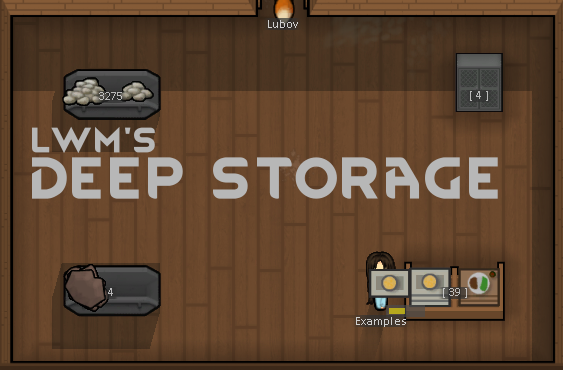
LWM's Deep Storage
Important note Little White Mouse's little baby continues healthy and if you have the toddler mod is now running around causing major terror to the cats.
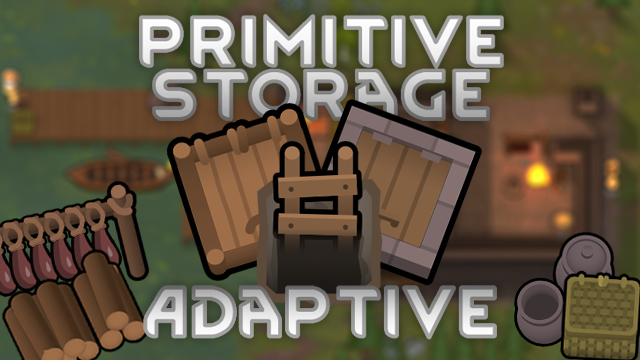
Adaptive Primitive Storage
This mod is an independent port of Primitive Storage by Hydromancerx and velcroboy333 from the LWM's Deep Storage to the Adaptive Storage Framework using the Primitive Storage Retexture and restyle made by Phaneron.
![[sbz] Fridge](https://images.steamusercontent.com/ugc/11070448801068570538/D424A62A2C7273304393398F917BD61A64A88FD3/)
[sbz] Fridge
Fridge · Safe to add to a save game Add 7 types of fridges for neat storage Adds 7 types of fridges based on Adaptive Storage Framework.
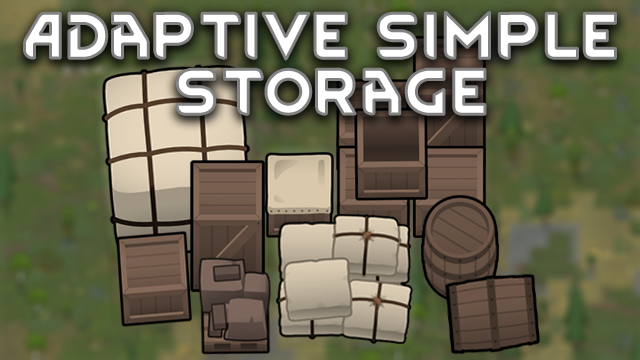
Adaptive Simple Storage
This mod is an independent port of Simple Storage by JangoDsoul from the LWM's Deep Storage to the Adaptive Storage Framework using the Simple Storage Retexture and restyle made by Phaneron.