Export and Import Mod Settings
 1 / 3
1 / 3Ive gotten requests of adding exportable mod-settings to my mods from users that are putting together mod-packs and would like to bundle specific mod-settings with the pack.

Ive gotten requests of adding exportable mod-settings to my mods from users that are putting together mod-packs and would like to bundle specific mod-settings with the pack.
Instead of implementing this per mod I wrote this mod instead.
This mod adds two small buttons at the top of the mod-options window for all mods (apart from HugsLib as that uses its own options-file for all mod-settings).
With these you can export the current mod-settings to a folder (default is the Desktop-folder but is changable in the mod-settings) and the file is then used to import the mod-settings.
The importing is done by overwriting the current settings with the imported file and then reloading the mod to apply the updated mod-settings. This can trigger warnings/errors depending on how the mod-settings are applied by the mod. If you notice some issues with a mods settings a simple way to reapply the imported settings is to restart the game.
There is also an option to export or import all active mods settings from this mods settings-window.





Since modding is just a hobby for me I expect no donations to keep modding. If you still want to show your support you can gift me anything from my Wishlist or buy me a cup of tea.


- See if the the error persists if you just have this mod and its requirements active.
- If not, try adding your other mods until it happens again.
- Always post your log using the Log Uploader
- For best support, please use the Discord-channel for error-reporting.
- Do not report errors by making a discussion-thread, I get no notification of that.
- If you have the solution for a problem, please post it to the GitHub repository.
- Use RimSort to sort your mods

Similar Mods
![JecsTools [Deprecated]](https://images.steamusercontent.com/ugc/941708627441551739/7869E0281E5AF57B25CC7EBFFF46D64739E8F89A/)

Vanilla Events Expanded
See changenotes. Vanilla Events Expanded is one of our oldest mods, and I’m honestly shocked it’s holding up so well - it’s pretty resistant to game updates and bugs because of its simplicity. Back when I first made it with Kikohi, we didn’t know much about modding. I just wanted

Humanoid Alien Races
A framework for the creation of new alien races in Rimworld If you ever thought that the racial diversity in rimworld is.

Vanilla Fishing Expanded
Vanilla Fishing Expanded is a first module in a brand new mod series “Vanilla Cuisine Expanded” from the Vanilla Expanded team.
More Mods by 76561197993690125
Centralized Climate Control (Continued)
Update of ColdToads mod - Chinese translation by YangHgRi - Added hidden air-pipes on request and grouped the build-buttons - Improved graphics by spoden - Removed climate-category and put the items in temperature instead - Removed legacy dependencies - Fixed the issue with the g

Expanded Incidents (Continued)
Update of Linqs mod - Added settings for the triggerchance of the incidents This mod increases the variety of incidents your colony faces.
Live With The Pain
Injuries that gets permanent and causes permanent pain will now get less painful over time.
More Management Mods
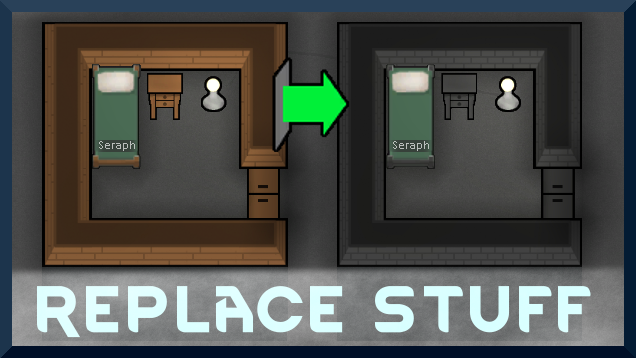
Replace Stuff
Place buildings anywhere, on top of existing things, and the game will handle it.

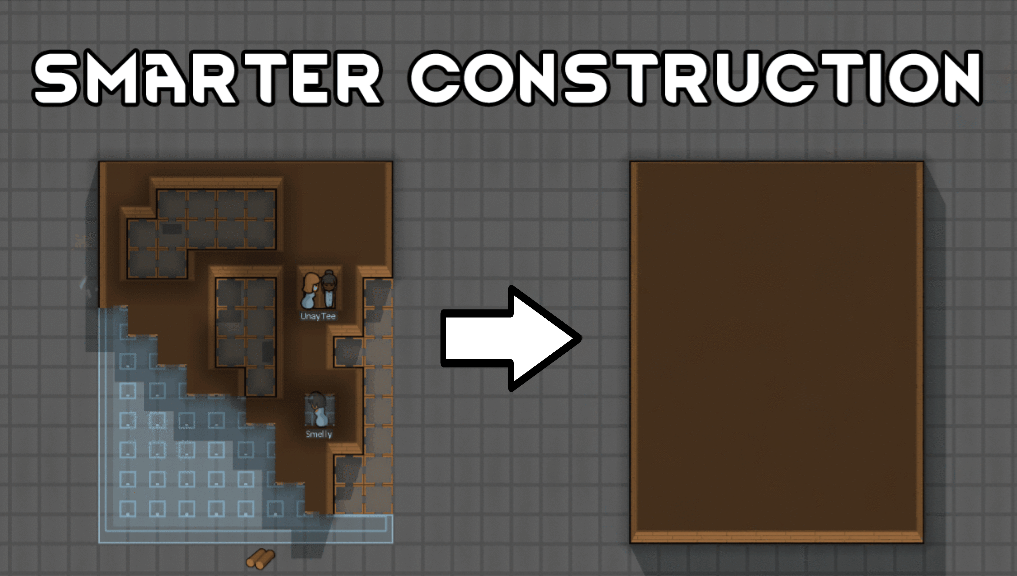
Smarter Construction
Stop your pawns from constantly building themselves into a wall or blocking something that hasn't been built yet.

Wall Light
As of update 1.5, Rimworld now contains wall lamps that serve the same purpose that this mod served for many, many years. So, what does this do now? Adds wall sun lamps. Lets you configure the vanilla wall lamps (and the added wall sun lamps) like you could with the old wall ligh