Forced Equipment Tab
 1 / 3
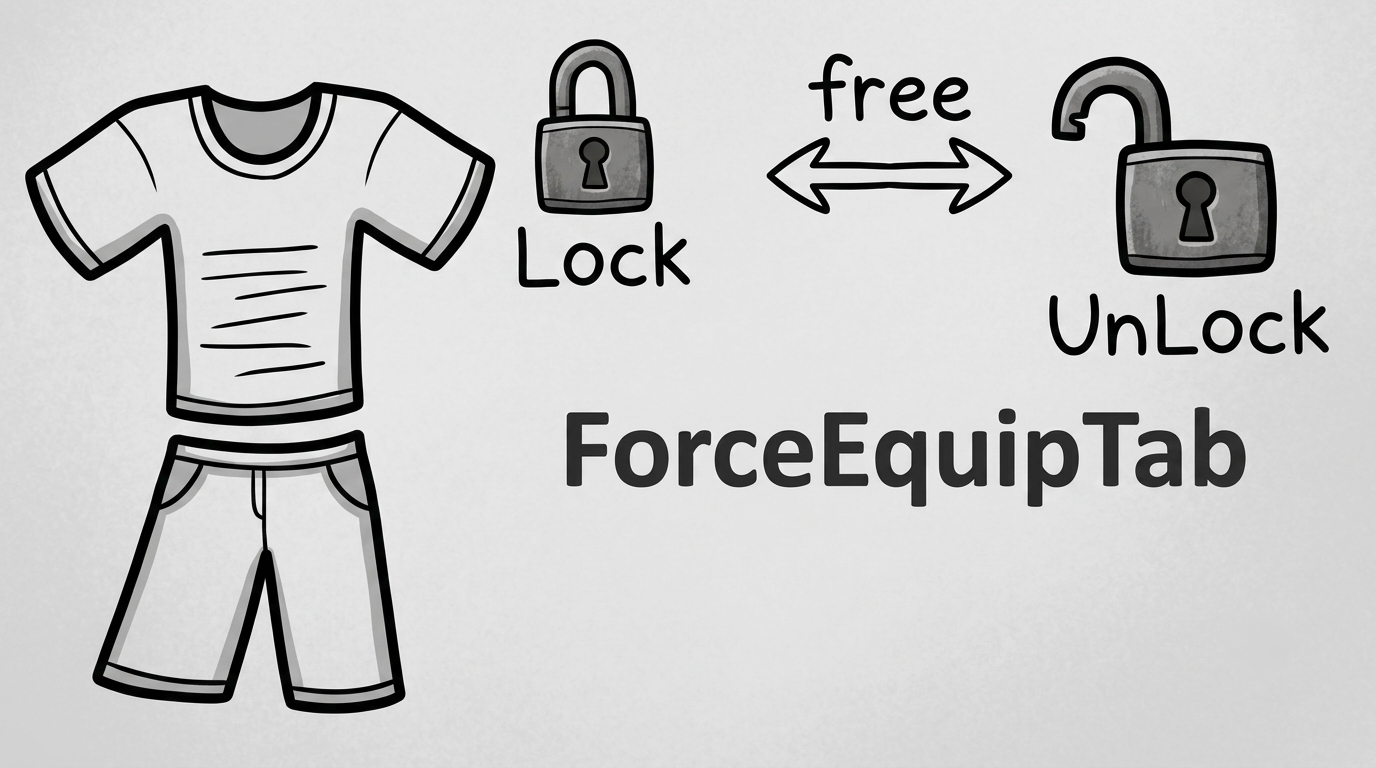
1 / 3Forced Equipment Tab Right-click the Gear tab to open the Forced Equipment Tab.
Forced Equipment Tab
Right-click the Gear tab to open the Forced Equipment Tab. This tab lists all apparel the pawn is wearing, including utility items such as belts. Left-click an item to mark it as Forced (the pawn will not remove it). Left-click a Forced item to also Lock it (protected from the Clear All button). Right-click a Locked item to remove the lock. Right-click a Forced (unlocked) item to remove the forced state. The top-right button clears the Forced state from all items except Locked ones.Note
The reason this mod does not use the existing Gear tab is because there are many other mods that modify the inventory and equipment window. To ensure this mod works reliably, a separate tab was created.Similar Mods

Humanoid Alien Races
A framework for the creation of new alien races in Rimworld If you ever thought that the racial diversity in rimworld is.

QualityBuilder
With QualityBuilder all buildings that have quality (beds, tables etc) will only be build by the best builder to ensure the best outgoing quality.
More Mods by EAST
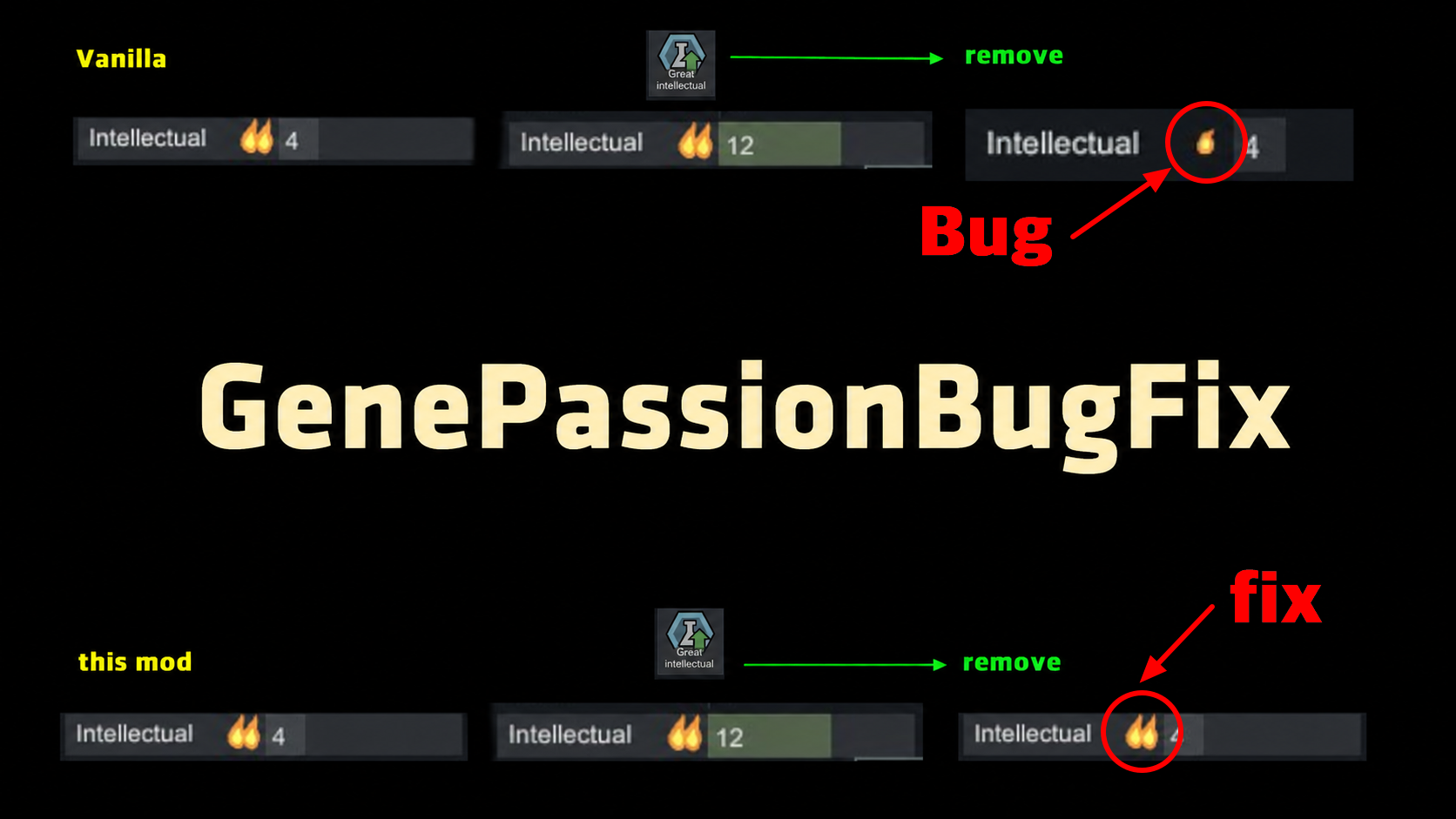
Gene Passion Restore Fix
Fixes a vanilla bug where removing a great skill gene permanently reduces passion by one level.
Deconstruct Excluding Conduits
New release. An expansion mod with additional features for this mod has been released. Please use Designator Plus. Designator Plus. Deconstruct Excluding Conduits When using the deconstruct order, holding a specific hotkey (Default: Alt) allows you to select and deconstruct objec
World Map Markers & Restock Timer
World Map Markers & Restock Timer Adds 4 markers and restock timers to world map settlements and tiles.
RNG Says No
RNG Says No Seeing a pawn fail to create a legendary item despite having an inspiration, or a surgeon failing every operation, naturally makes you ask: "What are the odds?
More Management Mods

EdB Prepare Carefully
Customize your RimWorld colonists, choose your gear and prepare carefully for your crash landing!
Replace Stuff
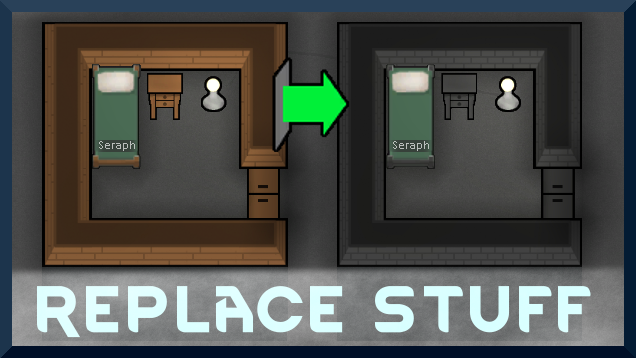
Place buildings anywhere, on top of existing things, and the game will handle it.
