Modern Ideology Menu
 1 / 3
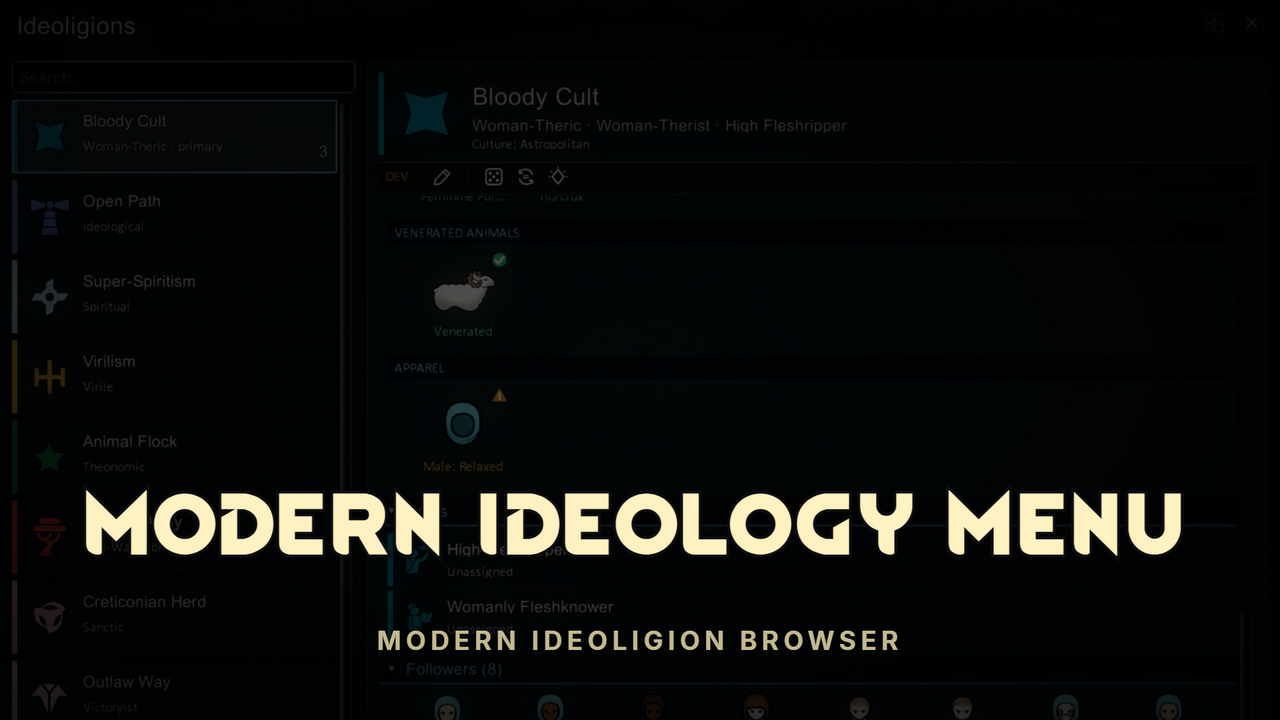
1 / 3⚑ Modern Ideology Menu A complete, modern replacement for the ideology screens — a dark master-detail browser in the Modern X suite style.
⚑ Modern Ideology Menu
A complete, modern replacement for the ideology screens — a dark master-detail browser in the Modern X suite style. Searchable ideoligion list on the left, a rich detail page on the right: story, memes and precepts as icon grids, role cards with holder portraits, a follower gallery with live certainty bars, and a full leadership dashboard. Modded memes and precepts are supported automatically. Every route opens it: the Ideoligion button on the menu bar, Bio-tab ideology plates, Social-tab links, ritual outcomes, the Needs tab, faction UI, pawn tables. A toggle inside switches back to the vanilla view at any time — and your choice is remembered.✦ The Ideoligion Browser
- Ideoligion cards — color-striped cards with icon, adjective, believer count, and primary/fluid tags.
- Search — find any ideoligion by name.
- One scroll surface — collapsible sections, no nested scrollbars, no squinting.
- Non-modal — doesn't pause, doesn't lock the camera, drag it anywhere.
✦ The Ideoligion Page
- Hero — icon, name, titles, culture — and when opened from a pawn, their certainty bar sits right in the header.
- Overview — full story text, believer counts, member name, leader title, and fluid development progress with reform availability.
- Memes — icon tiles tinted in the ideoligion's color, with full descriptions on hover.
- Roles — every role with its holders' portraits; click to jump to the pawn.
- Followers — a portrait gallery of every believer with live certainty bars; the dead remembered, dimmed at the end. Click any portrait to jump the camera.
✦ Precepts at a Glance
Every precept is a tile with its moral status told twice — a corner badge and a color-coded status word: Exalted gold, Approved green, Disapproved orange, Horrible red, Abhorrent dark red. Relics, altars, and apparel render their actual item with your ideoligion's style. Grouped by kind: precepts, roles, rituals, sacred buildings, relics, weapons, venerated animals, xenotypes, apparel.✦ Leadership
With Ideology Leadership Expanded installed, the Leadership section becomes a political dashboard: governance classification (Elective · Autocratic · Triumvirate · Royal · Theocratic), the sitting leader with reign duration, designated heirs, election countdowns, and a reign history with official portraits and color-coded end reasons — died, deposed, abdicated, replaced. Without it you still get the leader role and its holder.✦ Dev Mode Editing
With dev mode on, an edit toggle turns the window into a live ideoligion editor — no vanilla dialogs, no leaving the window:- Rename inline, straight in the header.
- Add memes and precepts from "+" tiles in every category — rituals, roles, relics, buildings, all of it.
- Click any precept tile to edit, replace, regenerate, or remove it.
- Remove memes with a click — compatible precepts are kept, not rerolled.
✦ Integrations
Everything below is optional and detected automatically — the window works fine with none of them installed:- Ideology Leadership Expanded — the full leadership dashboard: governance types, elections, heirs, reign history with official portraits.
- Itemization Overhaul – Core — relic tiles show the bound item's affix card on hover: relic tier, "Desired by" faction, corruption/cleansed state, and the full affix list with ★/✦ potency marks.
✦ Compatibility
- Adds no defs and changes no game balance — pure UI.
- Safe to add or remove mid-save; nothing is written into the save file.
- Modded memes, precepts, and ideology content appear automatically.
- The vanilla Ideos tab is untouched and reachable any time — your view choice is remembered.
- All integrations are soft (reflection-based) — load order doesn't matter.
- Requires Harmony and the Ideology DLC.
✦ The Modern X Suite
Designed to sit alongside Modern Bio Tab, Modern Social Tab, Modern Xenotype Tab, Modern Faction Menu, Modern History Menu, Modern Quest Tab, and the rest of the suite — same palette, same chrome, same philosophy: the information you want, none of the squinting.Similar Mods

Vanilla Expanded Framework
The Vanilla Expanded Framework (VEF) is a core modding library required by many of the Vanilla Expanded mods.


Vanilla Hair Expanded
1.2.0 (17/05/2020): Fixed label length issue. 1.1.1 (29/02/2020): Beards now work perfectly fine! Thanks for your patience. We have all been there, with a colony of a hundred pawns where everyone looks somewhat the same. Starting colonists with no character to their looks. This m
Vanilla Fishing Expanded
Vanilla Fishing Expanded is a first module in a brand new mod series “Vanilla Cuisine Expanded” from the Vanilla Expanded team.
More Mods by 76561198084779373
Modern Faction Menu
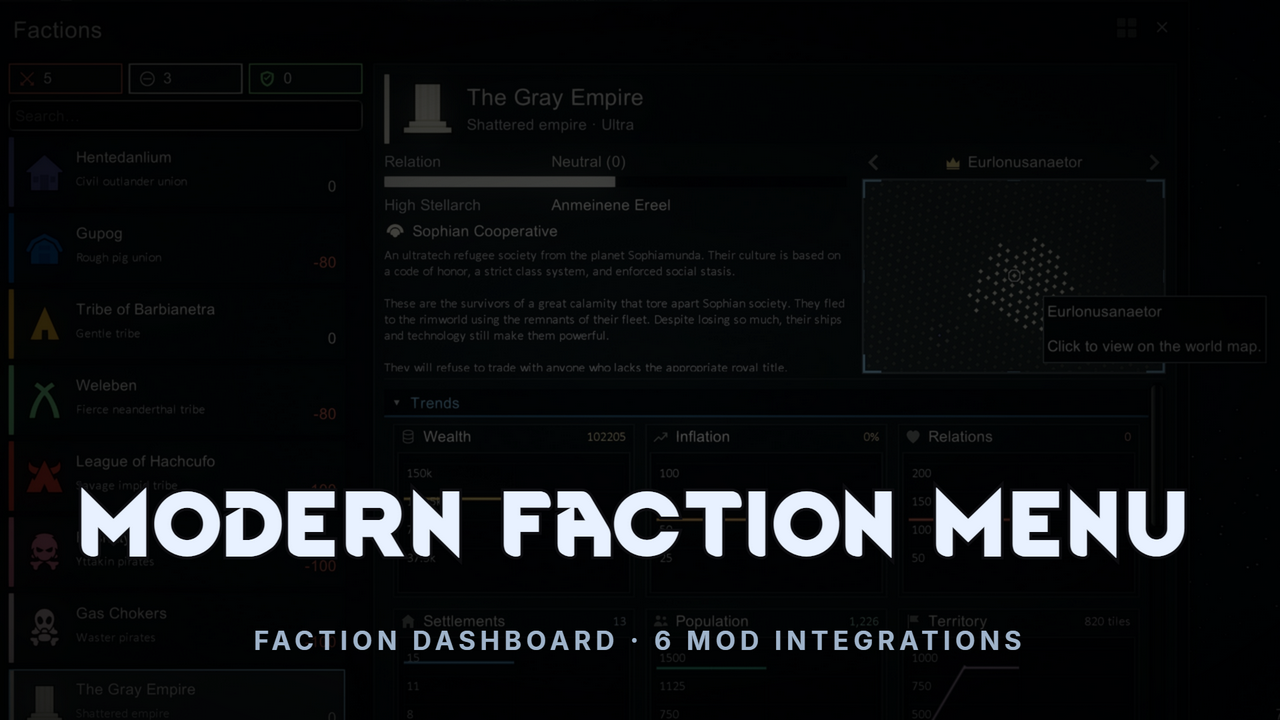
⚑ Modern Faction Menu A complete, modern replacement for the Factions tab — a dark dashboard in the Modern X style with faction cards, pinning, relation filters, live trend graphs, a framed territory map for every settlement, and a flavor ticker that tells you what each faction i
Itemization Overhaul - Loot Beams
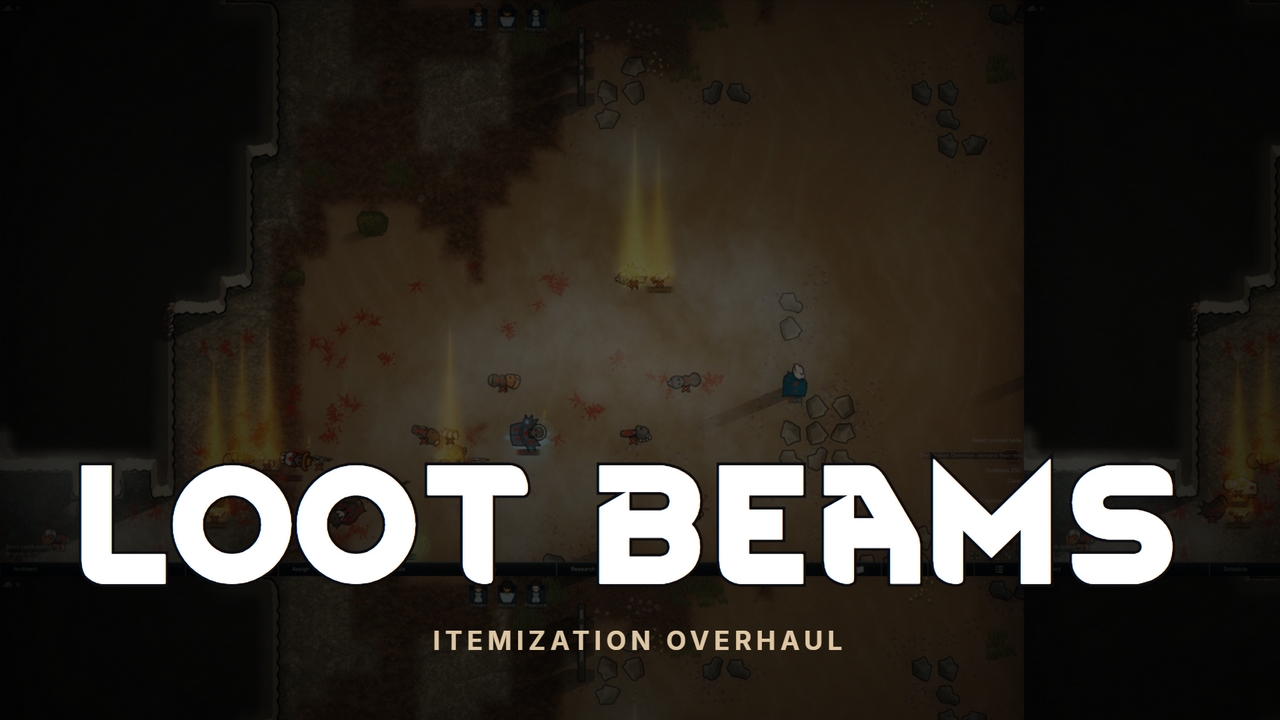
🌈 Itemization Overhaul — Loot Beams Never miss a great drop again.
Itemization Overhaul - Core
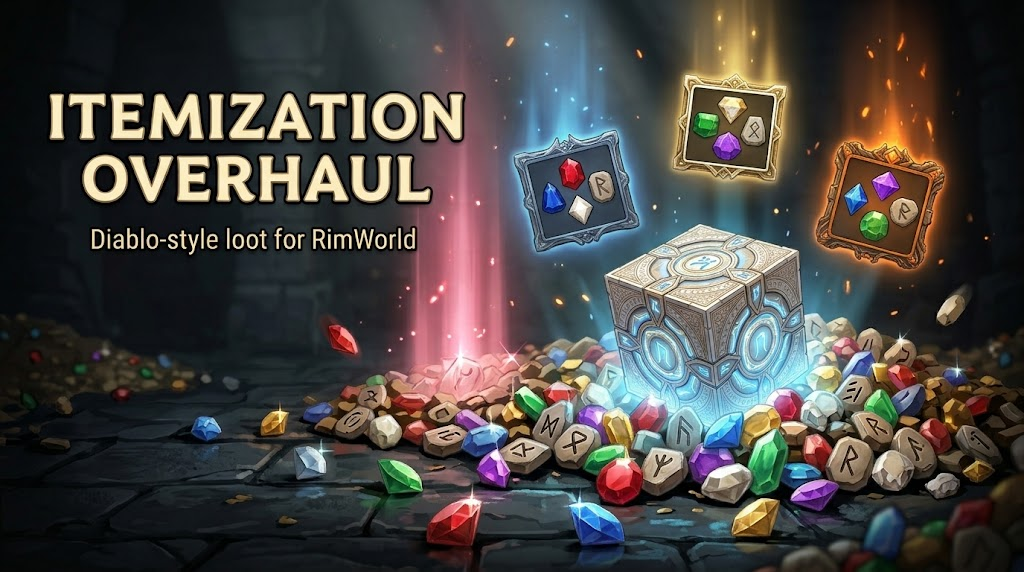
Diablo style loot for RimWorld Every weapon and piece of apparel becomes a real loot drop with a rarity tier, its own hand of random affixes, and the occasional rare twist.

Itemization Overhaul - Uniques & Mythics
✦ Itemization Overhaul - Uniques & Mythics ✦ An addon for Itemization Overhaul - Core that brings Diablo 2 style Unique and Mythic items to RimWorld — 34 fixed-identity Uniques that can manifest on any gear of the right slot, and 14 Mythic artifacts of impossible power earned at
More Management Mods
Vanilla Textures Expanded
1.6.0 (16/07/2020): Updated to 1.3. Honestly, we added so many textures (including almost a full retexture of Royalty) I'm not going to bother. 1.5.0 (11/10/2020): Added faction icons in HQ. 1.4.0 (04/09/2020): Added various new textures: Snowmen, Flatscreen TV, Unfinished appare
Vanilla Expanded Framework
The Vanilla Expanded Framework (VEF) is a core modding library required by many of the Vanilla Expanded mods.

Vanilla Plants Expanded
Vanilla Plants Expanded is a core module in a plant-based in the new mod series “Vanilla Cuisine Expanded” from the Vanilla Expanded team.
