Radius UI - Mission Control
 1 / 8
1 / 8◆ Radius UI - Mission Control ◆ RimWorld scatters everything that wants your attention across three corners in three different styles.
◆ Radius UI - Mission Control ◆
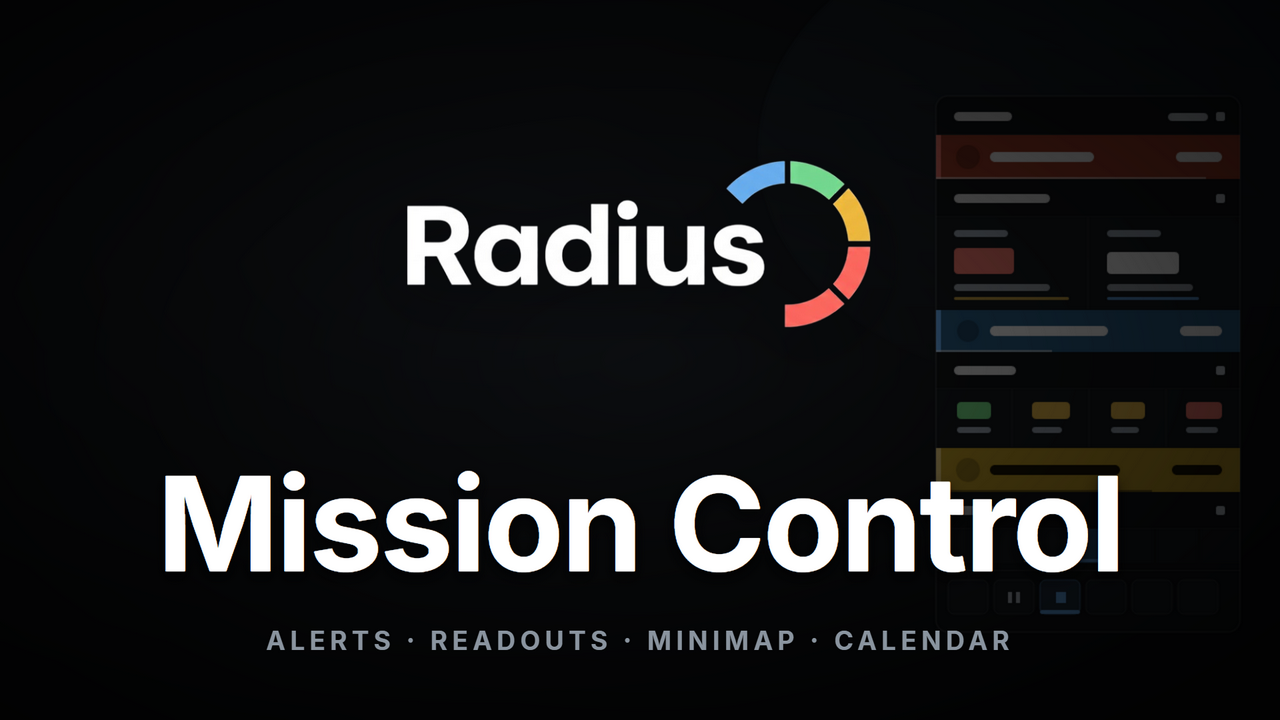
RimWorld scatters everything that wants your attention across three corners in three different styles. Pop-up messages float top-left, alerts stack on the right, the clock and speed controls cluster bottom-right, and letters pile up beside them. Mission Control pulls all of it into one clean, flat, icon-driven column, so a single glance tells you what is happening, how bad it is, and where. It ships a live minimap, a colony calendar, and a diagnostics strip that stays out of your way. Fully standalone, with Harmony as the only requirement, and safe to add or remove at any time.✦ One Column, Any Corner
- A single fused surface: speed controls, the widget drawer, your readouts, letters, messages and alerts compose into one continuous plate with no gaps or seams, under one purpose-drawn icon family.
- Sections that fold: readouts group under small Alerts, Environment, Colony and Time headers. Every section collapses to just its header with a click, and remembers.
- Dock it where you like: grab the grip and drag. The column snaps to the nearest of the four screen corners and rebuilds from that edge, growing downward from a top corner just as tidily as upward from a bottom one.
- Nothing hides when folded: a collapsed section keeps its summary on the header, so folding Time still shows the clock and folding Colony still warns you that food is low.
✦ Alerts And Countdowns
- A draining urgency bar: the left edge of each alert starts full and bright, then shrinks and fades the longer you leave it. A fresh problem looks nothing like one you have ignored for a season.
- Forecast bands: slim coloured strips slide into the matching section when something is on a clock - a detected raid, a bleeding colonist, food running out, a condition about to end, a quest about to expire. Only events the game itself is counting down, never a guess.
- Severity you can see without colour: every band carries a bright edge rail, its own icon and its countdown, so urgency reads even if you cannot separate the reds from the golds.
- Right-click to snooze: silence an alert for a while. It returns on its own, or sooner if its situation changes.
- Shift-click to hide: hide an alert you never want to see again, and restore it later from the settings.
- Never a wall: the column draws the most urgent alerts and the header carries the true count, so a death spiral stays readable.
✦ The Control Deck
- Styled speed controls: five crisp icon buttons from pause to ultrafast, with ultrafast unlocked from the start and no developer mode required. The active speed is marked clearly without shouting over your readouts.
- A tidy widget drawer: the vanilla display toggles tuck into a drop-down grid that fills its width evenly. Widgets added by other mods are normalised into the same grid - same tile, same spacing, same tint - so the drawer reads as one control surface instead of a pile of other people's buttons.
- One information panel: weather with wind strength, temperature, the date and the season share one column, each row with its own icon. Temperature is colour-graded from freezing blue to scorching red.
- A separate diagnostics strip: frames, tick rate and your real-world clock sit on their own thin row, apart from the readouts you play by. It stays visible even when you fold the Time section, because you check it for reasons that have nothing to do with the colony.
- A colony vitals row: an optional line of four readouts - health, mood, days of food and threat - each colour-graded, with the full breakdown on hover.
✦ Weather And Effects, Read At A Glance
- Live weather icons: clear skies, rain, thunder, snow, fog, wind, sandstorm and more, each drawn to match.
- Wind at a glance: the weather row shows current wind strength in plain words, so you know how your turbines are doing before you look at them.
- Effects beside the weather: toxic fallout, a solar flare, an eclipse or a cold snap appears right next to the weather with its own icon, not as a stray floating box.
- Danger you can see: hazardous conditions glow and wear a warning badge, so you know the difference between a pretty aurora and a deadly pall.
- A heat overlay on demand: right-click the temperature row to wash the map in a temperature gradient, with every enclosed room labelled by its own temperature.
✦ A Satellite Minimap
- A live downlink: an optional minimap renders the whole map in its real colours, docked into the column at full size or floating as its own card.
- A layer ledger: colonists, hostiles, wildlife, fires and fog each get a tile with a live count. Click one to filter the feed.
- Ping, alert, jump: right-click the feed to drop a fading ping echoed on the real map, watch attack alerts pulse the moment a threat spawns with a compass bearing to the hostile mass, and click to jump the camera.
- Lock it down: pin the floating card so neither a stray drag nor a resize can move it while you are clicking the map.
- Understands layered maps: with As Above So Below 2 the minimap gains a level selector and follows the camera between floors.
✦ Letters That Show What Happened
- Event icons: a raid shows crossed swords, a manhunter pack shows a fang, disease shows a virus, a trader shows coins, a crash shows a drop pod, a quest shows a scroll. You know what it is before you open it.
- Urgent events glow: a raid or other pause-worthy letter pulses softly in its own colour.
- Hover to preview: mouse over a letter to read its full text without opening it.
✦ A Living Calendar
- A date that knows what is coming: the date lights up as notable days approach, with a small icon for the next thing on the horizon.
- Click for the full calendar: a clean one-quadrum view. Step through seasons and years, hover any day to read its events, click an event to jump to it.
- It knows your colony: birthdays, quest deadlines, caravan arrivals, shuttles, growth moments, pregnancy due dates, research estimates, royal titles and rituals all land on the right day on their own.
- It remembers: deaths, raids, marriages, births, completed research and major incidents are recorded as they happen, with the telling details captured in the moment.
- Your own reminders: right-click any day to leave yourself a note with a title, a severity and an icon, set it to repeat, and it arrives as a matching letter when the day comes.
✦ Search, Music And The World View
• Map search, docked: the map search dialog becomes part of the column instead of a floating window, with an arrow pointing to the selected result. • A music section: with RimAMP installed, a compact player lives in the column - what is playing, a scrubbable progress bar, volume and transport controls. • Caravans at a glance: on the world map the column shows each caravan's arrival esSimilar Mods

Dubs Mint Menus
Adds new list boxes for recipe bills, health bills, plant selection, architect menu, research menu, and a quick select menu for designators, making it easier to find things when lots of mods are running.

RimHUD
RimHUD is a UI mod that displays detailed information about a selected character or creature.
Vanilla Plants Expanded
Vanilla Plants Expanded is a core module in a plant-based in the new mod series “Vanilla Cuisine Expanded” from the Vanilla Expanded team.
More Mods by Astryl

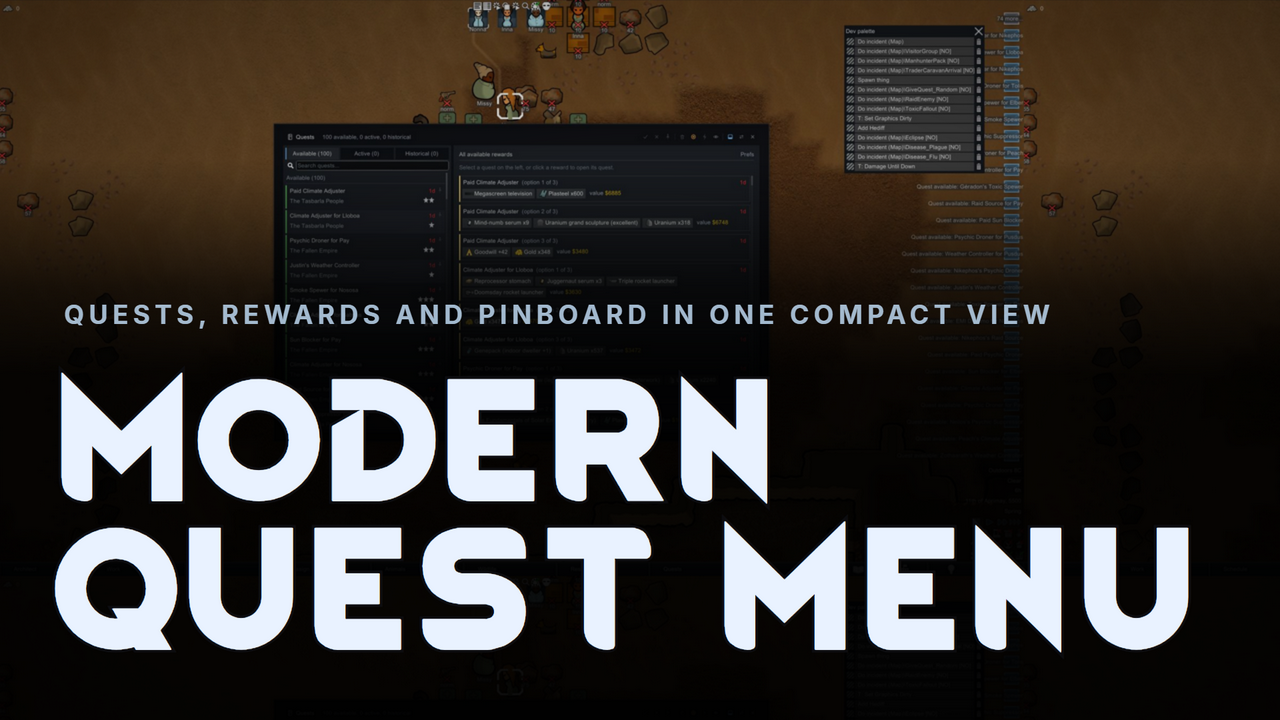
Modern Quest Menu
◆ Modern Quest Menu ◆ The vanilla Quests window is a cramped wall of grey text.
Radius UI - Faction Menu
A colour-forward redesign of the Factions tab, rebuilt on the Radius UI framework.
More Management Mods

Vanilla Cooking Expanded
Mechanics are simple and intuitive - keeping within the vanilla spirit without unnecessary fluff and production chains.
Vanilla Plants Expanded
Vanilla Plants Expanded is a core module in a plant-based in the new mod series “Vanilla Cuisine Expanded” from the Vanilla Expanded team.
Vanilla Textures Expanded
1.6.0 (16/07/2020): Updated to 1.3. Honestly, we added so many textures (including almost a full retexture of Royalty) I'm not going to bother. 1.5.0 (11/10/2020): Added faction icons in HQ. 1.4.0 (04/09/2020): Added various new textures: Snowmen, Flatscreen TV, Unfinished appare