RenderNodeAdjuster
 1 / 4
1 / 4Summary Designed as a functional alternative to "StylishRim," focused on fine-tuning render node positions.
Summary
Designed as a functional alternative to "StylishRim," focused on fine-tuning render node positions. Implemented as an extension of the "View Render Tree" in the DebugTool.Controls
- Open Window: Select a pawn and click the logbutton or press the Ctrl + Debug Inspector key (Default: + )
- Select Node: Choose any node from the Tree. Once selected, adjustment sliders will appear on the right.
- Precision Adjustment: Hold while dragging sliders for 1/10th sensitivity.
Adjustment Options
Offset- Vertical (Common), Horizontal (North/South), Depth (East/West), Layer (Priority)
- Height (Common), Width (North/South), Thickness (East/West)
- Roll (North/South), Tilt (East/West), Shear (East/West)
Data Management
- Auto-Save: Changes are saved automatically.
- Copy/Paste: Share settings via JSON on your clipboard.
- Remove / Remove All: Delete adjustment data for specific nodes or the entire pawn.
- Binding: Data is tied to the Pawn's DebugLabel or the specific ApparelDef.
Important Notes
- Non-apparel nodes may not save correctly due to ID limitations.
- Only currently rendered nodes can be adjusted.
- Minimal performance impact may occur as it runs during the render cycle (Optimized with caching).
Similar Mods

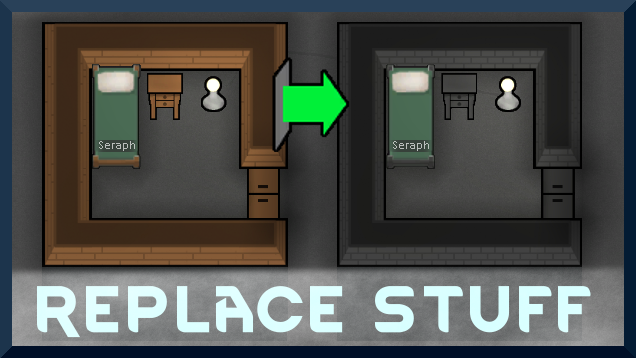
Replace Stuff
Place buildings anywhere, on top of existing things, and the game will handle it.
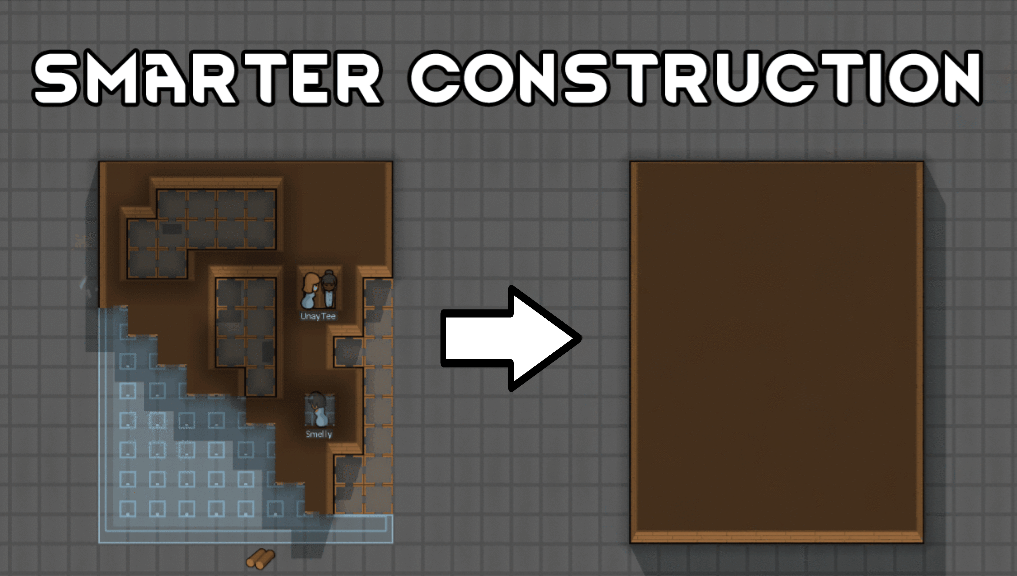
Smarter Construction
Stop your pawns from constantly building themselves into a wall or blocking something that hasn't been built yet.

Vanilla Furniture Expanded - Medical Module
1.1.1 (21/02/2020): 1.1 version of this mod is no longer dependant on VFE-Core 1.1.0 (20/02/2020): This mod is now 1.1 compatible. 1.0.0a (05/05/2019): Fixed several bugs. 1.0.0 (20/04/2019): Release This module is a part of Vanilla Furniture Expanded which can be downloaded belo
More Mods by Furia

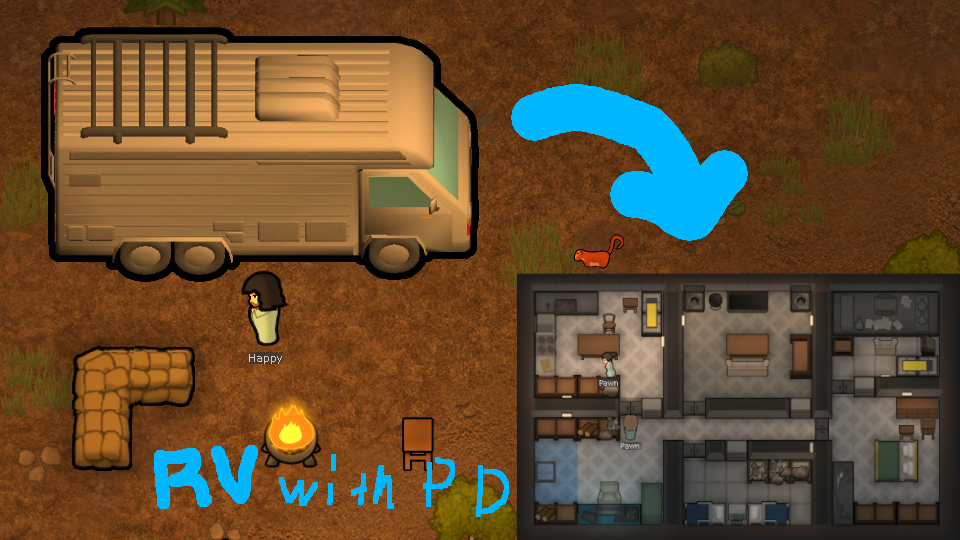
RV with built-in PD
This "Recreational Vehicle" can run using the functions of the "VehicleFramework" and has Personal Dimension built in.
More Management Mods

Vanilla Plants Expanded
Vanilla Plants Expanded is a core module in a plant-based in the new mod series “Vanilla Cuisine Expanded” from the Vanilla Expanded team.

Character Editor
last update: v1.6.3 build on 2025-07-21 for RimWorld v1.6.4523 Editor for humanlike pawns on map and for crashlanding (colonists, enemies, dead pawns) MOD FEATURES • editor for pawns on map and for crashlanding • editable: body, head, hair, skin color, apparel color, gender, name

Smarter Construction
Stop your pawns from constantly building themselves into a wall or blocking something that hasn't been built yet.