RimCommander
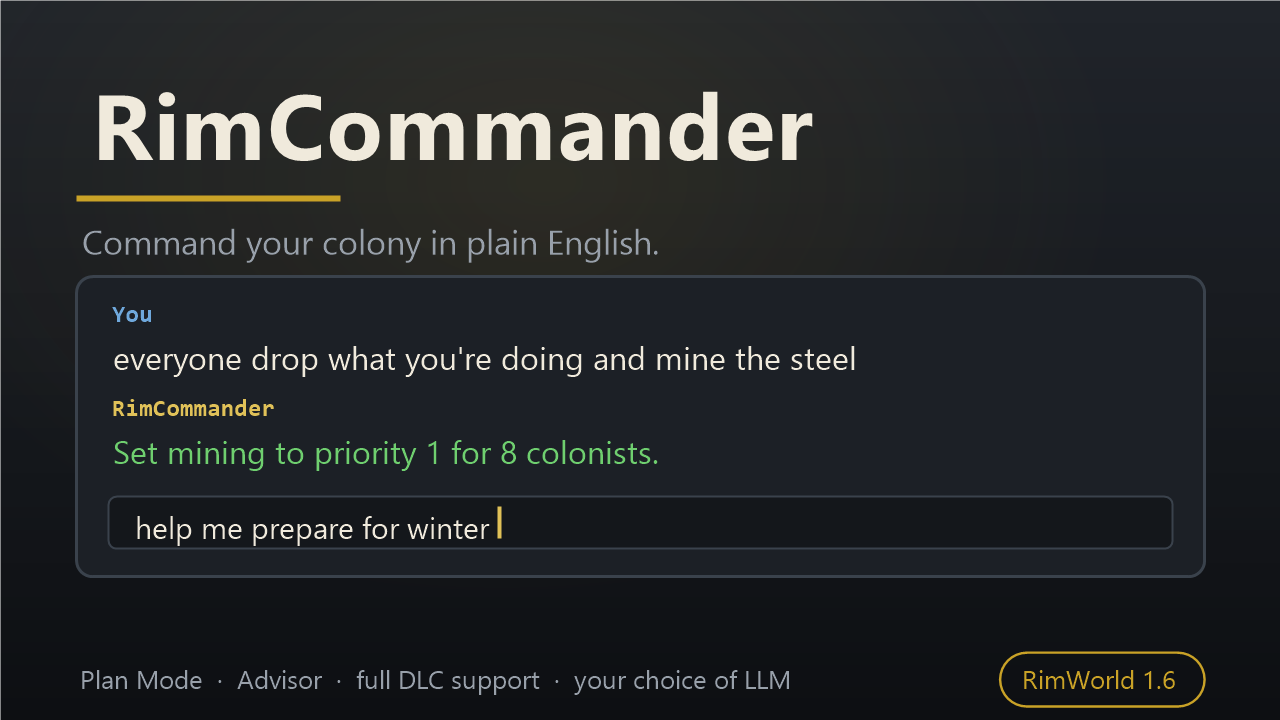
Command your colony — don't just chat with it.
Command your colony — don't just chat with it.
Type (or speak) plain English and RimCommander turns it into real actions: 40+ action types across work, combat, construction, production, medicine, zones and automation. Ask it open questions and it looks up your actual colony state before answering. "everyone drop what they're doing and mine the steel" "draft everyone and kite the raiders" "build a 5x5 bedroom north of the kitchen" "how's Bob doing?" "help me prepare for winter"What it does
- Work priorities, schedules, policies and area restrictions
- Designations: mine, hunt, harvest, chop, haul, deconstruct, smooth, paint
- Combat drafting with tactics (kite, cover, retreat, hold)
- Building and room construction, with power auto-routing
- Production bills, crafting goals with dependency resolution
- Medical care, rescue, tending, surgery, prisoner management
- Trading with quality filters and standing orders
- Zones, stockpiles and storage filters
- Standing rules and task queues for ongoing automation
- Colony questions: mood, health, threats, power, readiness
- Quests, faction relations, comms console and caravans
- Full DLC support where you own it: Royalty titles/permits/psycasts, Ideology rituals/precepts/roles, Biotech mech squads and genes, Anomaly containment and study, Odyssey gravship readiness
Plan Mode — let it think
Give it a goal instead of an order — "help me prepare for winter", "get ready for a siege" — and it looks up your real numbers (days of food, growing season left, who freezes at the seasonal low, threat points vs your defences), then proposes an ordered plan with a reason for each step. You approve it before anything happens, and it tracks progress as it works, skipping steps that stop making sense.Advisor — think before you act
Ask it to reason instead of act: "how should I defend this base?", "what should I sell?", "what should I do next?". It works out the real inputs — the approach paths raiders actually walk, what's driving your raid points, which colonists are wasted in their current role, what research is cheap and unblocks the most — and lays out two or three workable options with their trade-offs, rather than one confident guess.Safety
Actions are classified by risk. Destructive ones can show a real preview of what they would do — actual counts and targets, nothing changed yet — and ask before proceeding. An autonomy slider takes you from "ask me everything" to "just do it". Undo covers designations and most reversible state changes, and tells you honestly when something can't be taken back.Play it entirely by text
Everything above is reachable by typing. No menu diving, no pixel-accurate clicking, no memorised hotkeys — a prompt box is a complete interface to the colony. That is the whole design, and it is also what makes RimCommander an accessibility enabler: if fine mouse control, dense nested menus, or long micromanagement sessions are what stands between you and this game, full text interaction is a way in.- Say it instead of typing it — push-to-talk transcribes straight into the pipeline
- Optional spoken output through your screen reader (Tolk: NVDA, JAWS) or Windows SAPI
- Event narration reads out raids, deaths, disease and quest offers as they happen
- "Describe my base", "how's Bob doing?", "what's happening?" — the game read back in prose
- Letters that need a decision (quests, ransoms, joiners) can be answered by name instead of clicking a button
- Camera and selection follow your words: "show me the kitchen", "jump to the raid"
- Every control in the mod's own window is keyboard-reachable
Before you install — please read
This mod sends your colony's live game state (colonist names, skills, health, inventory, resources, map layout) to whichever LLM provider you configure, every time you issue a command. You choose the provider: OpenAI, Anthropic, Google Gemini, OpenRouter, the free Player2 desktop app (no API key — it uses your Player2 account), or a local model you run yourself (Ollama, LM Studio, vLLM, or any OpenAI-compatible endpoint). Cloud providers charge for API usage — typically a fraction of a cent to a few cents per command on a budget model, so roughly pocket change for an evening of play, but it is your account being billed. Player2 is free through your Player2 account. Local models are free and send nothing off your machine. If colonist names or other details concern you, use a local model. Single-player only. Requires outbound HTTPS (or local HTTP for self-hosted models). API keys are stored in mod settings in plaintext — use a restricted key.Getting started
Mod Options → RimCommander: pick a provider, paste your API key, Apply, choose a model, Test Connection. (Player2: no key and no model to pick — just have the app open and signed in, then Test Connection.) Then open the Commander tab in-game (default hotkey F9, rebindable) and type "what can you do?". No Harmony dependency. Open source (MIT).Similar Mods
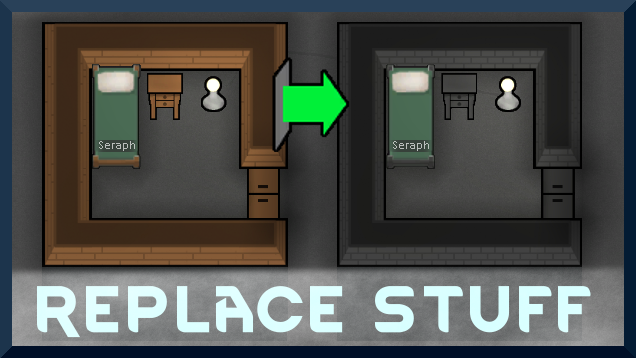
Replace Stuff
Place buildings anywhere, on top of existing things, and the game will handle it.

Vanilla Furniture Expanded - Production
1.1.0 (24/02/2020): We are now 1.1 compatible. 1.0.2 (05/10/2019): Now compatible with Dubs: Hygiene. Also, fixed the linkables not connecting to vanilla stoves. 1.0.1 (04/10/2019): Fixed the bills not being worked. 1.0.0 (04/10/2019): Release This module is a part of Vanilla Fur

Vanilla Textures Expanded
1.6.0 (16/07/2020): Updated to 1.3. Honestly, we added so many textures (including almost a full retexture of Royalty) I'm not going to bother. 1.5.0 (11/10/2020): Added faction icons in HQ. 1.4.0 (04/09/2020): Added various new textures: Snowmen, Flatscreen TV, Unfinished appare
More Management Mods

Wall Light
As of update 1.5, Rimworld now contains wall lamps that serve the same purpose that this mod served for many, many years. So, what does this do now? Adds wall sun lamps. Lets you configure the vanilla wall lamps (and the added wall sun lamps) like you could with the old wall ligh

Vanilla Cooking Expanded
Mechanics are simple and intuitive - keeping within the vanilla spirit without unnecessary fluff and production chains.

EdB Prepare Carefully
Customize your RimWorld colonists, choose your gear and prepare carefully for your crash landing!
