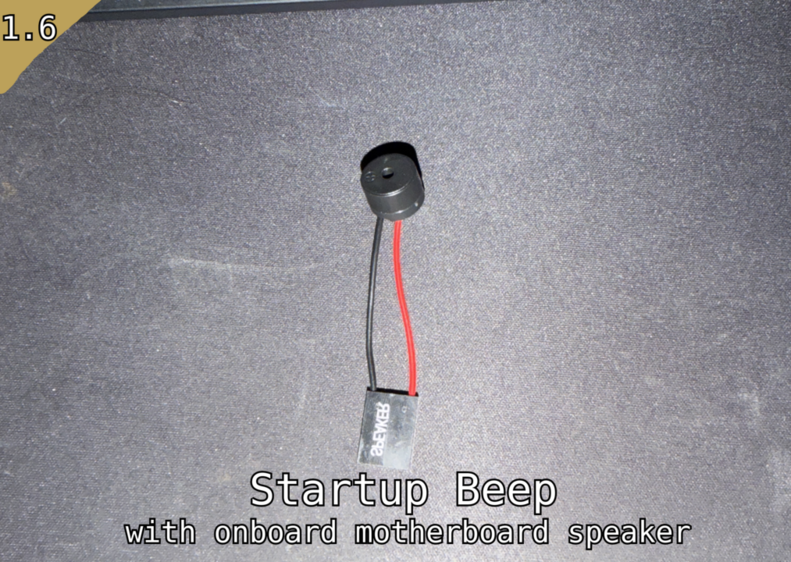
Startup Beep with motherboard speaker
LINUX ONLY This mod requires the Linux version of RimWorld for it to function as intended.
LINUX ONLY
This mod requires the Linux version of RimWorld for it to function as intended. Windows will never be supported A simple utility mod that provides an audible beep upon the main menu appearing using the motherboard speaker that some PCs have. It’s worth noting that you can install these speakers yourself just look up the manual for your motherboard and buy the parts yourself their pretty cheap often under £10 for a set of 10. Requirements A physical PC speaker connected to your motherboard's JFP2/SPKR header Setup (one-time) This may not be necessary for some people and this may only be required on Linux distros that are based off SELinux like Fedora so I recommend testing without doing the setup if it does not work then do the following. Run the following commands in a terminal: echo 'KERNEL=="event*", ATTRS{name}=="PC Speaker", GROUP="input", MODE="0660"' | sudo tee /etc/udev/rules.d/70-pcspkr-beep.rules sudo udevadm control --reload-rules sudo udevadm trigger sudo usermod -aG input $USER Then reboot. After that ensure the mod is loaded in your mod manager and load up RimWorld. If you hear your motherboard speaker beep then congrats everything is working. Now I recommend taking the time to config the mod settings and change up the frequency and duration values to suit your preferences. Notes Will silently do nothing if no PC speaker is present or if you’ve not ran the terminal commands listed above Inspired by Ding On Game Loaded Troubleshooting • No beep after setup: Make sure the pcspkr kernel module is loaded (lsmod | grep pcspkr). If not, run sudo modprobe pcspkr and add pcspkr to /etc/modules-load.d/pcspkr.conf to make it permanent. • No beep after reboot: The udev rule may not have applied correctly. Re-run the setup commands and ensure you rebooted after adding yourself to the input group. • Still no beep: Verify your PC speaker is physically connected to the correct header (JFP2 Speaker pins, not Buzzer pins) with correct polarity (red wire to +). • Silent failure: The mod will not produce errors if the PC speaker is absent or inaccessible — check your RimWorld log (Player.log) for entries to diagnose. Legal: “Portions of the materials used to create this content/mod are trademarks and/or copyrighted works of Ludeon Studios Inc. All rights reserved by Ludeon. This content/mod is not official and is not endorsed by Ludeon.”Similar Mods

Vanilla Events Expanded
See changenotes. Vanilla Events Expanded is one of our oldest mods, and I’m honestly shocked it’s holding up so well - it’s pretty resistant to game updates and bugs because of its simplicity. Back when I first made it with Kikohi, we didn’t know much about modding. I just wanted


QualityBuilder
With QualityBuilder all buildings that have quality (beds, tables etc) will only be build by the best builder to ensure the best outgoing quality.

Vanilla Furniture Expanded - Medical Module
1.1.1 (21/02/2020): 1.1 version of this mod is no longer dependant on VFE-Core 1.1.0 (20/02/2020): This mod is now 1.1 compatible. 1.0.0a (05/05/2019): Fixed several bugs. 1.0.0 (20/04/2019): Release This module is a part of Vanilla Furniture Expanded which can be downloaded belo
More Mods by Rob The Robot Guard
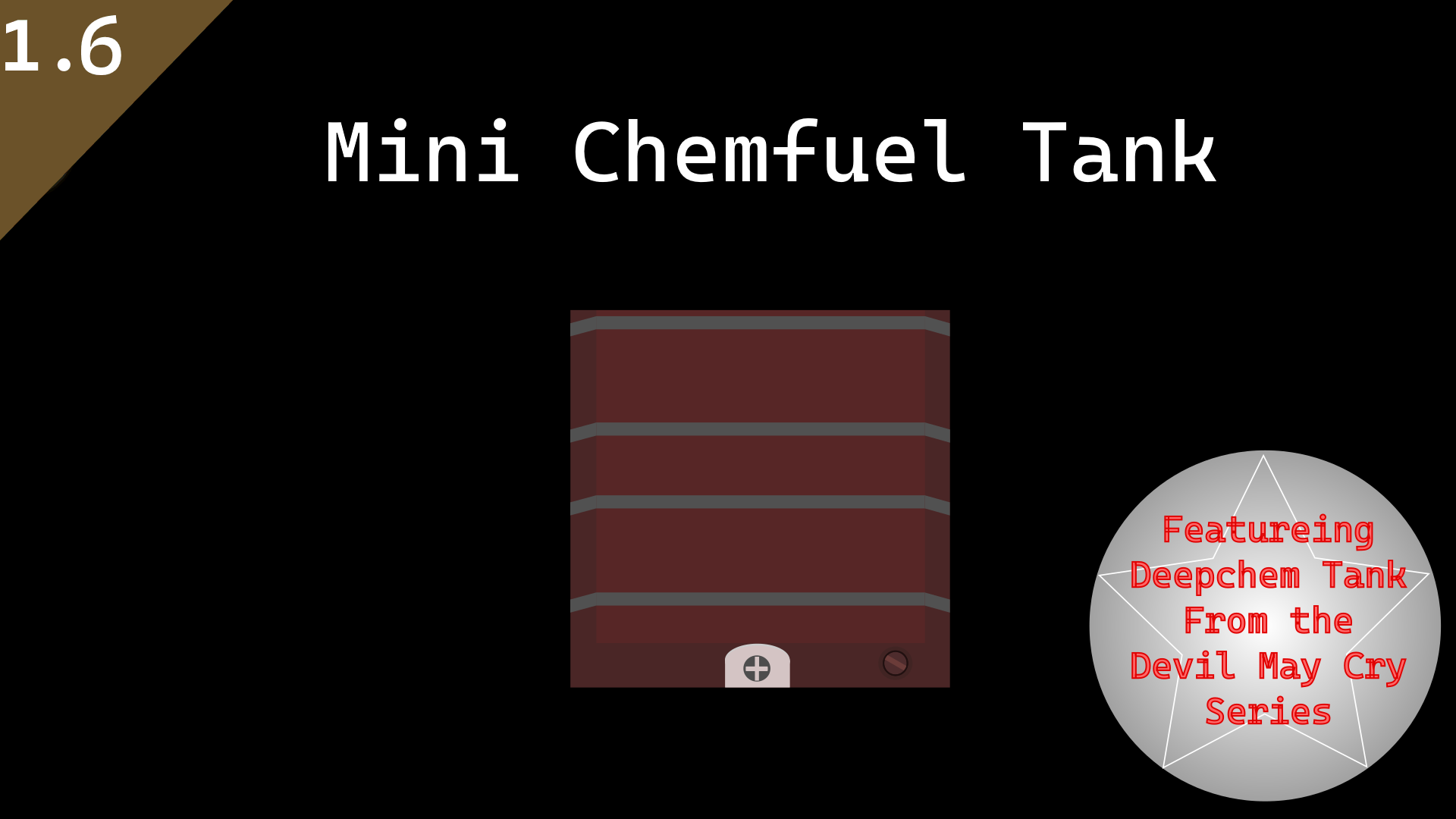
Mini Chemfuel Tank
About So, you have no room in your base to fit those giant chemfuel tanks from vanilla chemfuel expanded well i have you covered with these new mini chemfuel tanks which can hold 1/4 of the normal fuel amount but takes up only a single tile of space.

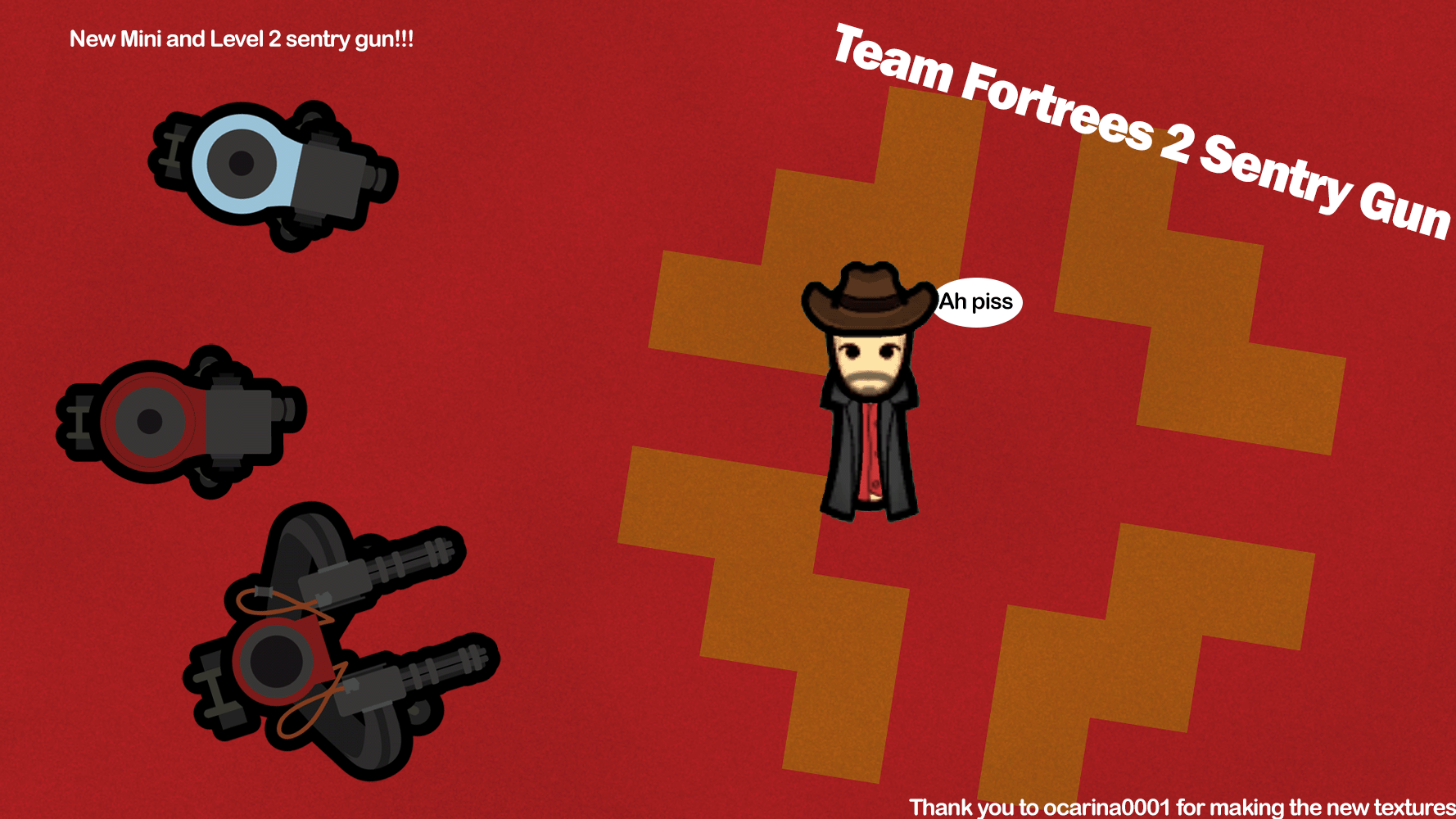
Team Fortress 2 Sandvich
1.6 Compatible "Some people think they can outsmart me. Maybe... maybe. I have yet to meet one that can outsmart bullet." -Heavy 2007 New update now with better support thanks to TurtleShroom Don't worry you don't have to become Neo to use this mod. This Mod adds The Team Fortres

Empire Extra Biome Support
This mod implements additional support for different kinds of modded Biomes with the Empire mod.
More Management Mods

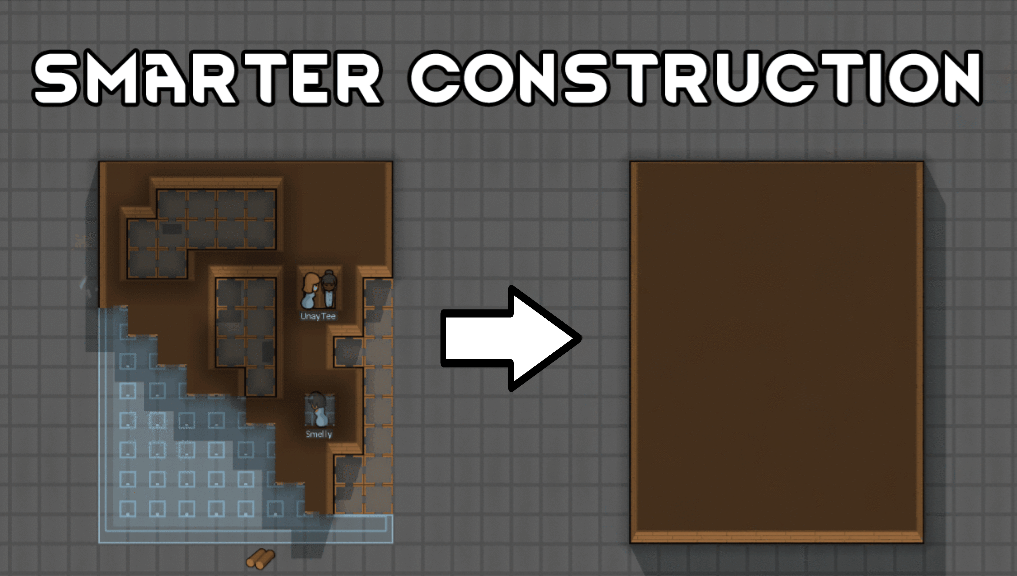
Smarter Construction
Stop your pawns from constantly building themselves into a wall or blocking something that hasn't been built yet.
QualityBuilder
With QualityBuilder all buildings that have quality (beds, tables etc) will only be build by the best builder to ensure the best outgoing quality.