UnVibe UI
 1 / 6
1 / 6Hello everyone! I am fully aware that many people are highly skeptical of "vibecoding", so I won't waste your time. I want to say right off the bat that this mod was developed purely through vibecoding and my personal vision of the game. I made this mod for myself. I would really
Hello everyone!
I am fully aware that many people are highly skeptical of "vibecoding", so I won't waste your time. I want to say right off the bat that this mod was developed purely through vibecoding and my personal vision of the game. I made this mod for myself. I would really appreciate it if, after my honest confession, you could refrain from posting nasty comments, as I am quite sensitive.
The mod is currently in the testing phase, so bugs, lag, and other unpleasant things are likely to happen.
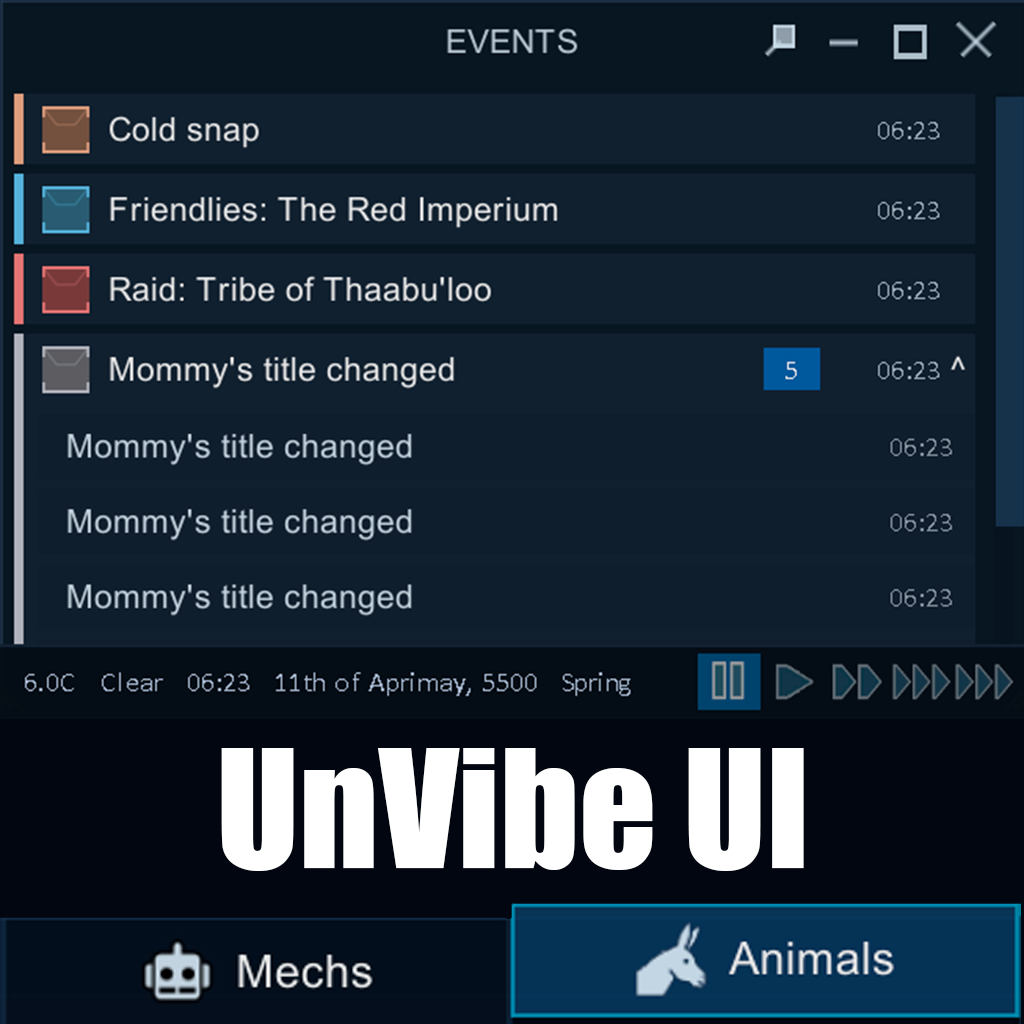
That being said, I wanted to clean up my game screen and get rid of the interface clutter, so I made UnVibe UI. It lets you customize the bottom menu bar, change the tab layouts, and replaces the standard letter list with a neat, draggable events widget.
What this mod can do:
- Bottom Bar Customization: Drag and drop tabs to change their order, hide the ones you don't use, set custom icons (pulled from your active mods), or change their width. There is also an auto-hide option, though it is only useful in rare cases because I honestly don't know how to remove the leftover line behind the vanilla bar yet :(. However, according to Dubs Performance Analyzer, this feature actually reduces the load on your PC, so I will keep it for now.
- Floating Events Window: Instead of the standard letter stack (which instantly fills the entire screen in large colonies during any incident, pushing alerts all the way to the top), you get a separate window that you can drag and resize. It groups identical notifications together so your screen doesn't get flooded with letters during major raids or events.
- Toggle Extra UI Elements: You can easily hide annoying alerts, play settings buttons, date/time info, or the terrain readout under your cursor.
Development & Inspiration:
I am a huge fan of the "UI Not Included" mod. I've played with it for dozens of hours and absolutely love it—it was the main inspiration for this project. I would also like to mention "Yet Another Research Tree (YART)", whose beautiful and smooth UI really impressed me and made me realize how outdated the vanilla bottom bar looks. That said, I want to make one thing clear: I did not copy a single line of code from any of those mods. This mod was written completely from scratch with the helpful assistance of AI.
Tested and works (seemingly) fine on version 1.6.
Similar Mods
Vanilla Hair Expanded
1.2.0 (17/05/2020): Fixed label length issue. 1.1.1 (29/02/2020): Beards now work perfectly fine! Thanks for your patience. We have all been there, with a colony of a hundred pawns where everyone looks somewhat the same. Starting colonists with no character to their looks. This m

Pick Up And Haul
"Greatest hauling mod ever" - Chicken Plucker Colonists will gather stuff in their inventory, then haul it all to a stockpile.
More Management Mods
Humanoid Alien Races
A framework for the creation of new alien races in Rimworld If you ever thought that the racial diversity in rimworld is.
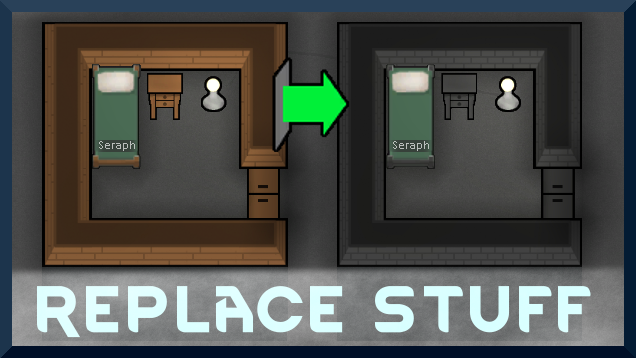
Replace Stuff
Place buildings anywhere, on top of existing things, and the game will handle it.
Vanilla Events Expanded
See changenotes. Vanilla Events Expanded is one of our oldest mods, and I’m honestly shocked it’s holding up so well - it’s pretty resistant to game updates and bugs because of its simplicity. Back when I first made it with Kikohi, we didn’t know much about modding. I just wanted
Wall Light
As of update 1.5, Rimworld now contains wall lamps that serve the same purpose that this mod served for many, many years. So, what does this do now? Adds wall sun lamps. Lets you configure the vanilla wall lamps (and the added wall sun lamps) like you could with the old wall ligh