WorldEdit [OUTDATED CHECK DESCRIPTION]
 1 / 14
This outdated version.
This outdated version. It will no longer be updated. Use the new version of the mod: WorldEdit2.0
Create your own world!
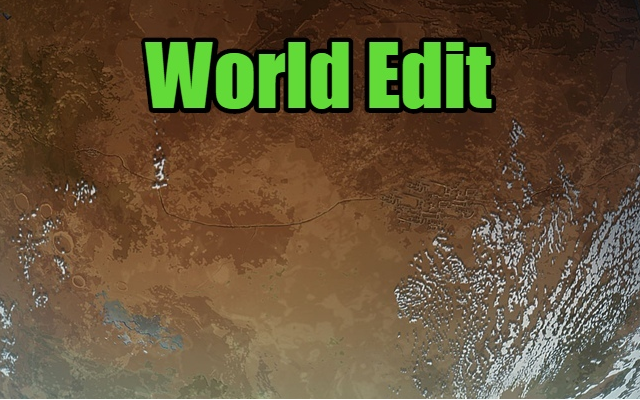
Here you can see Guide Templates --> THIS Have you ever dreamed of playing on an extremely deserted or extremely cold planet? Or maybe you wanted a system of islands? You can create the desired world. Opportunities: - Tile editor (biome): change the biome of any tile. Automatically picks up biomes from mods if you add them. - Changing the parameters of tiles: change the temperature, height, precipitation of each tile. - Faction editor: you can create your own faction, with your name, leader, customize relationships and even color! - Editor of the settlements: create or modify settlements. You can place them anywhere, any number, and even customize sellers of goods! - Editor of roads and rivers: draw rivers and roads on the map. The system allows you to create ramifications of any complexity. - The editor of inscriptions: delete, change the inscriptions on the map. You can choose the size, rotation angle, position and end text. - Template system: share the created worlds with other players or set yourself their creations. Answers on questions: Q: How can i open editor? A: Press F5 Q: I cant edit stone types A: Thanks @Overquoted: It's a mod conflict with KV's Configurable Maps. Disabling that mod allowed me to edit stone types where I previously was not able. Load order was irrelevant. Tested using Core > Hugslib > World Edit > Configurable Maps. The other mod conflict I found was minor and could be corrected in the other mod's settings. I mentioned it in your Bugs thread (Prepare Landing, for anyone curious). Compatible mods: - Realistic planets; - Edb Prepare carefull Translation: - RUS - ENG - French - Japanese: https://steamcommunity.com/sharedfiles/filedetails/?id=1740744941 (Thanks @Proxye) - Chinese: https://steamcommunity.com/sharedfiles/filedetails/?id=1781409162 (Thanks @leafzxg) WikiSimilar Mods

Replace Stuff
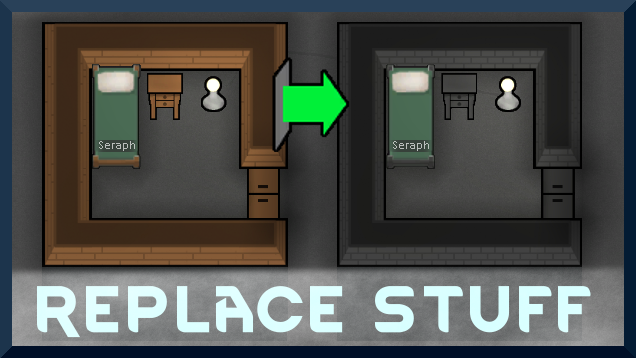
Place buildings anywhere, on top of existing things, and the game will handle it.

Vanilla Hair Expanded
1.2.0 (17/05/2020): Fixed label length issue. 1.1.1 (29/02/2020): Beards now work perfectly fine! Thanks for your patience. We have all been there, with a colony of a hundred pawns where everyone looks somewhat the same. Starting colonists with no character to their looks. This m

Vanilla Furniture Expanded - Medical Module
1.1.1 (21/02/2020): 1.1 version of this mod is no longer dependant on VFE-Core 1.1.0 (20/02/2020): This mod is now 1.1 compatible. 1.0.0a (05/05/2019): Fixed several bugs. 1.0.0 (20/04/2019): Release This module is a part of Vanilla Furniture Expanded which can be downloaded belo
More Mods by FunkyShit

RimOverhaul
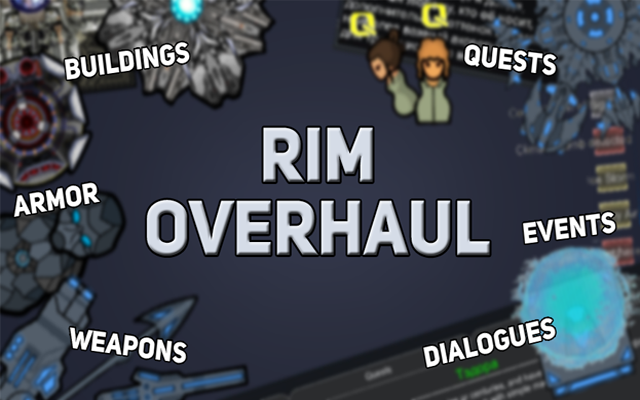
RimOverhaul - global expansion The main task of mod is to diversify and liven up the game world.

More Management Mods

Dubs Mint Menus
Adds new list boxes for recipe bills, health bills, plant selection, architect menu, research menu, and a quick select menu for designators, making it easier to find things when lots of mods are running.


Vanilla Expanded Framework
The Vanilla Expanded Framework (VEF) is a core modding library required by many of the Vanilla Expanded mods.