【索取猫】糖潮投影台 / [Gimme Cat] Sugar Riot Portrait Dresser
 1 / 3
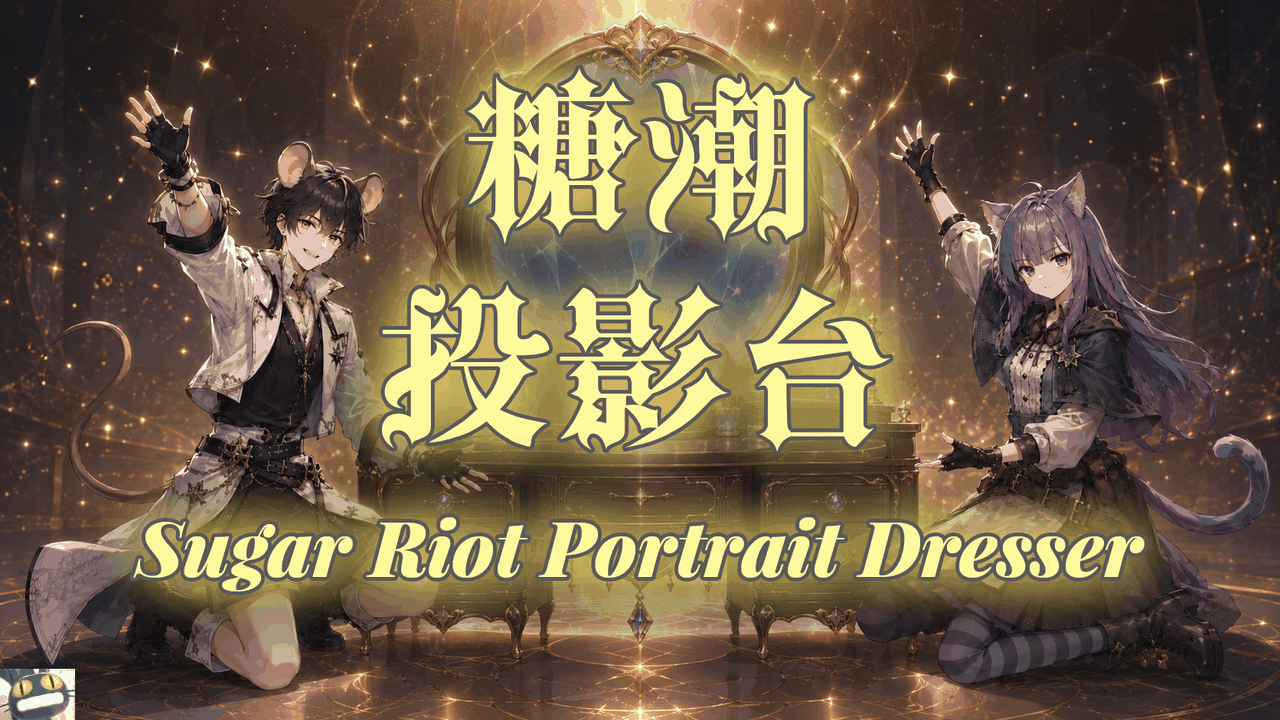
1 / 3三头身小人没有代入感? Do RimWorld’s three-head-tall pawns feel a little lacking in immersion?
三头身小人没有代入感?
Do RimWorld’s three-head-tall pawns feel a little lacking in immersion?
动态表情不足以表达殖民者的心情和状态?
Are dynamic facial expressions still not enough to convey your colonists’ moods and conditions?
请使用狂热糖潮的艺术投影台!
Then try Sugar Riot’s Art Projection Dresser!
《糖潮投影台》是一款本地立绘管理模组。
Sugar Riot Portrait Dresser is a local portrait management mod.
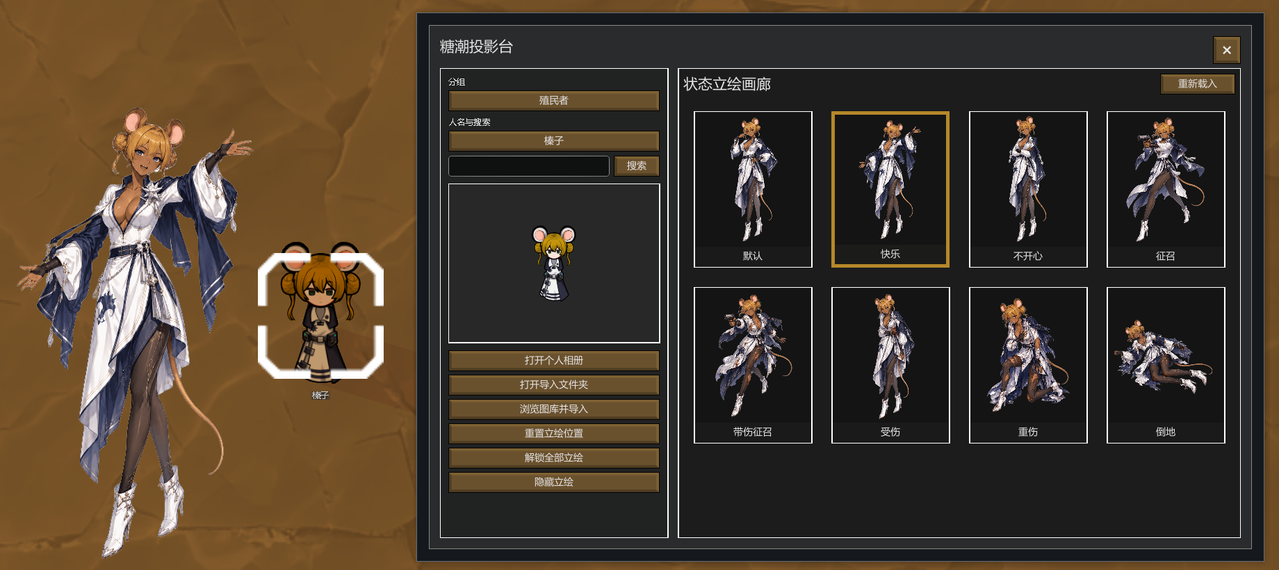
在这里,你可以为自己的每一位殖民者建立个人相册,导入喜欢的图片作为形象立绘,支持 PNG、JPG 格式。
Here, you can create a personal album for each of your colonists and import any images you like as their character portraits. PNG and JPG formats are supported.
同时还能让立绘根据殖民者的状态自动切换。
Portraits can also switch automatically according to each colonist’s current condition.
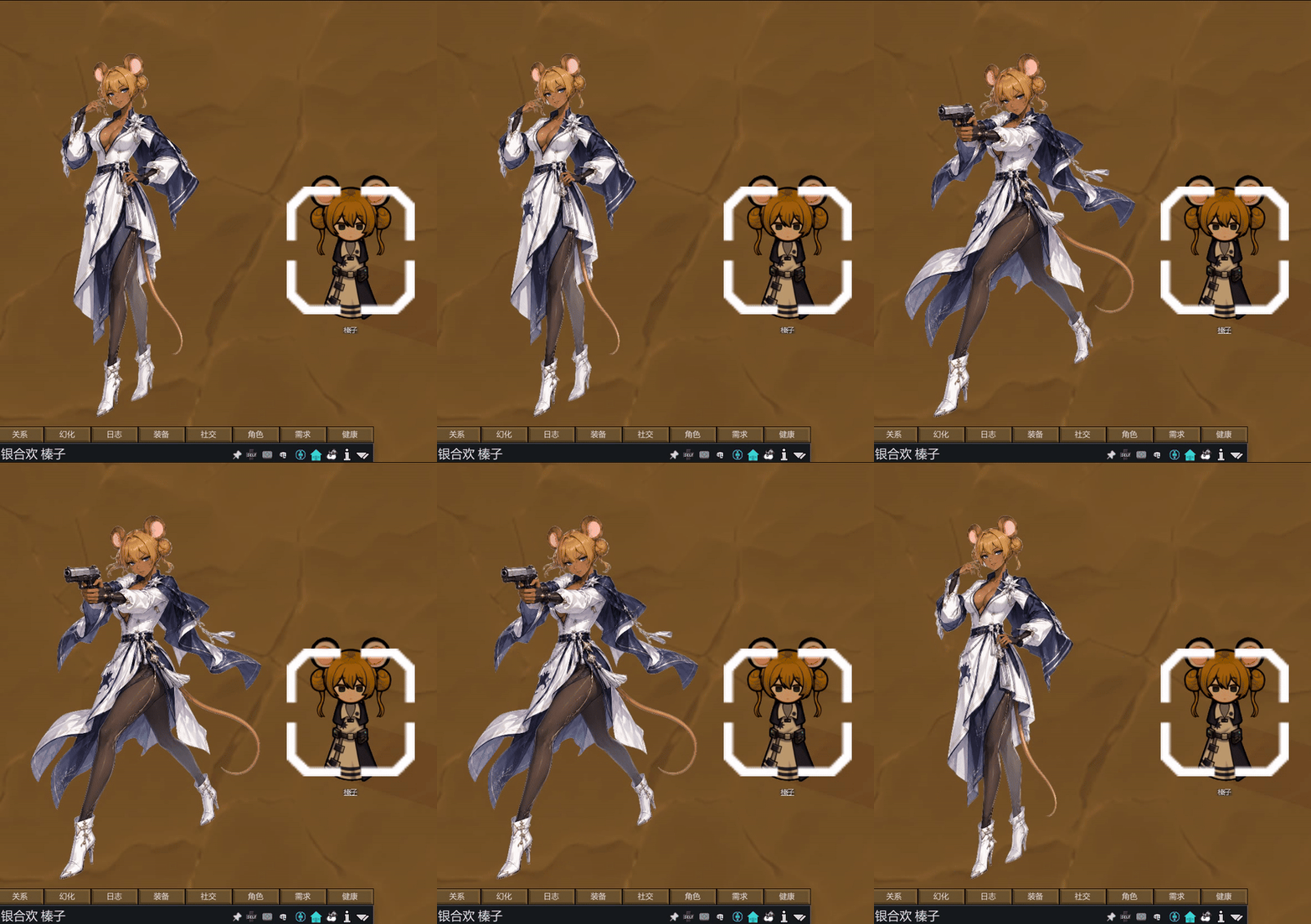
目前我们开放普通、快乐、不开心、征召、带伤征召、受伤、重伤、倒地八个状态栏位,未来可能会增加更多。
Eight portrait slots are currently available: Default, Happy, Unhappy, Drafted, Drafted + Injured, Injured, Severely Injured, and Downed. More states may be added in the future.

立绘可以自由拖动和锁定,锁定后不会妨碍地图点击与正常操作。
Portraits can be freely moved and locked in place. Once locked, they will not interfere with map clicks or normal gameplay controls.
所有图片都保存在本地,不必担心你的作品被网络爬虫窃取!
All images remain stored locally. You do not need to worry about your work being taken by web crawlers!
只有一张立绘太单调了!
One portrait alone gets awfully dull, don’t you think?
是你给了我灵感!自由才是艺术的真谛!
You’ve reminded me of something truly important: art must be free!
============================================
2026.8.13 更新|1.2 版本
August 13, 2026 Update | Version 1.2
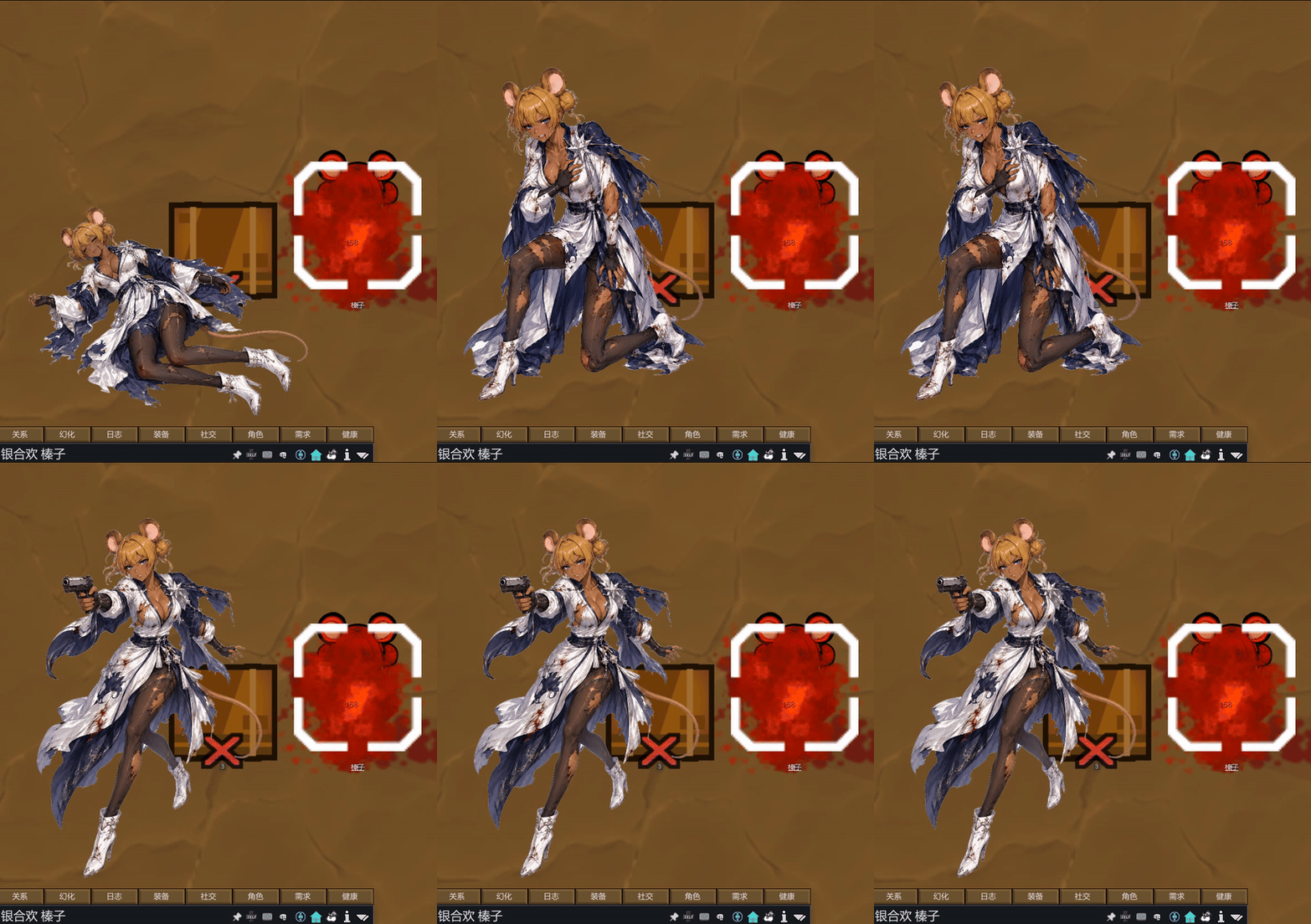
新增了【无伤倒地】和【疾病】两个状态栏。
Added two new portrait states: and .
新增了自由比例缩放功能。
Added free-scale portrait resizing.
修正了立绘图片超出游戏窗口边界时会自动回弹的问题。
Fixed an issue where portraits would automatically snap back toward the game window when moved beyond the screen boundaries.
============================================
常见问题|FAQ
Q:支持哪些图片格式?
Q: Which image formats are supported?
A:PNG、JPG 和 JPEG。
A: PNG, JPG, and JPEG.
---
Q:目前支持哪些状态的立绘自动切换?
Q: Which portrait states currently support automatic switching?
A:默认、快乐、不开心、征召、带伤征召、受伤、重伤和倒地。
A: Default, Happy, Unhappy, Drafted, Injured While Drafted, Injured, Severely Injured, and Downed.
---
Q:必须准备全部八张立绘才能使用吗?
Q: Do I need to prepare all eight portraits before using the mod?
A:不需要。只要有默认状态一张就可以开始显示,状态栏位空白的情况下会按优先度切换或保持默认立绘。你可以先导入已有图片,之后再逐步补充其他状态。
A: No. You only need one portrait for the default state to begin using the mod. When a state slot is empty, the mod will switch according to its priority rules or continue displaying the default portrait. You may import the images you already have and gradually add portraits for the other states later.
---
Q:图片会上传到 Steam 或存档里吗?
Q: Will my images be uploaded to Steam or stored in the save file?
A:不会。图片保存在本地立绘目录中,由模组从本地读取。发布存档或订阅模组不会自动附带你的个人图片。
A: No. The images are stored in a local portrait folder and are loaded locally by the mod. Sharing a save file or subscribing to the mod will not automatically include your personal images.
---
Q:我要怎么导入图片?
Q: How do I import images?
A:选择角色后,打开该角色的个人相册或统一导入相册,将图片放入对应目录,再通过模组窗口选择图片。你也可以直接双击对应立绘栏位打开导入相册选择图片。
A: After selecting a character, open either that character’s personal album or the shared import album, place the images in the corresponding folder, and then select them through the mod window. You may also double-click the corresponding portrait slot to open the import album and choose an image directly.
---
Q:立绘挡住视线或操作怎么办?
Q: What should I do if a portrait blocks my view or interferes with controls?
A:你可以拖动立绘放到任何你喜欢的位置,并使用右下角的全局锁定功能开启点击穿透。锁定后,鼠标操作不会被立绘窗口拦截。同时 1.1 版本我们增加了立绘缩放功能,在非锁定状态下右键单击立绘可以选择缩放比例。
A: You can drag the portrait to any position you like and use the global lock button in the lower-right corner to enable click-through. Once locked, the portrait window will no longer intercept mouse input. Version 1.1 also adds portrait scaling: while the portrait is unlocked, right-click it to choose a scale percentage.
---
Q:缩放比例里没有我需要的尺寸怎么办?
Q: What if none of the available scale percentages is the size I need?
A:请等待下一次更新。
A: Please wait for a future update.
---
Q:动物、机械体、食尸鬼等角色也能使用自定义立绘吗?
Q: Can animals, mechanoids, ghouls, and similar characters also use custom portraits?
A:可以,但这类角色只有普通和受伤两个状态栏。
A: Yes, but these characters only have two portrait slots: Normal and Injured.
---
Q:你会考虑增加生图功能吗?
Q: Would you consider adding an image-generation feature?
A:在 1.1 版本中这个功能已经实装啦!
A: This feature has already been added in version 1.1!
---
Q:CE?
Q: CE?
A:?
A: ?
支持语言:简体中文、英文
Supported languages: Simplified Chinese and English
制作人员:
Created by:
歹毒的索取猫、ChatGPT-plus
PS:下一步计划是增加更多状态立绘栏位、立绘缩放功能以及 UI 美化。全都归我了喵~
P.S. The next steps currently planned are additional portrait state slots, portrait scaling, and UI improvements. Mine, meow! All mine!
PS 又 PS:如果你喜欢索取猫的模组,请为索取猫留言点赞。你们的支持是索取猫最大的动力~如果你有任何意见或建议,欢迎在评论区畅所欲言。谢谢喵!
P.P.S. If you enjoy Gimme Cat’s mods, please leave a comment and give them a thumbs-up. Your support is Gimme Cat’s greatest motivation! Any opinions or suggestions are more than welcome in the comments. Thank you, meow!
Similar Mods
Vanilla Hair Expanded
1.2.0 (17/05/2020): Fixed label length issue. 1.1.1 (29/02/2020): Beards now work perfectly fine! Thanks for your patience. We have all been there, with a colony of a hundred pawns where everyone looks somewhat the same. Starting colonists with no character to their looks. This m
Vanilla Apparel Expanded
1.2.1 (25/02/2020): Formal wear now counts as royal apparel. 1.2.0 (19/02/2020): This mod is now 1.1 compatible. After a hundred hours playing RimWorld you notice that every pawn wears somewhat the same things. The base game apparel is not really as interesting, unique and variou
Vanilla Plants Expanded
Vanilla Plants Expanded is a core module in a plant-based in the new mod series “Vanilla Cuisine Expanded” from the Vanilla Expanded team.
Vanilla Fishing Expanded
Vanilla Fishing Expanded is a first module in a brand new mod series “Vanilla Cuisine Expanded” from the Vanilla Expanded team.
More Mods by 四足不文明索取猫
ManyCats Toolbox Continued
2026.8.9 Update Fixed an issue where the Airdrop Landing Spot could fail when roof protection was enabled. Fixed an issue where the “Disable Random Relatives” feature could cause incorrect relationship states after marriage, and restored the “Globally Disable Random Relatives” op
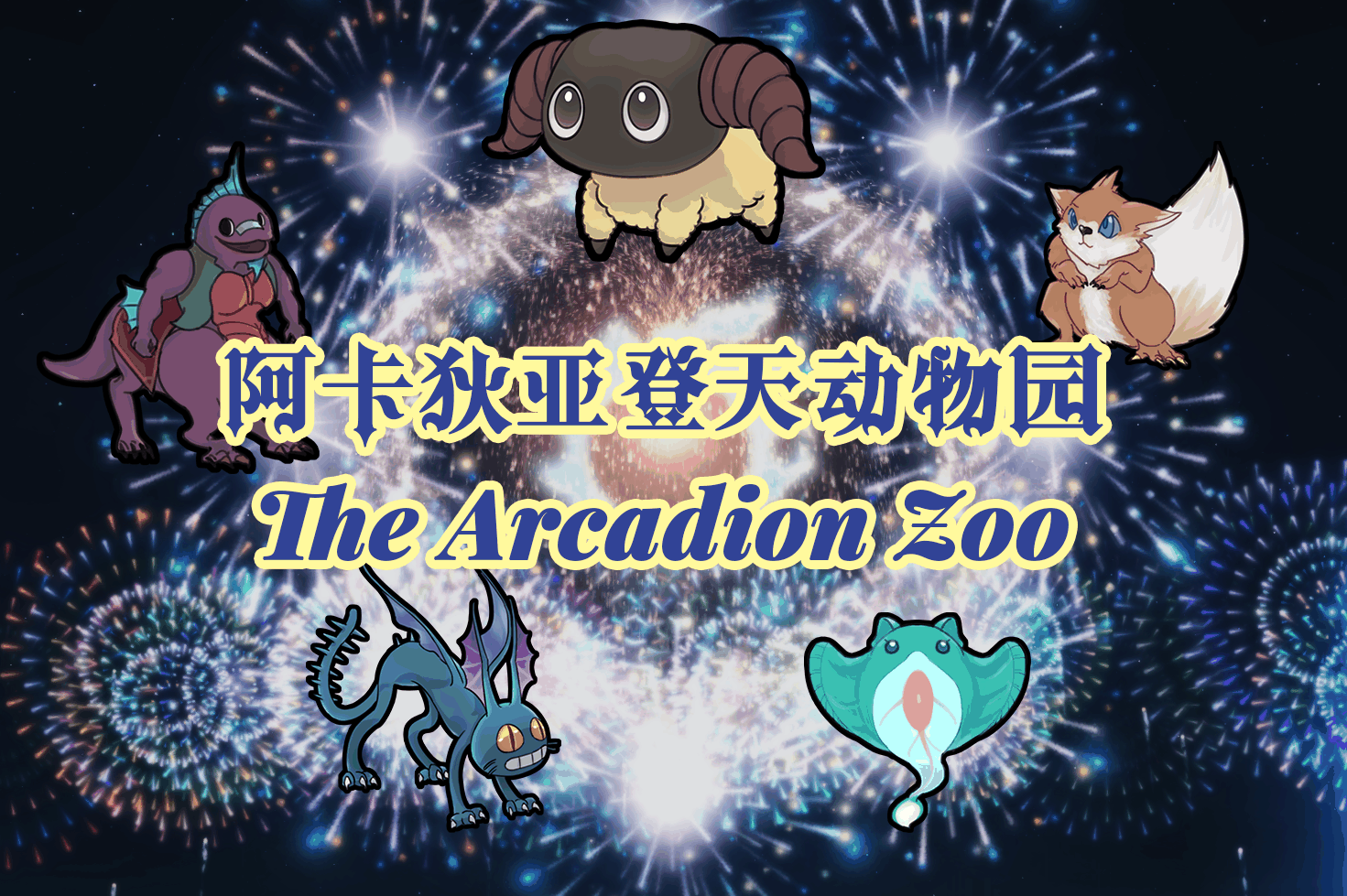
【索取猫】阿卡狄亚登天动物园
FF14 Dawntrail's little creatures from The Arcadion series of Chronicles of a New Era quests have arrived in the RimWorld!
More Management Mods

Dubs Mint Menus
Adds new list boxes for recipe bills, health bills, plant selection, architect menu, research menu, and a quick select menu for designators, making it easier to find things when lots of mods are running.
Vanilla Apparel Expanded
1.2.1 (25/02/2020): Formal wear now counts as royal apparel. 1.2.0 (19/02/2020): This mod is now 1.1 compatible. After a hundred hours playing RimWorld you notice that every pawn wears somewhat the same things. The base game apparel is not really as interesting, unique and variou
Smarter Construction
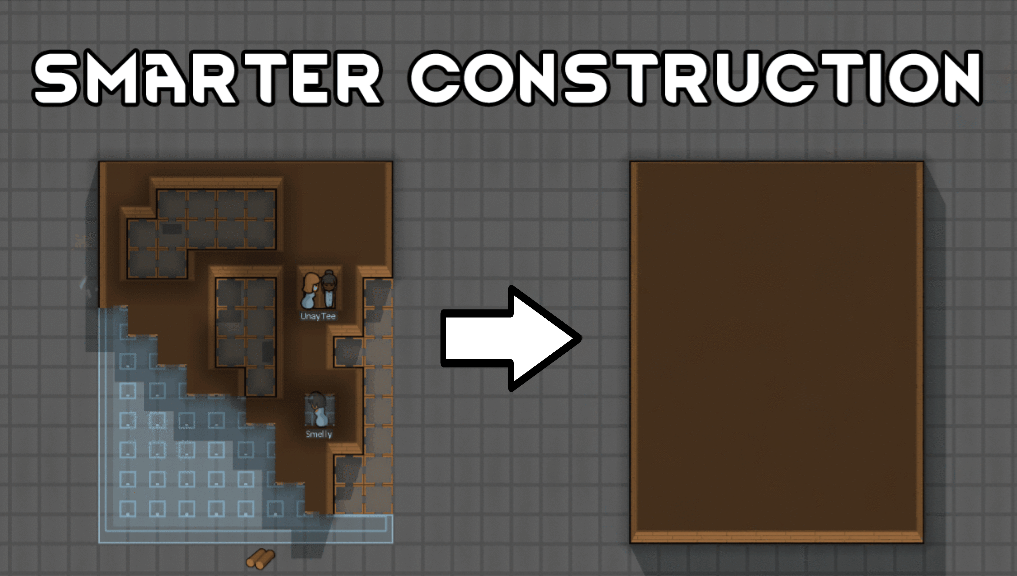
Stop your pawns from constantly building themselves into a wall or blocking something that hasn't been built yet.