Bill Variables
 1 / 7
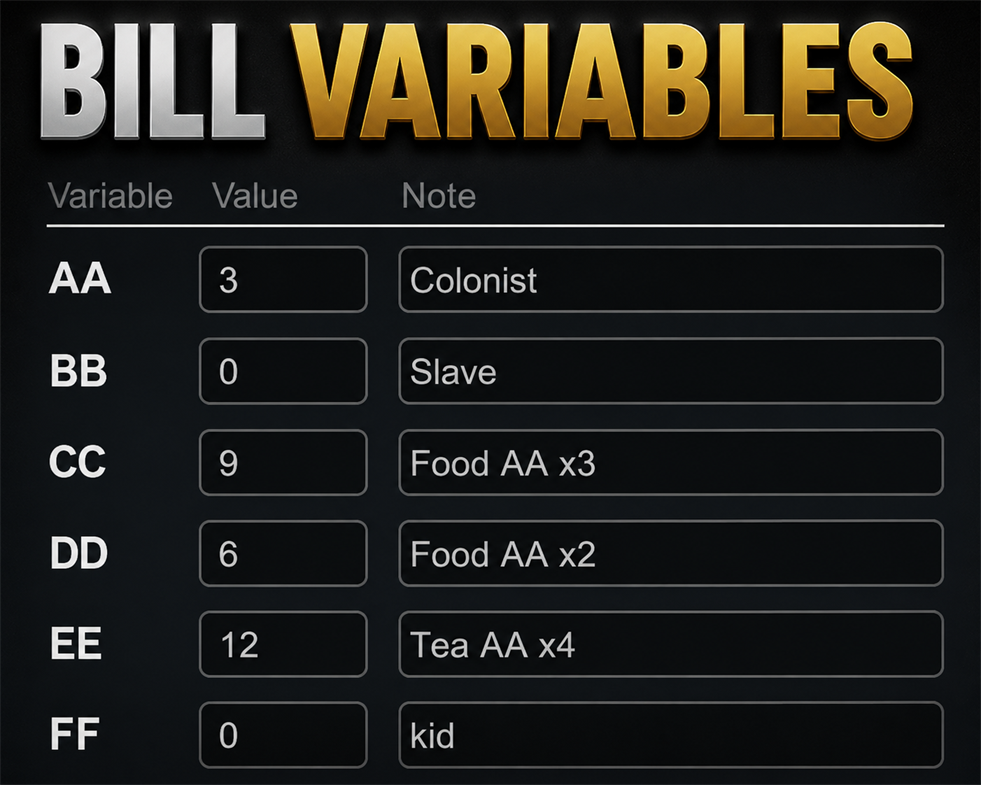
1 / 7Bill Variables Adds a new bill repeat mode "Variable count" to all workbenches.
Bill Variables
Adds a new bill repeat mode "Variable count" to all workbenches. Define up to 10 variables (AA~JJ) per save file, then use them in bill targets. The final target = variable value + fixed offsetHow to Use
After adding a bill, add a Variable Count. Then click Details. Click the magnifying glass icon to the right of the rename field to open the variable input window. The value entered here is shared with variables used by other bills. Enter your desired number along with a short memo for the variable. Return to the Details window and select that variable to use it for repetition. The number entered in the variable window will also apply to other bills using the same variable. Variables are saved in the save file and are managed separately for each game.Update
2026-06-30 A multiplication feature has been added. In the settings, checking the BB~JJ options allows you to enter variables as a multiplier of AA's value. Now, when entering variables, pressing the Enter key moves to the next row.Compatibility
*Better Workbench Management *Bill Ingredient Source (Storage)As your colony grows, adjusting production bills becomes a constant chore. One more pair of pants, one more shirt, another flak vest, a bit more food, a few extra medicines... and sooner or later, you always forget something. But fully automated bill-management mods are not always the answer either. They count everyone — temporary visitors, passing guests, even pawns you are about to banish. That is where semi-automation becomes useful.
Similar Mods

Dubs Mint Menus
Adds new list boxes for recipe bills, health bills, plant selection, architect menu, research menu, and a quick select menu for designators, making it easier to find things when lots of mods are running.

Vanilla Apparel Expanded
1.2.1 (25/02/2020): Formal wear now counts as royal apparel. 1.2.0 (19/02/2020): This mod is now 1.1 compatible. After a hundred hours playing RimWorld you notice that every pawn wears somewhat the same things. The base game apparel is not really as interesting, unique and variou

Vanilla Events Expanded
See changenotes. Vanilla Events Expanded is one of our oldest mods, and I’m honestly shocked it’s holding up so well - it’s pretty resistant to game updates and bugs because of its simplicity. Back when I first made it with Kikohi, we didn’t know much about modding. I just wanted
More Mods by EAST
Forced Equipment Tab
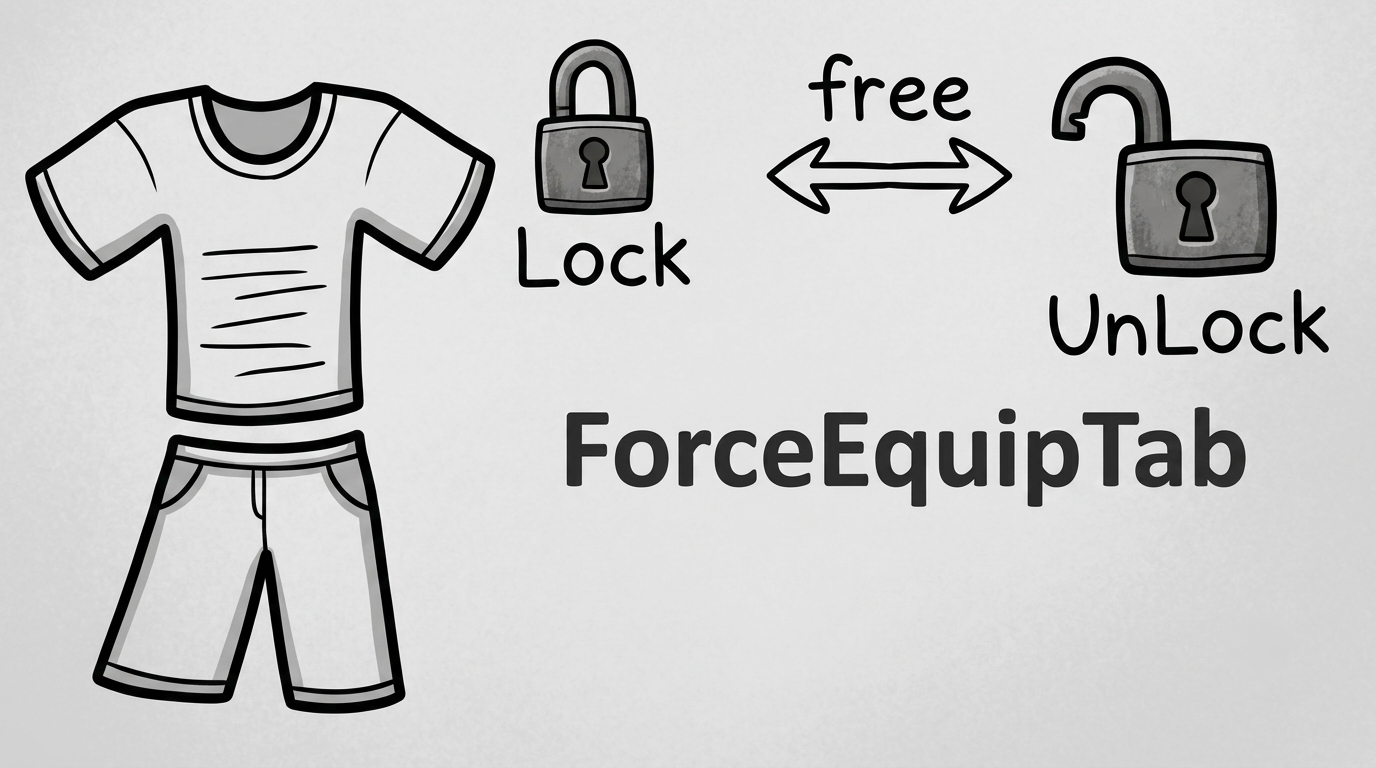
Forced Equipment Tab Right-click the Gear tab to open the Forced Equipment Tab.
TooManyButtons
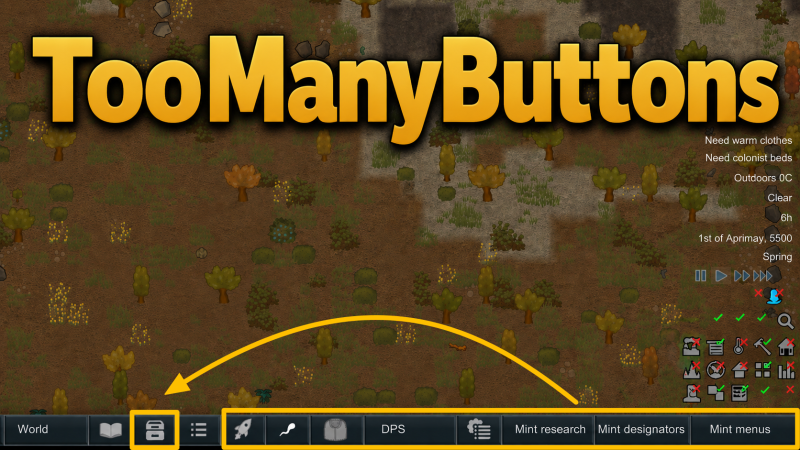
TooManyButtons TooManyButtons lets you organize your MainTab & Architect buttons the way you want.
Shield Pack Timer
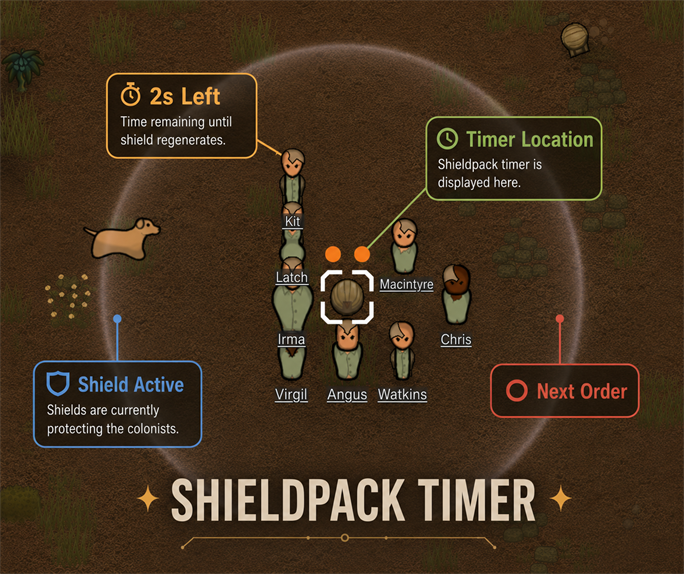
Shield Pack Timer Adds a burnout countdown above the low-shield deployed by a low-shield pack, during its final 8 seconds.
Gene Passion Restore Fix
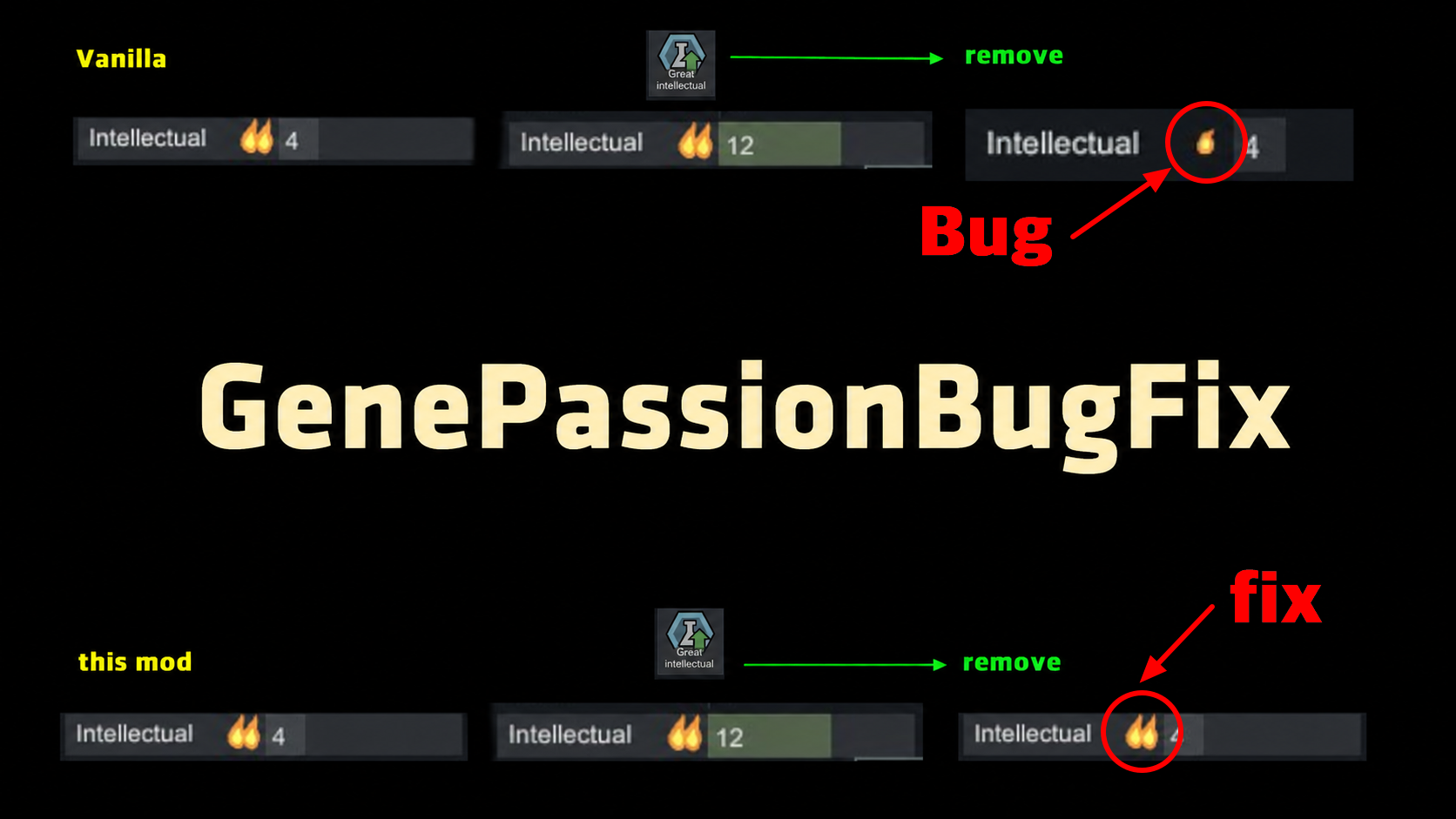
Fixes a vanilla bug where removing a great skill gene permanently reduces passion by one level.
More Management Mods
Replace Stuff
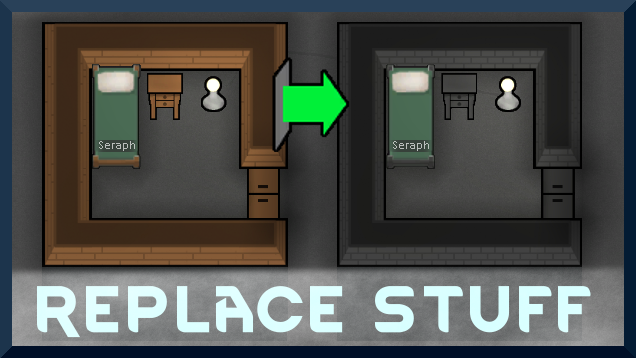
Place buildings anywhere, on top of existing things, and the game will handle it.

Character Editor
last update: v1.6.3 build on 2025-07-21 for RimWorld v1.6.4523 Editor for humanlike pawns on map and for crashlanding (colonists, enemies, dead pawns) MOD FEATURES • editor for pawns on map and for crashlanding • editable: body, head, hair, skin color, apparel color, gender, name

Vanilla Fishing Expanded
Vanilla Fishing Expanded is a first module in a brand new mod series “Vanilla Cuisine Expanded” from the Vanilla Expanded team.