PawnPilot Framework
 1 / 10
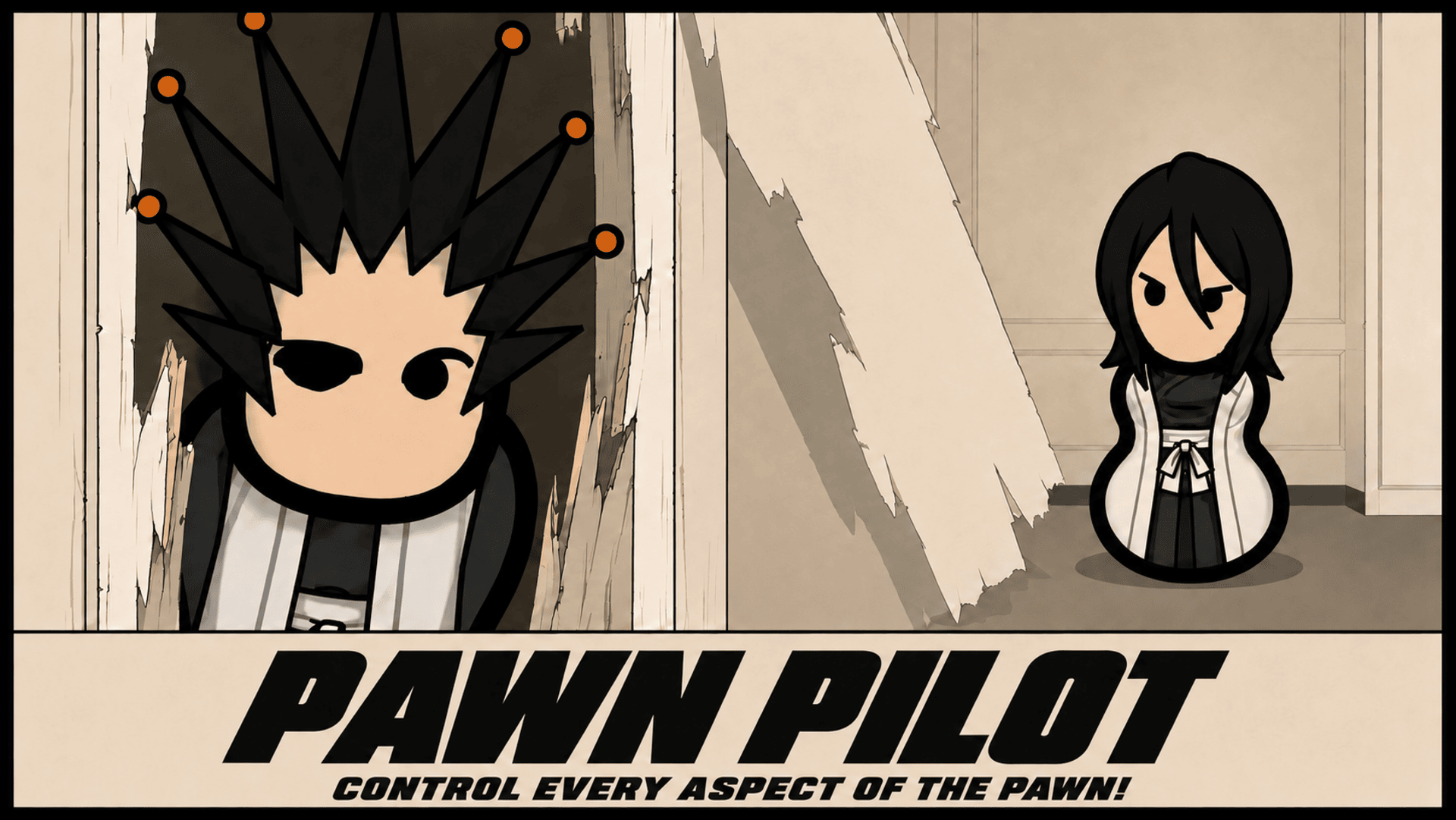
PawnPilot Framework PawnPilot lets you directly control a drafted pawn in real time.
PawnPilot Framework
PawnPilot lets you directly control a drafted pawn in real time. Move with WASD, aim with the mouse, attack, guard, parry, dodge, sprint, lock onto enemies, and use abilities without pausing to issue normal combat orders. It works as a complete combat mod for ordinary pawns and as the control system used by AlpineStatic's Bleach and Jujutsu Kaisen mods. ⭐ If you enjoy the mod, please consider leaving a Rating and a Favorite! ⭐Direct Pawn Control
Draft a pawn and press the PawnPilot gizmo. You control one pawn while the rest of the colony continues normally.- WASD moves the pawn
- Mouse controls aim and facing
- Right click attacks
- Ctrl and right click charges a melee attack
- Hold right click for sustained ranged fire
- Hold left click to guard and time it near impact to parry
- Shift sprints
- Alt or a double tap dodges
- Middle click locks onto a target
- Q uses an available EX move
- F uses an aerial uppercut or downslam
Melee That Shows What Actually Happened
Attacks use RimWorld's real weapons, skills, armor, damage, and cooldowns. PawnPilot controls the action without replacing the result. A hit makes the fighters react to the hit. A blade wound can throw blood. A miss cuts through empty air. A dodge moves the defender clear. A block braces both fighters. A parry brings the weapons together, throws a spark at contact, staggers the attacker, and opens a counter. Held movement stays responsive through ordinary attacks, so you can circle a target, close distance, retreat, and change direction while fighting.Weapons, Combos, and Real Dual Wielding
Knives, swords, axes, blunt weapons, polearms, great weapons, pistols, rifles, bows, launchers, and other weapon classes have different reach, speed, movement, and combo behavior. Consecutive hits build a combo and end in a weapon class finisher. PawnPilot also supports two real one handed melee weapons. Equip the main weapon, right click a compatible second weapon, and choose Carry as PawnPilot offhand. The second weapon stays in the pawn's inventory and becomes the offhand while piloted. Both weapons remain visible. Normal attacks alternate hands. Charged attacks crosscut with both weapons. Finishers, guards, parries, dodges, clashes, and aerial attacks use paired poses. Each weapon keeps its own appearance, material, ownership, and damage. The offhand is not a copied sprite. Remove the carried weapon to return to single weapon combat. Guns, polearms, great weapons, and special manifested pairs cannot be used as ordinary offhands.Style, EX Moves, and Mastery
Vary attacks, finish combos, parry, and dodge to raise Style from D to SSS. Repeating one move, missing, or taking hits lowers it.- EX Burst blasts nearby enemies away
- EX Focus slows nearby threats
- Limit Break delivers a cinematic finishing strike
Animation Combat
Animation combat adds authored body and weapon motion, melee clashes, registered projectile clashes, uppercuts, air chases, downslams, launches, crash landings, wall impacts, hitstop, impact frames, trails, sounds, and screen shake. Ordinary weapon hits stay grounded by default. Launches and aerial reactions come from authored moves, registered abilities, clashes, and super attacks. Destruction can be turned off, limited to nature, or allowed to break walls. Colony structures can be protected separately. The full system has one switch: Options > Mod settings > PawnPilot Framework > Animation combat > MASTER SWITCH Turning it off removes the animation combat layer while normal attacks, abilities, damage, and PawnPilot controls continue working.Command Deck and Custom HUD
The command deck shows the controlled pawn, target, weapons, stamina, charge, Style, combat state, resources, and ten action slots. Right click a slot to bind the pawn's current abilities or command gizmos. Choose the primary and secondary menu colors, change HUD size and opacity, or press HIDE HUD during play. A SHOW PAWNPILOT HUD tab remains at the bottom so the deck can be restored without leaving PawnPilot. The HUD can also be disabled globally while every control remains active. An optional chase camera follows the piloted pawn during fast movement. Manual camera input always takes priority. Lock on keeps facing, aim, and held fire on the selected target.Enemy Combat and Cross Mod Support
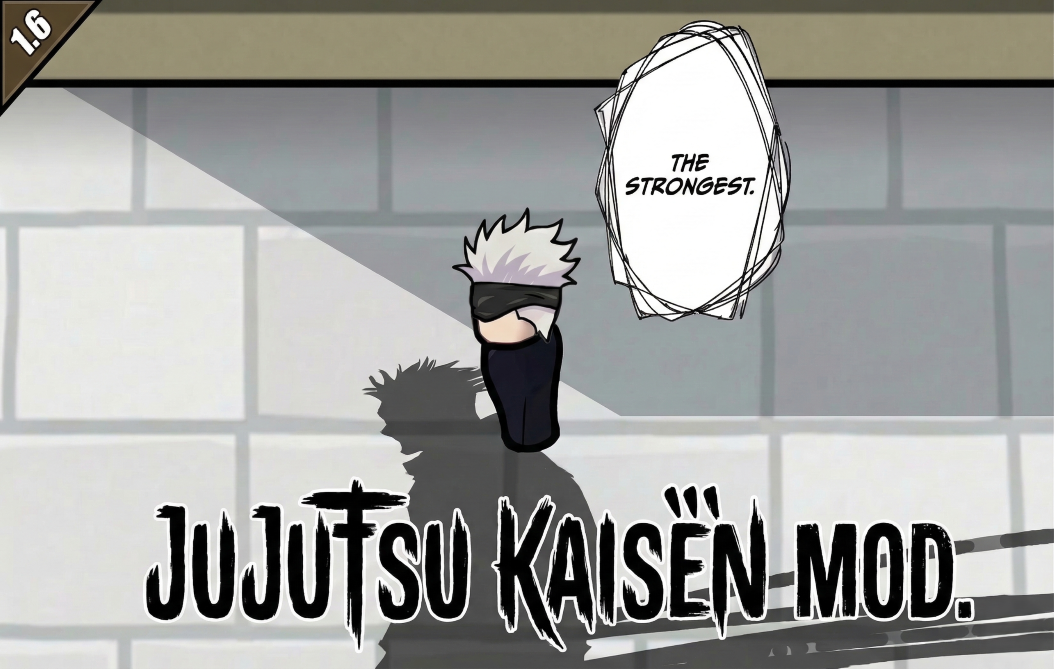
Optional tactical combat lets hostile humanlikes guard, parry, dodge, shoot, and time attacks according to their skill. A separate setting gives undrafted allies the same defensive behavior. Both options are off by default. Drafted pawns stay under player control. Bleach Mod uses PawnPilot for Zanpakuto combat, Shikai and Bankai releases, Bleach resources, abilities, guarding, parrying, and weapon presentation. Jujutsu Kaisen uses PawnPilot for cursed energy, cursed tools, Heavenly Restriction combat, techniques, resources, guarding, and parrying.Requirements
- RimWorld 1.6
- Harmony
- No DLC required
- Safe to add to an existing save
Similar Mods

Vanilla Apparel Expanded
1.2.1 (25/02/2020): Formal wear now counts as royal apparel. 1.2.0 (19/02/2020): This mod is now 1.1 compatible. After a hundred hours playing RimWorld you notice that every pawn wears somewhat the same things. The base game apparel is not really as interesting, unique and variou
Vanilla Furniture Expanded - Security
Check change notes. Vanilla Furniture Expanded - Security is a complete overhaul and rebalance of the original security module, addressing outdated balance and vastly expanding defensive options from early to late game. For the new players, this mod should be the ultimate thing y

Vanilla Cooking Expanded
Mechanics are simple and intuitive - keeping within the vanilla spirit without unnecessary fluff and production chains.
Vanilla Fishing Expanded
Vanilla Fishing Expanded is a first module in a brand new mod series “Vanilla Cuisine Expanded” from the Vanilla Expanded team.
More Mods by AlpineStatic

Bleach Mod
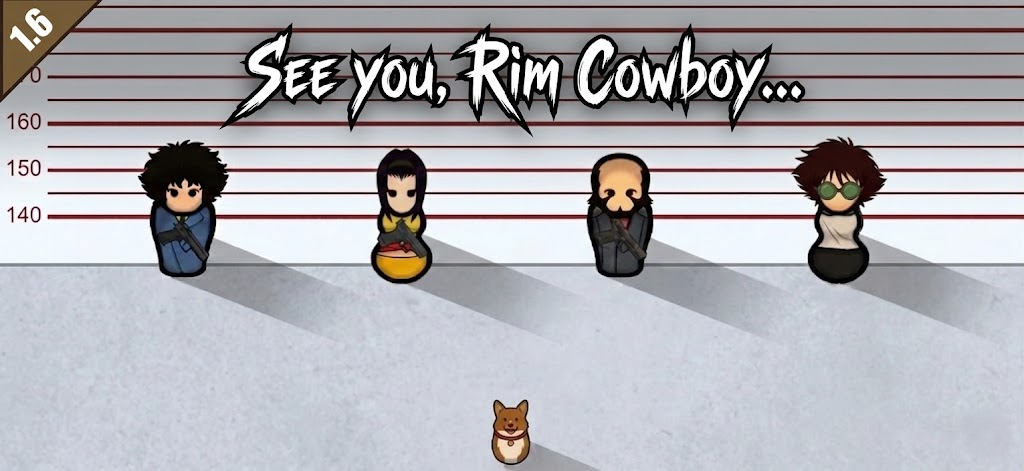
This is MY Love letter to Bleach ⭐ If you enjoy the mod, please leave a Rating and Favorite!
More Management Mods

QualityBuilder
With QualityBuilder all buildings that have quality (beds, tables etc) will only be build by the best builder to ensure the best outgoing quality.

RimHUD
RimHUD is a UI mod that displays detailed information about a selected character or creature.
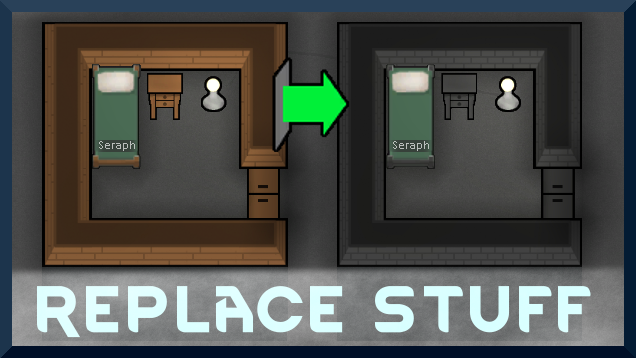
Replace Stuff
Place buildings anywhere, on top of existing things, and the game will handle it.

EdB Prepare Carefully
Customize your RimWorld colonists, choose your gear and prepare carefully for your crash landing!