Radius UI - Colonist Bar
 1 / 10
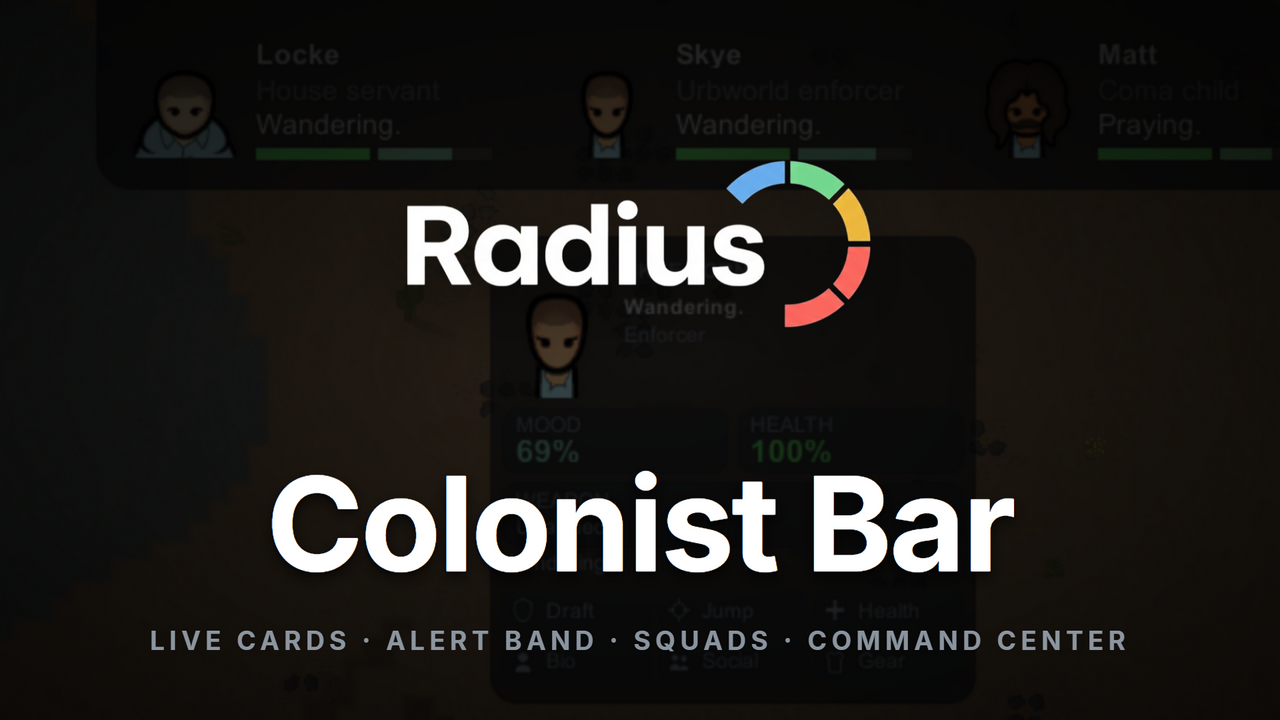
◆ Radius UI - Colonist Bar ◆ The vanilla colonist bar shows you a face and a mood square.
◆ Radius UI - Colonist Bar ◆
The vanilla colonist bar shows you a face and a mood square. Radius UI - Colonist Bar turns that strip into one continuous command surface: a notch flush with the top of the screen carrying a portrait, four lines of identity and two configurable meters per colonist, with a single alert band underneath naming whatever needs you right now. Behind it sits a Colony Command Center with dossiers, history graphs and a readiness score. Aggressively cached, so a large colony with everything on stays cheap.✦ The Bar
- One surface, not a row of cells: colonists sit inside a single dark slab that meets the top edge of the screen, with count notches between groups.
- Four lines per colonist: name, royal title or ideology role, backstory job, and what they are doing right now.
- Two configurable meters: health, mood, psyfocus, neural heat, readiness or any need, coloured against that pawn's own break thresholds.
- Sidearm chips under the portrait: the weapon in hand plus stowed sidearms, click to swap.
- Status badges for mental breaks, inspirations and fleeing, and a warning bar along the card for health conditions.
- It wraps instead of stretching: past a width you choose, colonists move to a second row rather than spanning the whole screen.
✦ Two Card Layouts
Side by side puts the portrait on the left with the text beside it. Stacked puts the portrait on top with the name and every detail line centred underneath, which makes each card far narrower, so more colonists fit before the bar wraps or pages. Cards give back more width again when you turn the meters off.✦ The Alert Band
- A single band under the bar names what needs attention: bleeding out, downed, breaking, break risk, starving, hypothermia, heatstroke, needs tending.
- It rotates through everything active, with a dot per alert. Hovering pauses it so it can never rotate out from under your click, and clicking jumps to that colonist.
- The progress line is the colour of the alert coming next, so you can see what is queued as well as what is current.
- Inspirations get their own light blue band with the time left on them, because an unused inspiration is a wasted one. They never outrank a problem, and have their own toggle.
- One band whether one colonist is hurt or ten. A raid does not turn the bar into a wall of red.
✦ It Gets Out Of Your Way
- The bar collapses to a small capsule: a headcount, one coloured dot per colonist, and a drafted count. It opens when you point at it and shuts itself again after a delay you set.
- The capsule still reports: its dots are sorted worst first, so the one person bleeding out is never the one the summary leaves off.
- Paging: cap how many colonists show at once, then move through them with the chevrons, the page dots or the mouse wheel. Someone off-page in trouble still colours the chevron.
- Size limits for width and height, open and collapsed, so the bar never grows past what you want to give it.
✦ Portraits
- Live camera portraits, off by default: a real view of each colonist where they are standing, which pauses while the bar is shut.
- Two colonists in one box: while a pawn is dealing with someone else, the portrait opens up to frame both of them.
- Framing and quality controls: pan, zoom and resolution, with one quality setting driving both ways of drawing a colonist.
- Speech bubbles beside the bar when colonists talk, reading the same log the game does, so RimTalk's AI dialogue shows up on its own.
✦ The Hover Pop-Out
Point at any colonist for a panel with portrait, identity, mood and health, weapon and current task, plus quick actions: draft, jump, health, bio, social, gear, rename, policies and defensive position. Select several colonists and it becomes a line-up, with the actions applying to all of them.✦ Squads, Groups And The Command Center
- Squads with a name, colour and emblem, and group tabs in the bar's own chrome to filter down to one.
- Pin anyone to hold them at the front of the bar, exempt from paging.
- Band select: drag across empty space on the bar to select several colonists at once.
- The Command Center: a searchable roster with stat bars on every row, plus Overview, Health, Armory, Loadouts and Stats panels, and history graphs per colonist.
- Readiness multiplies physical condition by how well a colonist is equipped, judged against the hostile factions on your world. A bolt action scores low on an industrial world and respectably on a tribal one. Hover for the breakdown.
✦ Make It Yours
Seven tabs of settings: the bar's size, look and opacity; which text lines and meters each card carries; who appears and in what order; alerts; how colonists are drawn; the hover panel; and other mods. Hide slaves, mechs or corpses automatically. Every element has its own toggle, and the pop-out follows the bar's opacity unless you tell it not to.✦ Built For Big Colonies
Staggered colonist snapshots, memoized text measurement, viewport culling and pruned caches keep the frame cost low, and the bar stops rendering what it is not showing while collapsed. Profiled with Dubs Performance Analyzer.✦ Plays Nicely With Your Mods
- Facial Animation: portraits stay animated, sampled fast enough that blinks are not lost.
- CM Color Coded Mood Bar: your configured palette becomes the mood fill behind every portrait, with no second mood bar.
- Simple Sidearms: the chip strip under the portrait shows every carried weapon.
- Defensive Positions: squad badges, and one click to send a colonist to their position.
- Better Pawn Control: the emergency toggle from the bar itself.
- Giddy-Up, Mood and Mental Breaks, Drafted Auto-Combat and Perspective Shift: riding icons, hidden mental health, auto-fight state, and avatar handling.
✦ Requirements
- Harmony (brrainz.harmony).
- Radius UI Framework (astryl.RadiusUI.Framework), which carries the shared colours, icons and widgets for the suite.
✦ The Radius UI Suite
One flat, dark, icon led look shared across every Radius UI mod. Pick your accent colour once in the framework and the whole suite follows it.RimWorld 1.6. Formerly Modern Colonist Bar. Pure interface, safe to add or remove at any time.
My Quality Commitment:
- Fully Tested: Every feature and line of code has been thoroughly tested in-game to ensure it functions as intended and integrates smoothly.
- Active Support: I am fully committed to maintaining this mod. If you encounter any bugs, compatibility issues, or unintended behavior, please report them in the comments or a dedicated discussion thread.
- No Abandonware: I will actively patch, refine, and update this mod to keep it working and up to standard.
- No Coffee: I will never ask for donations for AI created / assisted mods. I share these in the hopes they spark joy for someone, making AI generated content and then begging for money that could go to artists and people more deserving is NOT responsible AI usage.
Similar Mods

RimHUD
RimHUD is a UI mod that displays detailed information about a selected character or creature.

Vanilla Weapons Expanded
We are not responsible for CE patch, nor are we responsible for CE balancing or in fact anything regarding CE.
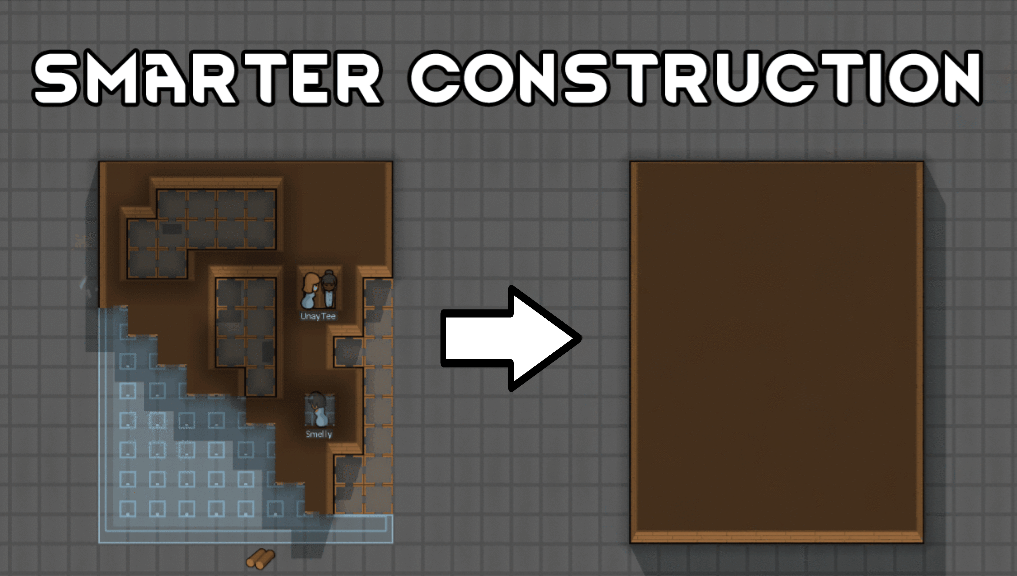
Smarter Construction
Stop your pawns from constantly building themselves into a wall or blocking something that hasn't been built yet.

Character Editor
last update: v1.6.3 build on 2025-07-21 for RimWorld v1.6.4523 Editor for humanlike pawns on map and for crashlanding (colonists, enemies, dead pawns) MOD FEATURES • editor for pawns on map and for crashlanding • editable: body, head, hair, skin color, apparel color, gender, name
More Mods by Astryl
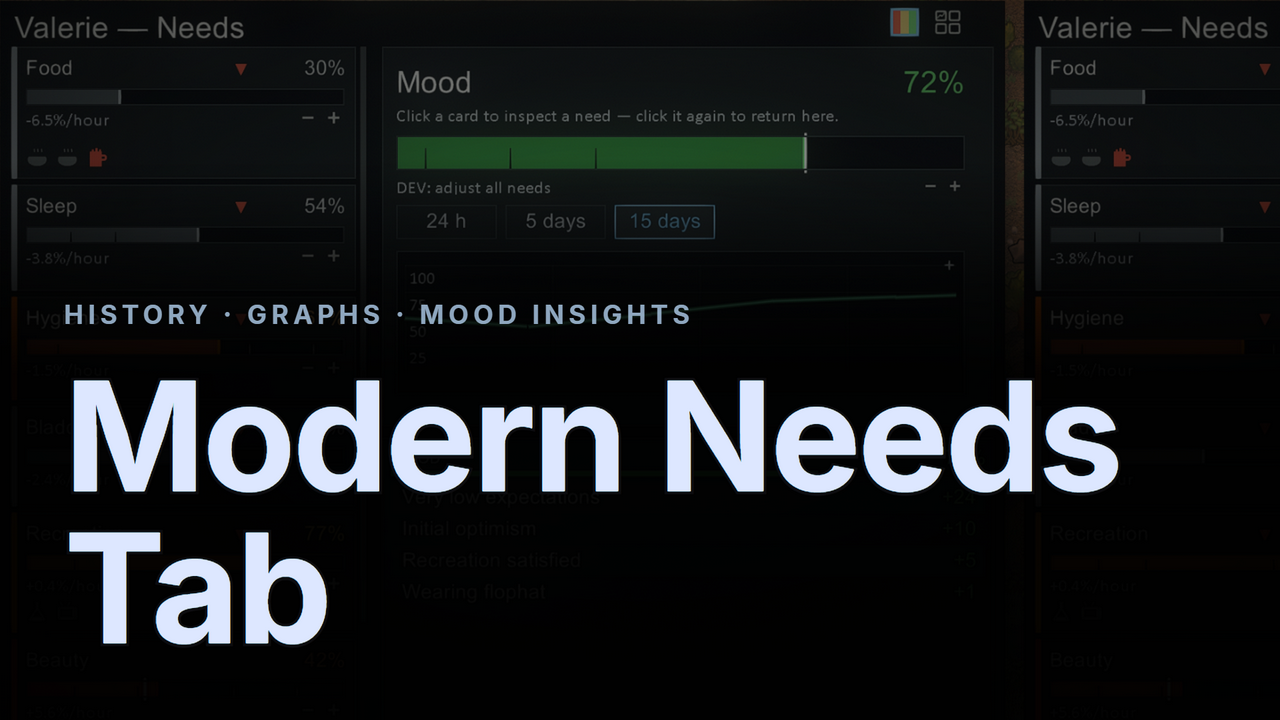
Modern Needs Tab
◆ Modern Needs Tab ◆ The vanilla needs tab tells you where a need is — never where it's been, how fast it's moving, or what just shifted it.
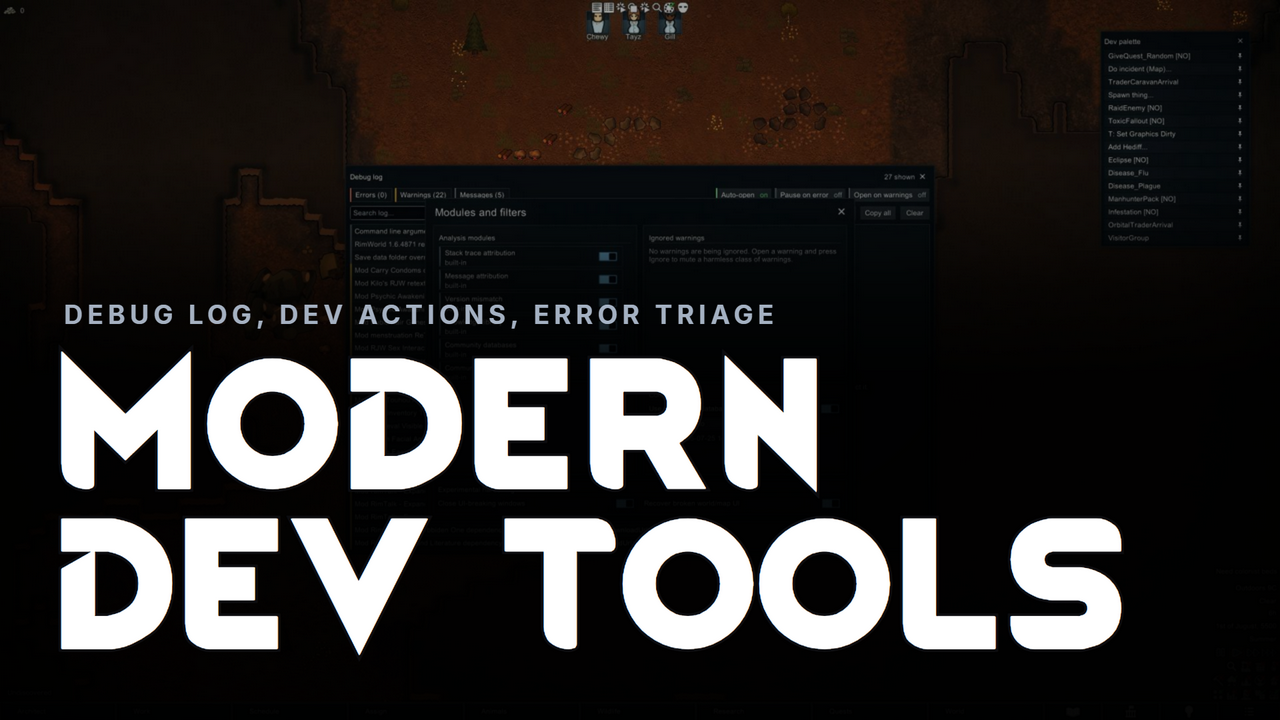
Modern Dev Tools
◆ Modern Dev Tools ◆ A modern overhaul of RimWorld's developer tools, dressed in the flat, dark Modern UI style.
Modern Pawn Tabs
Tired of hunting for the Health tab because every pawn's inspect pane is laid out the way someone else decided?
More Management Mods


Vanilla Expanded Framework
The Vanilla Expanded Framework (VEF) is a core modding library required by many of the Vanilla Expanded mods.
Humanoid Alien Races
A framework for the creation of new alien races in Rimworld If you ever thought that the racial diversity in rimworld is.