Ship HoloAI - Hologram Extensions
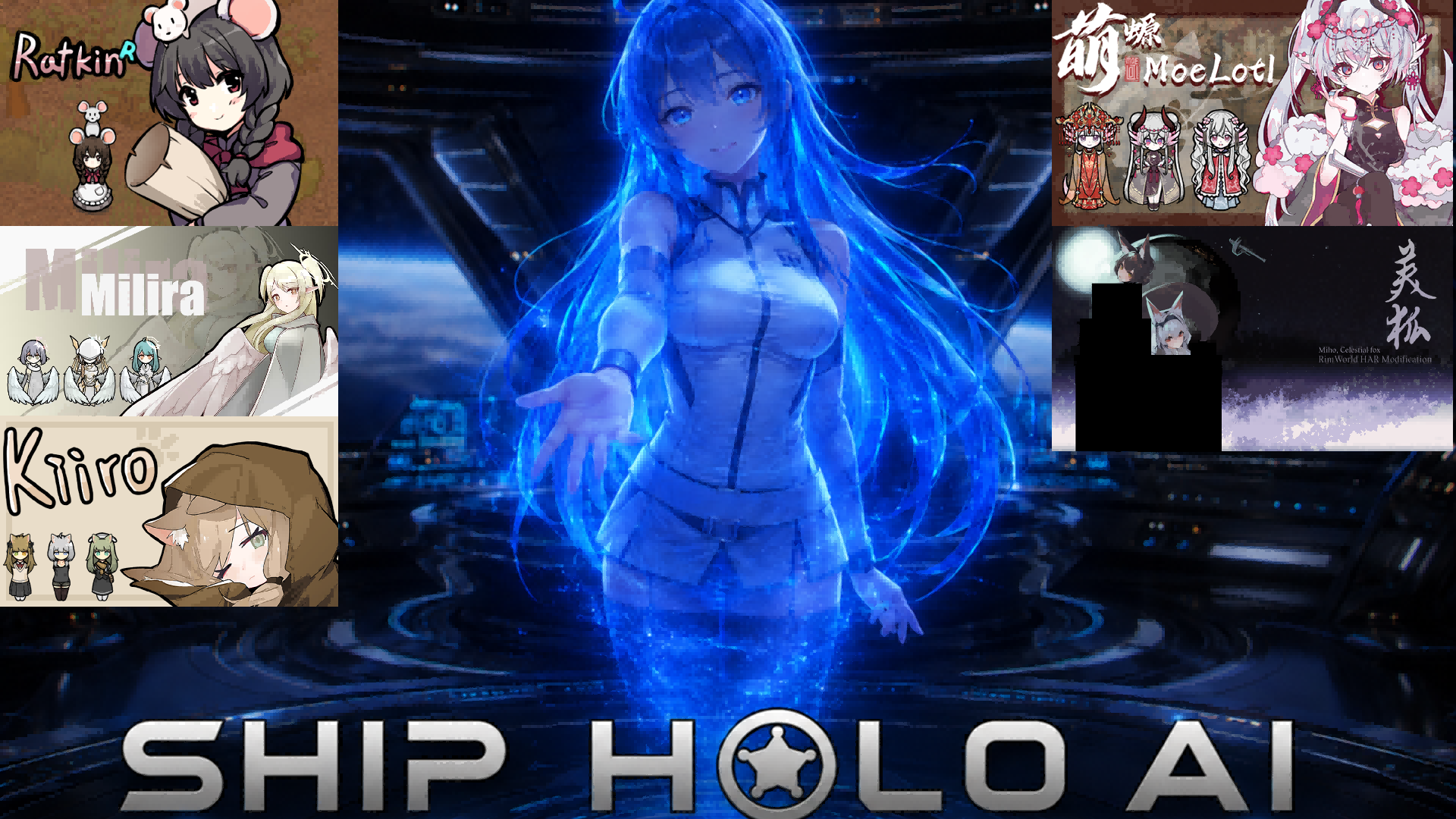
Ship HoloAI Hologram Avatar Extensions: Alien race texture replacement + Offset tuning tool + Render flicker fixes.
Ship HoloAI Hologram Avatar Extensions: Alien race texture replacement + Offset tuning tool + Render flicker fixes.
═══ Texture Replacement ═══
With supported HAR race mods installed, the holographic avatar can switch to the corresponding race's appearance (including ears, tail, and other extra parts). Select the avatar and click the "Select Race" Gizmo to switch, with multiple outfit options available. Race appearance applies to all personas — switching personas preserves the race body and face.
Currently supported:
- Ratkin (NewRatkinPlus): Thin body type + 16 outfits + Ears + Tail
- Milira (Milira Race): Body type + 18 outfits + wings + halo (16 variants) + ahoge (6 variants) + hairstyles (15 variants, synchronized front and back hair)
- Kiiro (Kiiro Race): Body type + 20 outfits + cat ears + cat tail + hairstyles (12 variants, synchronized front and back hair) + ahoge (7 variants)
- Moelotl (MoeLotl Race): Body type + 30 outfits + tail + gills + 7 hairstyles
- Miho (Miho, the celestial fox):Body type + 17 outfits + 2 ear+ tail + 11 face types + 20 hairstyles(Sync)
═══ Offset Tuning Tool ═══
Select the holographic avatar and click the "Debug Offset" Gizmo to adjust XYZ offsets per node, per direction in real time.
═══ Render Flicker Fixes ═══
Vanilla HoloAI exhibits screen flicker in the following scenarios (caused by synchronous BakeHologram blocking the render pipeline). This extension eliminates them by pre-caching holographic textures at startup. Can be turned off in settings to reduce memory usage, but the screen may flicker when switching face shapes and hairstyles for some races:
1. Switching race/outfit: Pre-caches race body, outfit, head, ear, and tail textures (4 directions × hologram filter parameters).
2. Switching persona: Pre-caches persona default hair × default hair color; uses a Harmony patch to save and restore headTypeInt, preventing the head from falling back to the human default.
3. Opening the "Restyle" window: Pre-caches textures used by the styling UI preview window (different filter parameters from the render tree, requiring separate caching).
4. Hologram halo pulsing while paused: Scales the halo proportionally to body size and fixes the issue where it continues animating during pause.
═══ Note ═══
Brief flicker may still occur when manually switching hair style/color in the styling UI for the first use. This is intentional to avoid the excessive memory cost of pre-caching all hair combinations.
Only Ship HoloAI is required. Race mods are optional — corresponding features simply won't activate if the race mod is not installed.
Currently, it is very difficult to achieve compatibility for facial animation, unless the original mod supports it for vanilla pawns.
Similar Mods
Replace Stuff
Place buildings anywhere, on top of existing things, and the game will handle it.
Vanilla Furniture Expanded - Farming
1.2.0 (21/02/2021): - Sprinkler effect no longer stack - Sprinkler no longer boost plant in hydroponic (they still boost planter box) - Sprinkler no longer boost trees 1.1.1 (08/04/2020): Fixed Animal feeder not appearing in the correct tab. Sprinkler no longer blocks wind. 1.1.0

More Mods by MerLatus
俗世仙工成瘾品修复 Addiction Hediff Fix
修复边缘仙路-俗世仙工 (RI.RimImmortal.Living) 模组成瘾品 Hediff 配置导致的 InvalidCastException 崩溃(生成Pawn/世界生成时触发)。这是导致世界生成出现只剩几个据点,光秃秃的一个重要原因,也是某些人物生成出错,任务出错变成ERR的一个重要原因。 修复内容: - RI_Hediff_PremiumTobaccoAddiction 的 hediffClass 被错误设为 HediffWithComps, 导致 AddictionUtility.FindAddictionHediff 强转 Hediff
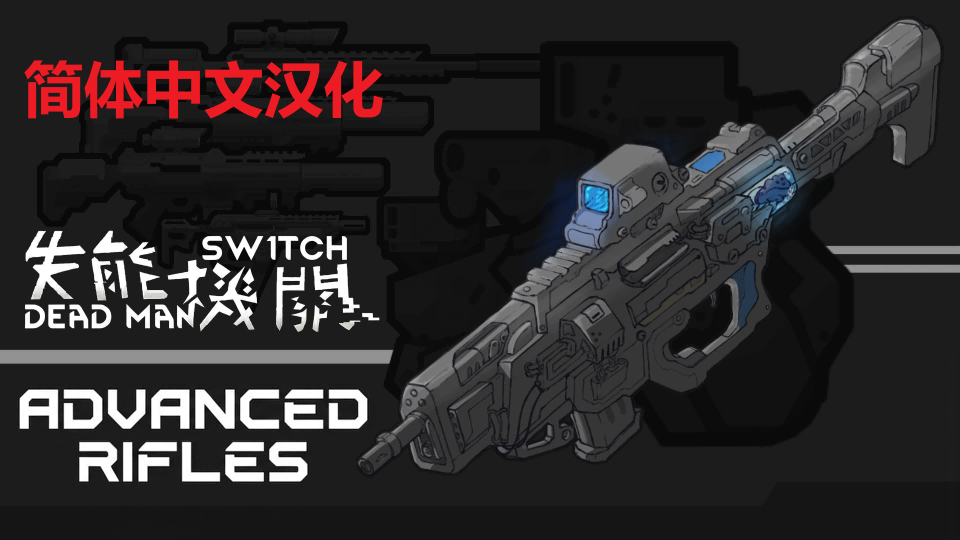
The Dead Man's Switch - Advanced Rifles 简体中文汉化
The Dead Man's Switch - Advanced Rifles 简体中文汉化 模组内容: 这个MOD添加了DMS高级步枪,新增14种武器。这些武器专为游戏中期到后期自动机兵设计。 如果您玩的是DMS远征MOD,后期武器的配方会略有不同。 我是一名美术人员而非程序员,所以这个MOD主要由AI制作。 中期添加这些武器是安全的。移除时会销毁所有物品。 要制作这些武器,您需要制作步枪模块和自动机器人首领芯片。
RimTalk Player Dialogue Mode Fix
Fixes RimTalk's PlayerDialogueMode setting being ignored during auto-generated talks.
Vanilla Backgrounds Expanded DDS Fix (Prepatcher)
Fixes Vanilla Backgrounds Expanded not loading DDS background images and display a white background with a red question mark during the loading screen.
More Management Mods

RimHUD
RimHUD is a UI mod that displays detailed information about a selected character or creature.

Vanilla Cooking Expanded
Mechanics are simple and intuitive - keeping within the vanilla spirit without unnecessary fluff and production chains.

Character Editor
last update: v1.6.3 build on 2025-07-21 for RimWorld v1.6.4523 Editor for humanlike pawns on map and for crashlanding (colonists, enemies, dead pawns) MOD FEATURES • editor for pawns on map and for crashlanding • editable: body, head, hair, skin color, apparel color, gender, name