DragAndDrop
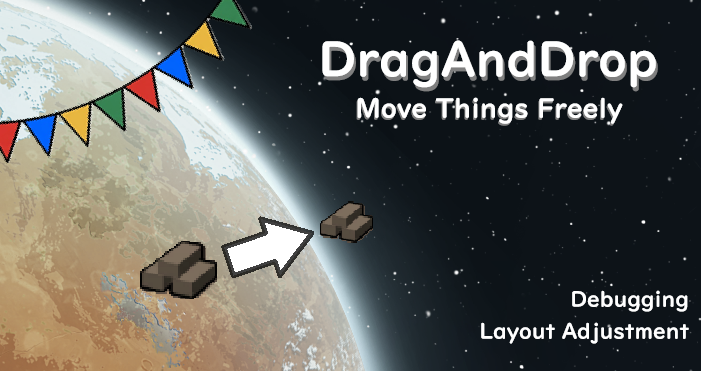
I couldn't find one, so I made my own, but.
I couldn't find one, so I made my own, but...
After that, someone told me about an even better one.
I'll just leave this here for now.
====
You can move furniture and decorative objects directly to your desired location, just like in The Sims, making it easy to fine-tune your designs.
- How to Use
-- Left-click an object, hold the Shift key, then hold the right mouse button and drag it to the desired location.
- Important Notes
-- This feature takes general placement restrictions into account, but it does not always guarantee that an object can be safely relocated. Please use it with caution.
-- Since this feature can significantly affect game balance, it is recommended to use it for limited purposes such as debugging or adjusting the positioning of textures and decorations.
Similar Mods

Vanilla Textures Expanded
1.6.0 (16/07/2020): Updated to 1.3. Honestly, we added so many textures (including almost a full retexture of Royalty) I'm not going to bother. 1.5.0 (11/10/2020): Added faction icons in HQ. 1.4.0 (04/09/2020): Added various new textures: Snowmen, Flatscreen TV, Unfinished appare

Vanilla Plants Expanded
Vanilla Plants Expanded is a core module in a plant-based in the new mod series “Vanilla Cuisine Expanded” from the Vanilla Expanded team.


More Mods by chibisuman

Neighborhood-Style Colony
This mod is inspired by the concept of "neighborhood homes" from The Sims.
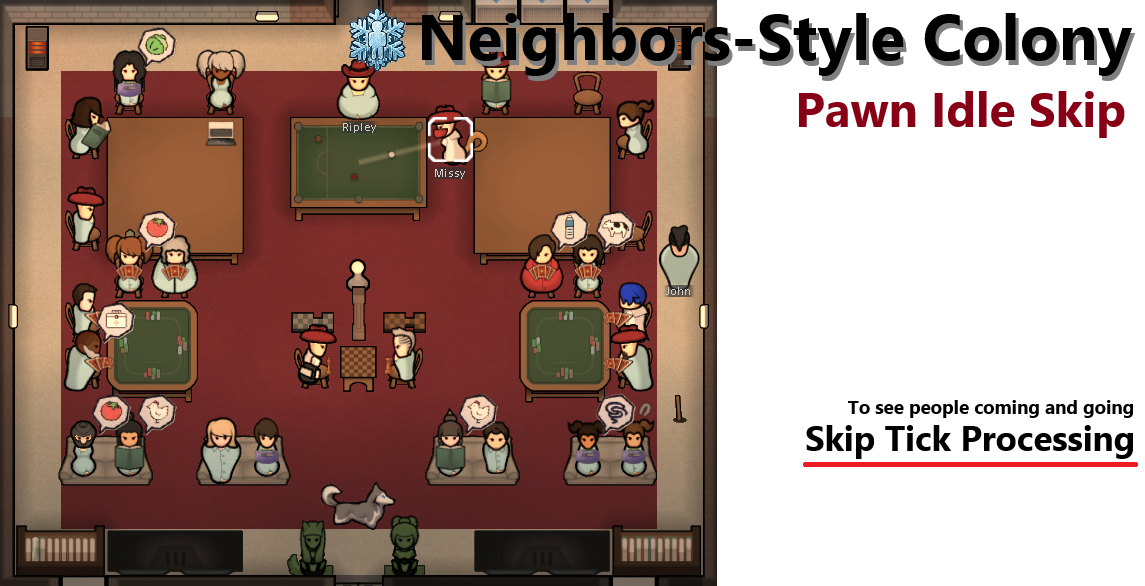
Neighbors-Style Colony: Pawn Idle Skip (Tick Skip)
**Tick skip version** This mod was born from a simple idea: by having pawns with no immediate jobs sit down in a pose that makes them look busy—such as reading or using a computer—and skipping unnecessary Tick processing, perhaps the game can be made lighter while maintaining the
More Management Mods
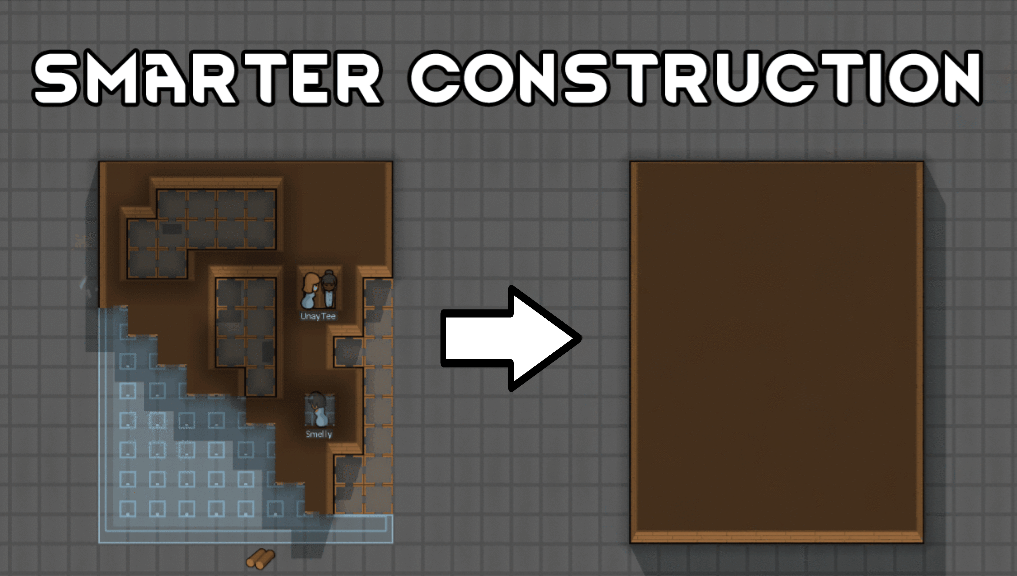
Smarter Construction
Stop your pawns from constantly building themselves into a wall or blocking something that hasn't been built yet.


Vanilla Cooking Expanded
Mechanics are simple and intuitive - keeping within the vanilla spirit without unnecessary fluff and production chains.

Vanilla Expanded Framework
The Vanilla Expanded Framework (VEF) is a core modding library required by many of the Vanilla Expanded mods.