GraphicItems
 1 / 5
1 / 5I couldn't find one, so I made one, but.
I couldn't find one, so I made one, but...
I later found something very similar. Since I already went through the trouble of making this, I'll leave it here, but the one below might be better.
→ User Media Props
※ Since the campus layouts are different, if you see those differences as an advantage, my mod might be worth trying out.
=====
Overview
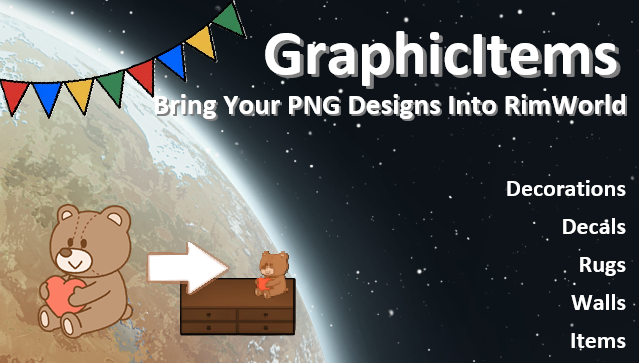
This mod allows you to place custom PNG images on walls and items.
You can apply an image to a single wall or connect multiple walls to create a larger design across them. It makes adding custom decorations and personal designs much easier without needing to create a dedicated mod.
Features
1. PNG Walls
Apply images to a single wall or span a design across multiple connected walls.
- The mod forces the image to fit the building's dimensions (please prepare appropriate aspect ratios beforehand to avoid distortion).
2. PNG Items
Place custom images on items.
- Fine-tuning controls available after placement:
- Scaling (Zoom in/out)
- Horizontal and Vertical positioning
- Height adjustment
3. Image Directory
Please place your image files in the appropriate folders below:
Wall Images Directory:
C:\Users\\AppData\LocalLow\Ludeon Studios\RimWorld by Ludeon Studios\GraphicItems\WallAtlas
Item Images Directory:
C:\Users\\AppData\LocalLow\Ludeon Studios\RimWorld by Ludeon Studios\GraphicItems\ItemAtlas
* Supported Formats: .png files only.
Specifications & Notes
Performance Note:
Image quality and resolution directly affect memory usage. Using a large number of images or high-resolution images may increase load times and memory consumption.
Loading Process:
To keep save files lightweight and prevent data bloat, this mod does not store image files inside save data.
Instead, it stores the image references and reloads the PNG files when the game loads.
Please do not move or delete the image files while the mod is in use.
Uninstallation:
Please note that image files will remain in the directory even after you delete the MOD. To clean up your drive, you must manually delete the “GraphicItems” folder from your save folder.
⚠️ IMPORTANT: Please Read Before Use
Since this mod allows custom PNG images to be added during gameplay, some cache-related mods may prevent newly added images from appearing immediately.
If an image does not appear correctly, restarting the game or reloading the save may resolve the issue.
Similar Mods

RimHUD
RimHUD is a UI mod that displays detailed information about a selected character or creature.

More Mods by chibisuman
Neighborhood-Style Colony
This mod is inspired by the concept of "neighborhood homes" from The Sims.
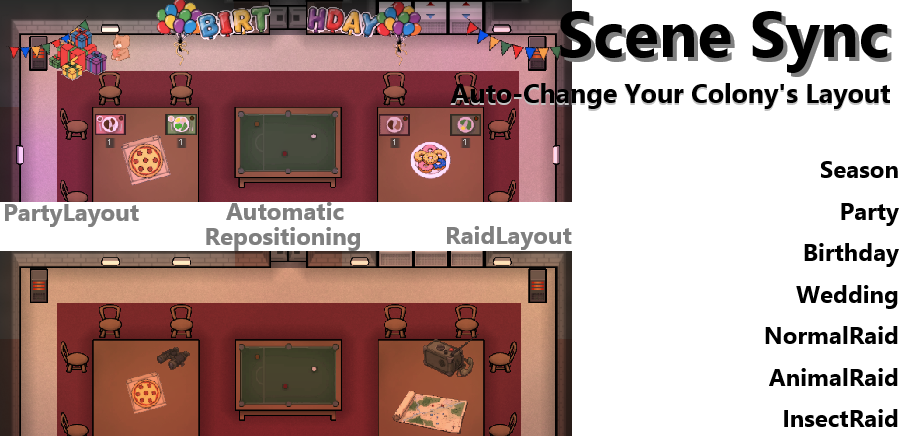
RedirectForwardOperatingBase
Separate your colony into two distinct roles: the FOB (Forward Operating Base) and the MOB (Main Operating Base).
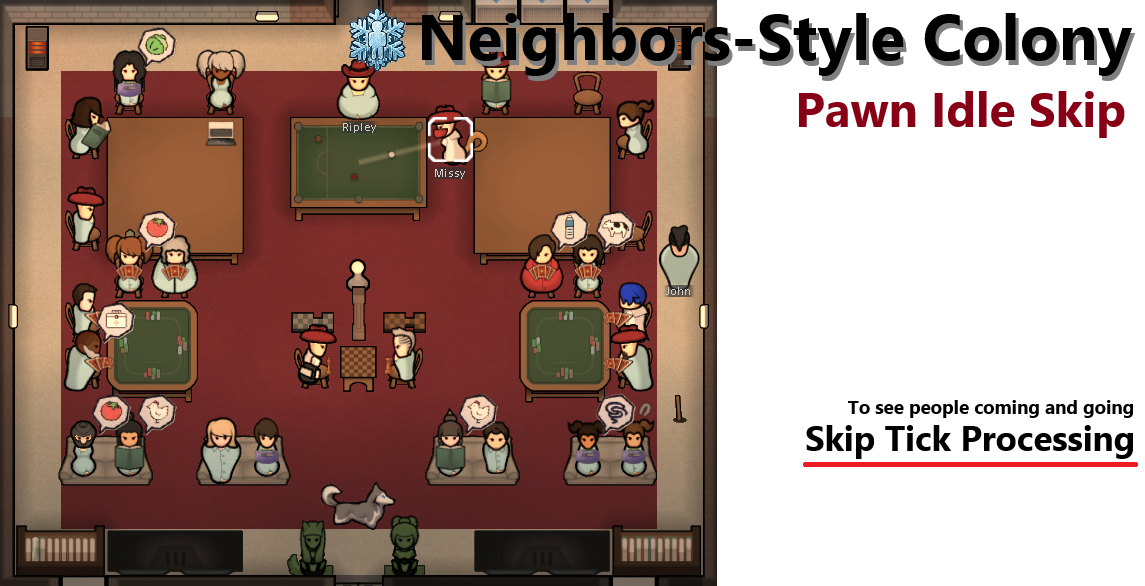
Neighbors-Style Colony: Pawn Idle Skip (Tick Skip)
**Tick skip version** This mod was born from a simple idea: by having pawns with no immediate jobs sit down in a pose that makes them look busy—such as reading or using a computer—and skipping unnecessary Tick processing, perhaps the game can be made lighter while maintaining the
More Management Mods
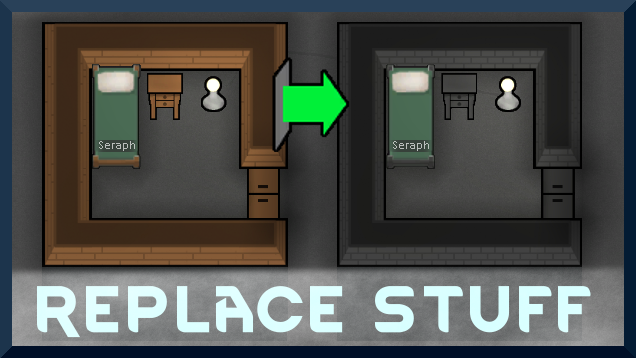
Replace Stuff
Place buildings anywhere, on top of existing things, and the game will handle it.
Dubs Mint Menus
Adds new list boxes for recipe bills, health bills, plant selection, architect menu, research menu, and a quick select menu for designators, making it easier to find things when lots of mods are running.
RimHUD
RimHUD is a UI mod that displays detailed information about a selected character or creature.
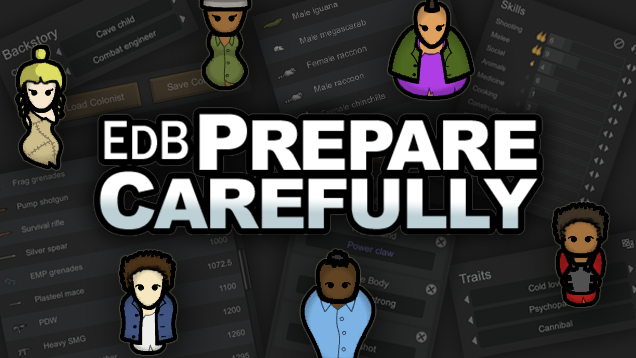
EdB Prepare Carefully
Customize your RimWorld colonists, choose your gear and prepare carefully for your crash landing!