Mouse-Cursor Light
 1 / 4
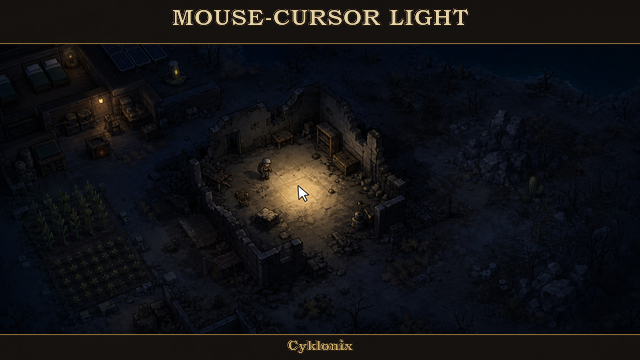
1 / 4The mouse cursor emits a soft real-time light on the map, so you can clearly see where you’re pointing at night or in dark ruins.
The mouse cursor emits a soft real-time light on the map, so you can clearly see where you’re pointing at night or in dark ruins.
Visual-only mode is the safe default — it does not affect pawns, plants, rooms, darkness needs, or RimWorld’s light readout.
Real gameplay lighting is available as an optional setting if you want the light to actually influence the game.
Actually Reveals the Map (new in 0.7.0)
“Reveal the map inside the radius” rebuilds RimWorld’s night lighting overlay and Anomaly’s darkness overlay around your cursor, so you see the terrain itself instead of a pale wash over black. It works during Anomaly’s Long Night and any other total-darkness condition, and it is still a rendering change only — pawns, plants, rooms and the light readout stay untouched. Reveal strength is adjustable from 0–100%.
Hold or Toggle (new in 0.7.0)
The hotkey now has three modes: Toggle on/off, Hold to show, and Hold to hide. Hold works with plain modifier keys, so binding Alt on its own and holding it to light up an area is fine.
Turn It On and Off In-Game
No need to open the mod settings:
- A toggle icon in the bottom-right icon row (right next to the vanilla zone / roof / colonist bar toggles)
- An optional floating button you can place anywhere on screen
(choose any corner, adjust X/Y offsets, size, and opacity, or simply Shift + drag it)
- An optional hotkey
(ships unbound on purpose so it never conflicts with other mods — assign it under Options → Keyboard configuration → Mouse-Cursor Light)
(set it to Toggle, Hold to show, or Hold to hide on the Toggle Button tab)
Whichever method you use, the setting is saved immediately and persists after restart.
Fully Configurable
A multi-tab settings window with the following sections:
- Light
- Color
- Toggle Button
- Visibility
- Presets
Every slider also accepts typed numbers.
Key options include:
- Visual-only or full gameplay light
- Map reveal on/off plus 0–100% reveal strength (works in Anomaly’s Long Night)
- Hotkey mode: toggle, hold to show, or hold to hide
- Radius, brightness, opacity, and edge softness
- Full RGB color control
- Gameplay mode extras: map-light strength (0–100%), plant growth multiplier (100–10,000%), resting override, growth controls, and light-sensitive plant damage controls
- Expanded color presets (including a pure Black preset for dark overlay)
- One-click default color reset
- Visibility rules for windows, menus, and fog
- Performance throttle for cursor tracking and map-reveal updates
- Flavor presets: Night Owl and Candle
- “Reset to default” and “Reset to OP default” buttons (both rewrite every setting across all tabs)
Requires Harmony.
Similar Mods

Wall Light
As of update 1.5, Rimworld now contains wall lamps that serve the same purpose that this mod served for many, many years. So, what does this do now? Adds wall sun lamps. Lets you configure the vanilla wall lamps (and the added wall sun lamps) like you could with the old wall ligh
![JecsTools [Deprecated]](https://images.steamusercontent.com/ugc/941708627441551739/7869E0281E5AF57B25CC7EBFFF46D64739E8F89A/)


More Mods by CYKLONIX
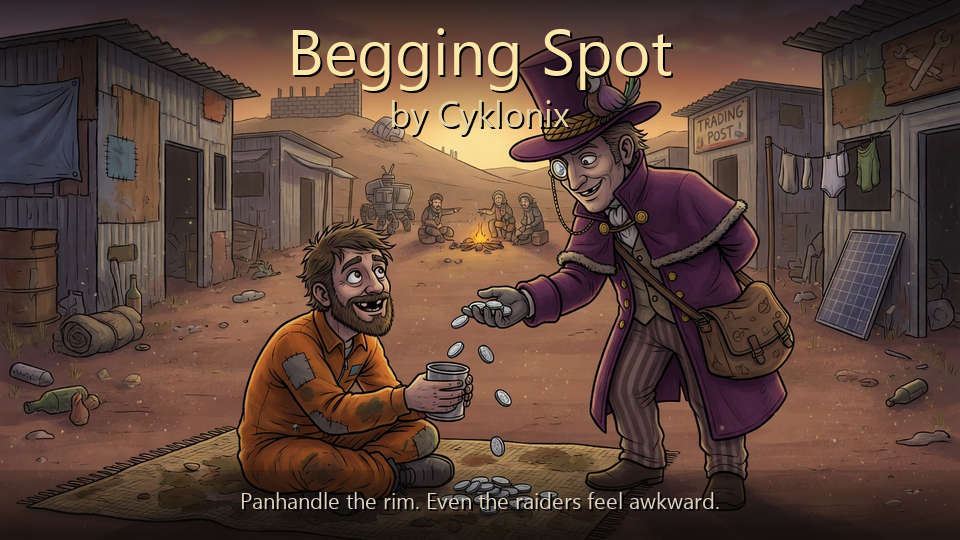
Begging Spot
Turn Social skill into questionable colony income with a compact 1×1 panhandling spot.

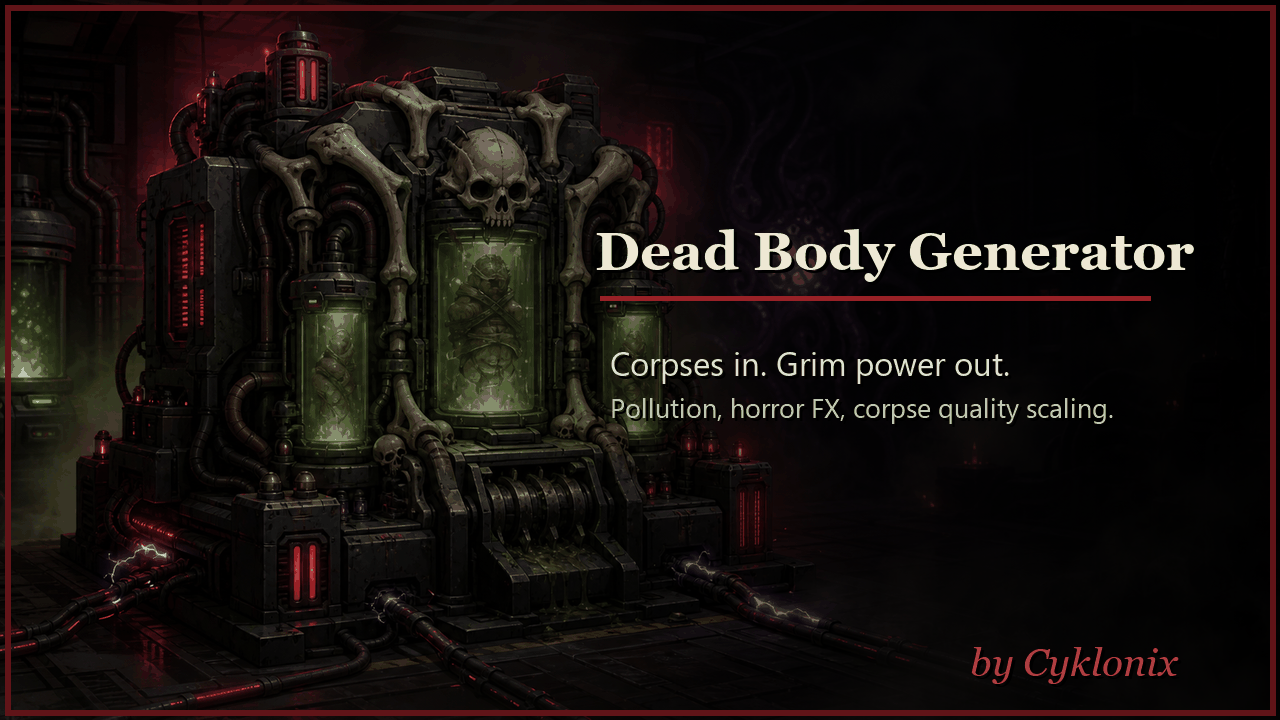
Dead Body Power Generator
Dead Body Power Generator - a grotesque Biotech/Anomaly-inspired machine that burns corpses into electricity.

Raid Beacon
Raid Beacon is a developer and testing utility for RimWorld — in the same spirit as Cyklonix Pen Herder.
More Management Mods

QualityBuilder
With QualityBuilder all buildings that have quality (beds, tables etc) will only be build by the best builder to ensure the best outgoing quality.

Humanoid Alien Races
A framework for the creation of new alien races in Rimworld If you ever thought that the racial diversity in rimworld is.
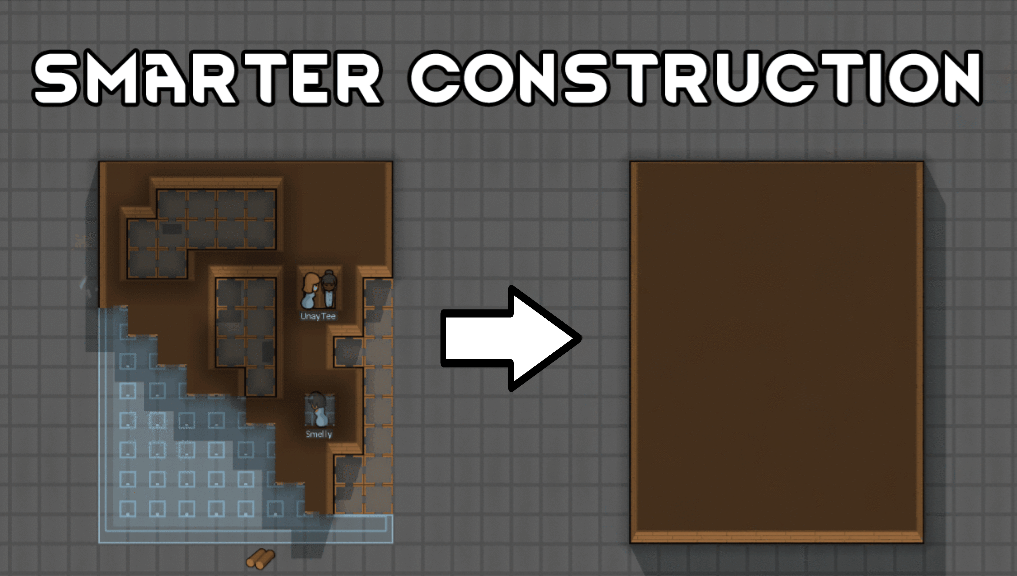
Smarter Construction
Stop your pawns from constantly building themselves into a wall or blocking something that hasn't been built yet.

Vanilla Fishing Expanded
Vanilla Fishing Expanded is a first module in a brand new mod series “Vanilla Cuisine Expanded” from the Vanilla Expanded team.